


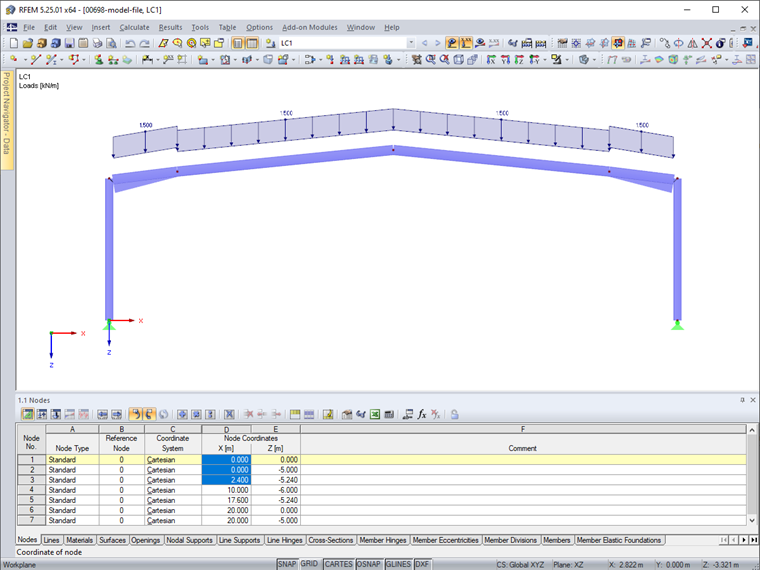
First, select several cells in the table (Image 01).
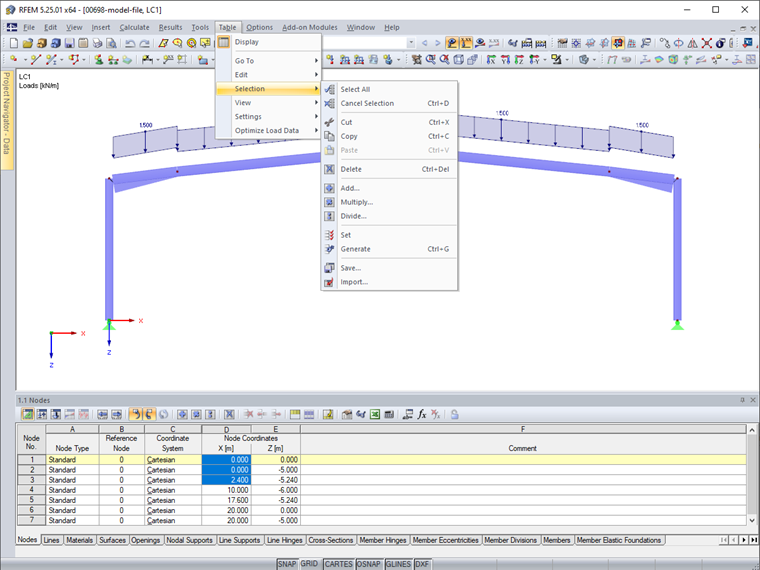
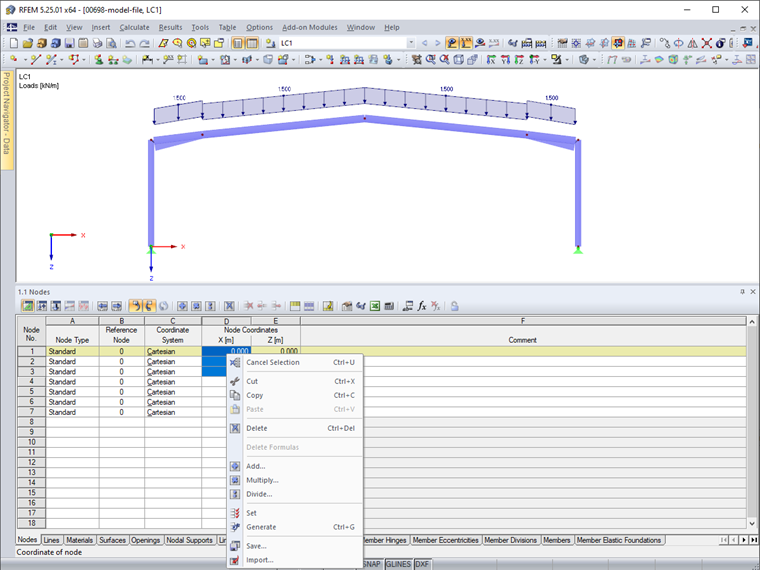
The selection functions can then be accessed from the "Table" → "Selection" menu (Image 02) or from the shortcut menu in the table (Image 03).
Furthermore, you can find some selection functions in the table's toolbar (Image 04).
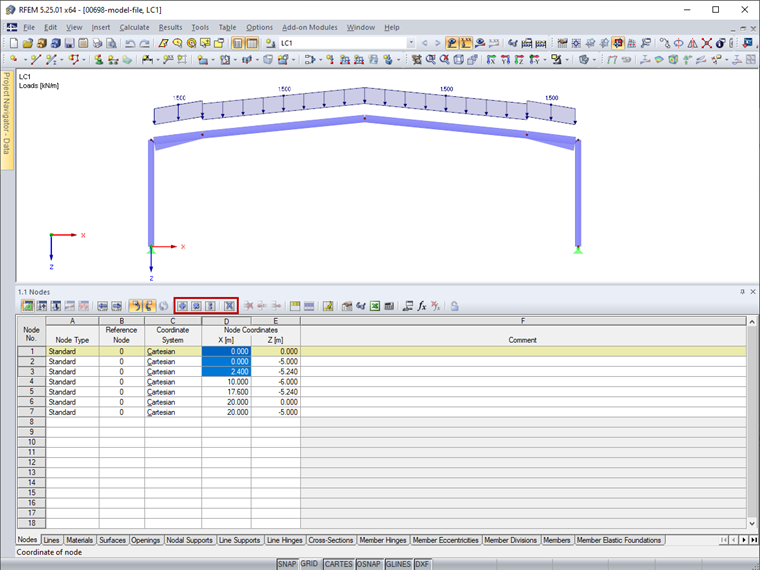
Among the useful functions are Addition and Subtraction of numerical values of the selected cells and Multiplication by number. Furthermore, you can generate cell values by linear interpolation from the initial values of the first cell and the final value of the last cell.
 Knowledge Base