


In the Display Navigator, select the entries "Model" → "Surfaces" → "Color Scale of Thicknesses in Panel".
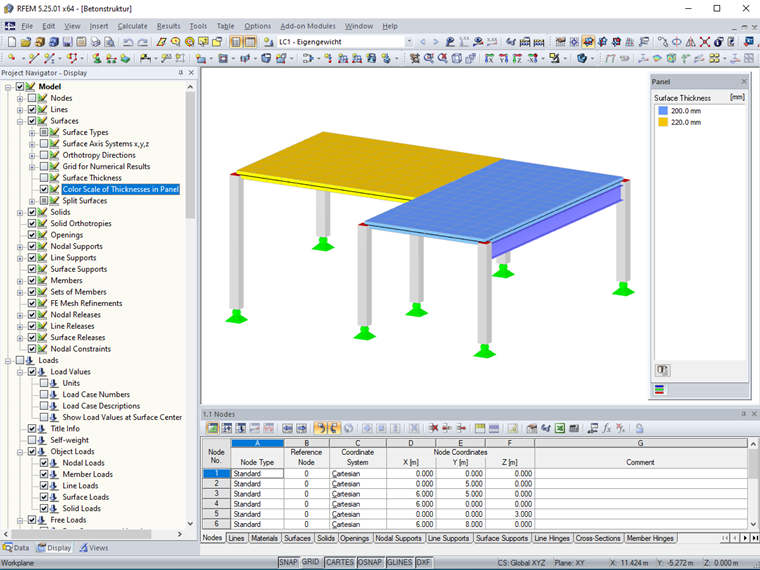
The color scale of surface thicknesses can also be printed in the printout report. If you do not want to do this, select the "No color scale" check box in the "Color Scale" tab of the "Graphic Printout" dialog box.
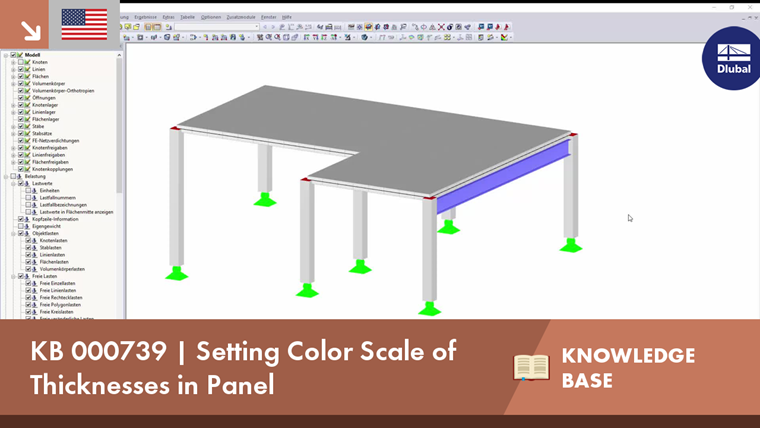
 Knowledge Base