


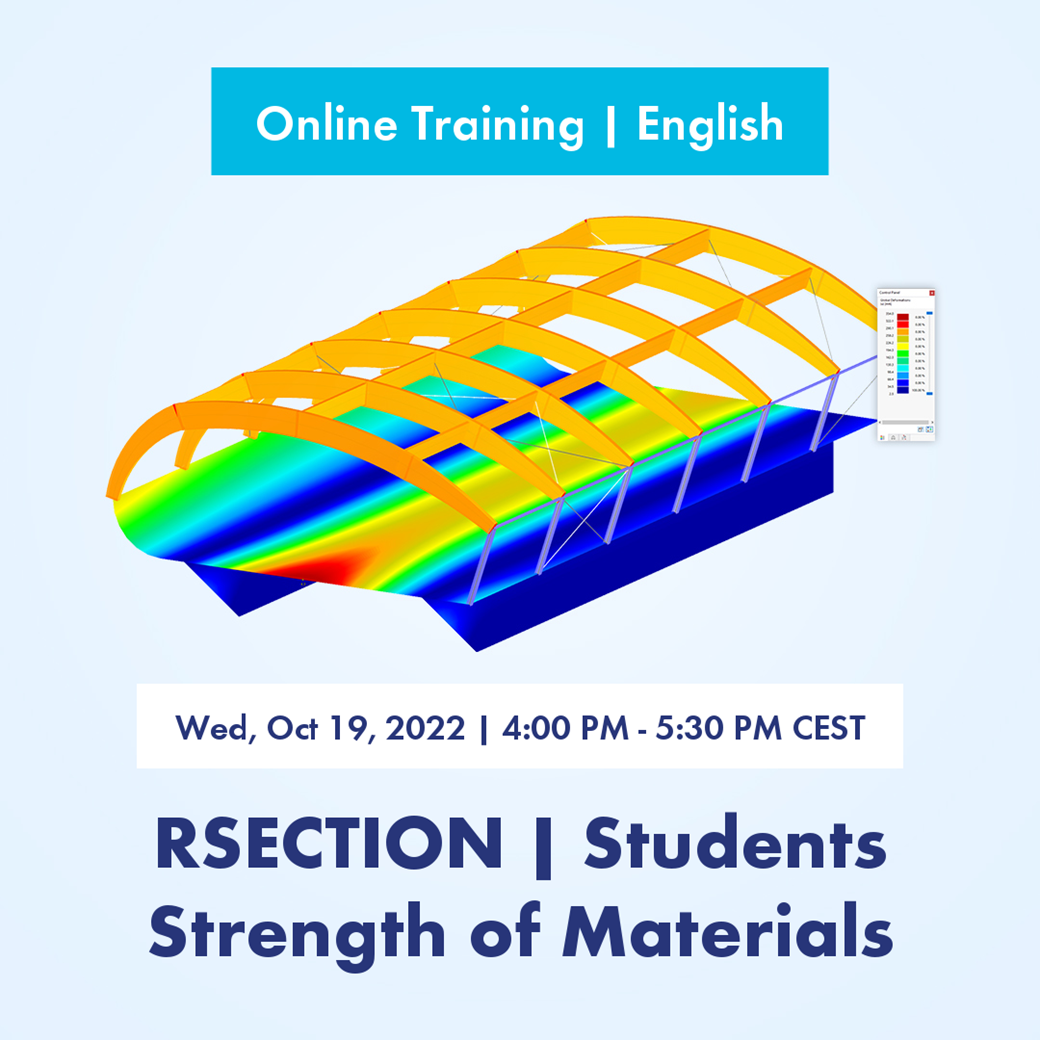
- Completed
- Recorded
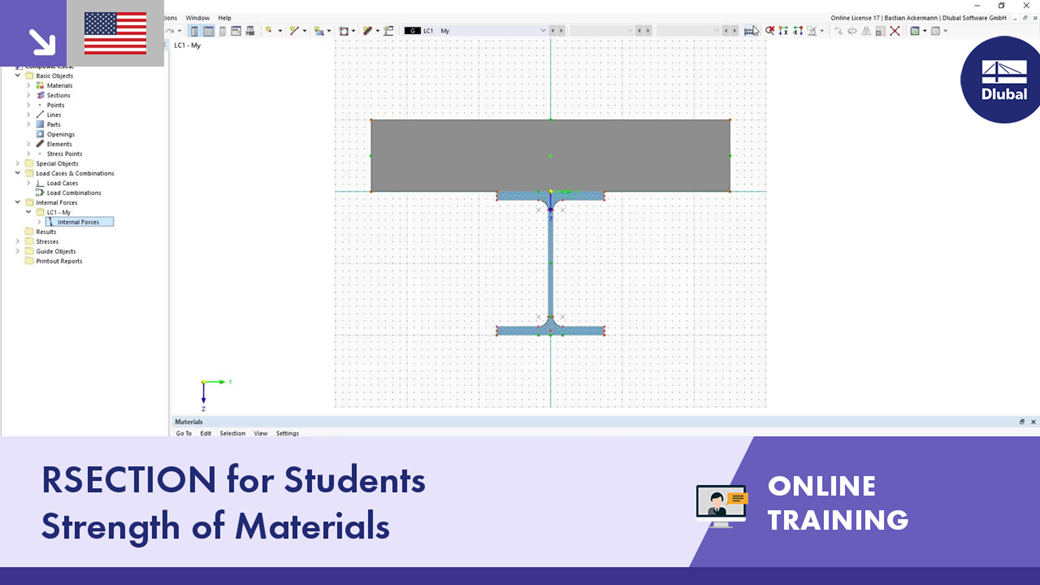

Free Basic Online Training | RSECTION for Students
As a student, learn how to work more efficiently with RSECTION. In the training, we discuss the essential modeling functions and workflows using practical examples.
|
-
Introduction to the cross-section properties software RSECTION 1 Creating a new model
Concept and basic features of RSECTION 1 Explaining graphical user interface |
|
-
Introductory example: Thin-walled steel section Modeling, loading, and calculation
Result evaluation of cross-section properties Stress diagrams |
|
-
More analysis examples Massive cross-section
Built-up cross-sections 2 test questions |
Notes
The online training requires a fast and reliable Internet connection.
During the training, each participant can ask questions via chat at any time.
After the event, each participant will find the models, video recordings, and training documents presented in the training on our website. The website link will be sent by email after the training.
This allows the participant to go through and understand the training step by step by means of the models.
After completing the training, each participant will receive a certificate.
Sonja von Bloh, M.Sc.
Product Engineering & Customer Support
Sonja works in Product Engineering and also assists with Customer Support. Her focus is on RSECTION as well as steel and aluminum structures, where she applies her expertise.
Dipl.-Ing. Juliane Stopper-Akdag
Product Engineering & Customer Support
Juliane works in Product Engineering with a focus on geotechnical engineering and also applies her expertise in Customer Support. She combines development with practical solutions.