1201x
000072
2019-10-11

Display Problems of Models and Load Elements in Graphic

Some model and load elements are not displayed in the graphic, although they are available in the navigator and tables.


Answer:

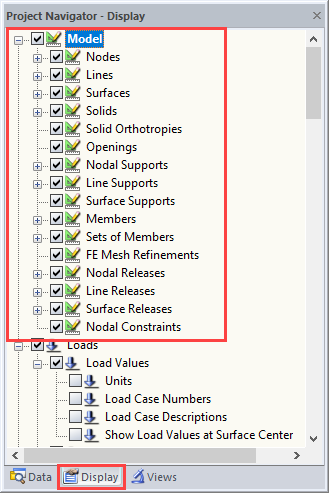
Check to see if all structural components are activated under "Model" in Project Navigator – Display.

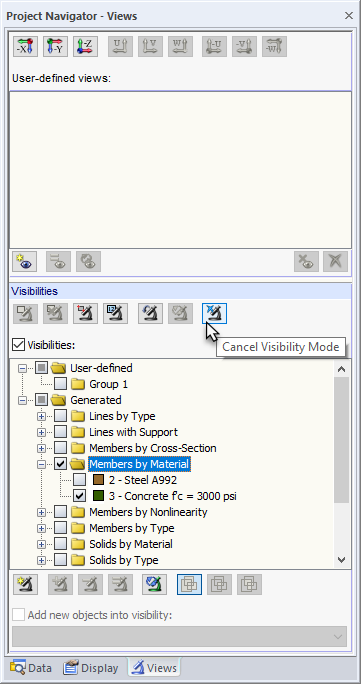
Visibilities are managed in the Views navigator. Click the [Cancel Visibility Mode] button to restore the display of all objects.

Author

Sandy provides support in Customer Support for technical issues related to the software. She reliably familiarizes herself with new topics and helps develop clearly structured solutions.

References


;