


1. If you drag element A, which you want to move, with the left mouse button on the symbol (folder symbol) of another element (B), element A is moved to the first position after element B. Element B is now part of element A and is thus a subchapter.
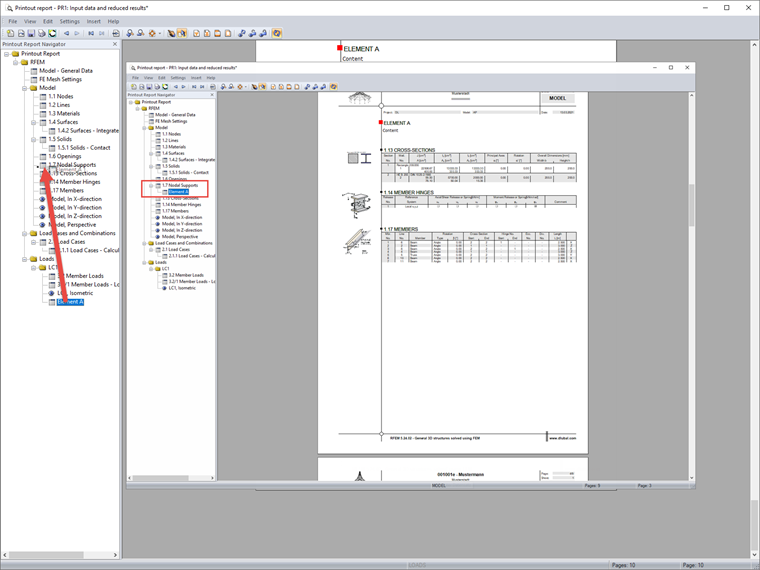
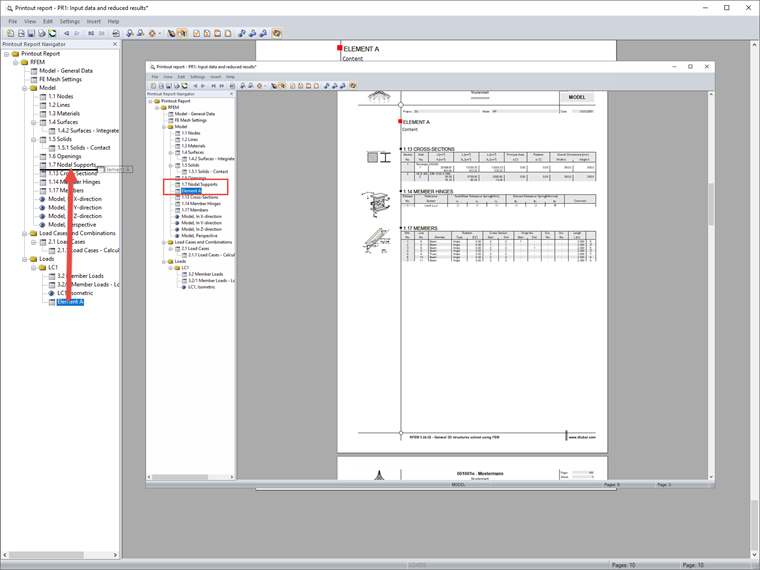
2. Drag element A to the title (text) of destination element B, so that it is moved to the first place after element B. Element B is then inserted after the chapter on the same level.

 Knowledge Base