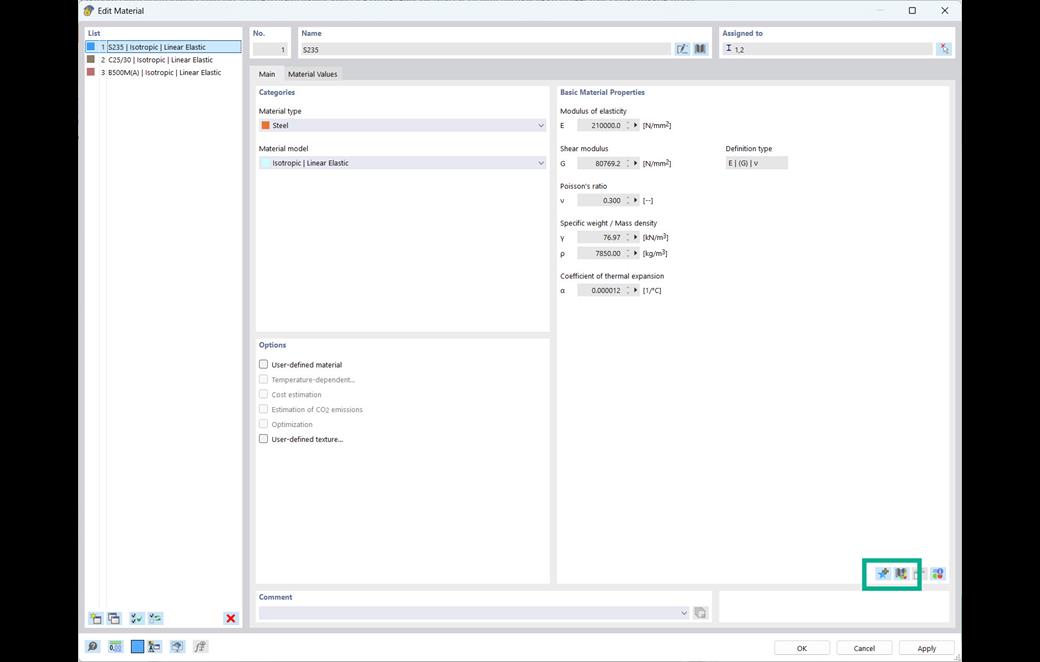
In RFEM and RSTAB, you can save your own materials in a custom material library. The material library provides buttons for creating, editing, and deleting user-defined materials.
You can create a new material by selecting an existing material as a template and adjusting its properties individually. The user-defined materials are saved in the “Materials_User.dbd” file and are available in all models. You can define the storage location of the user library in the program options.