This manual describes the Glass Design add-on for the RFEM 6 program. It is suitable for the calculation of glass, laminated glass, and insulating glass panes.
Options for Layer Models
The layers can be created using your own thickness type with the material library known from RFEM. By adding a gas layer, the structure of an insulating glass unit for planar surfaces can be created.
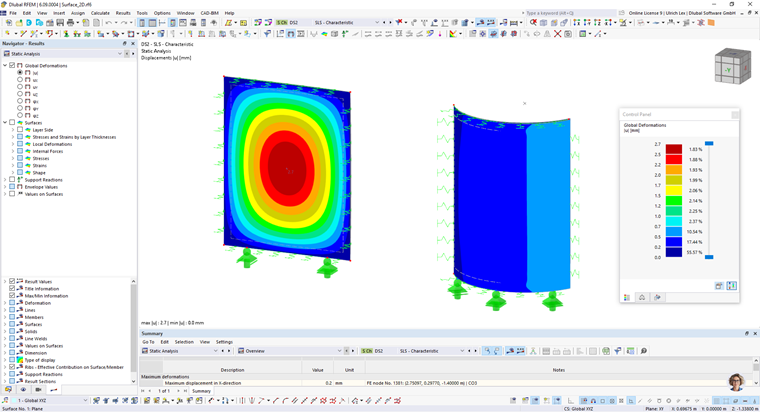
For the layers, you can define materials made of glass, foil, and gas.
Activating Glass Design Add-on
You can activate or deactivate the Glass Design design add-on in the Add-ons tab of the ”Model - Base Data” dialog box.
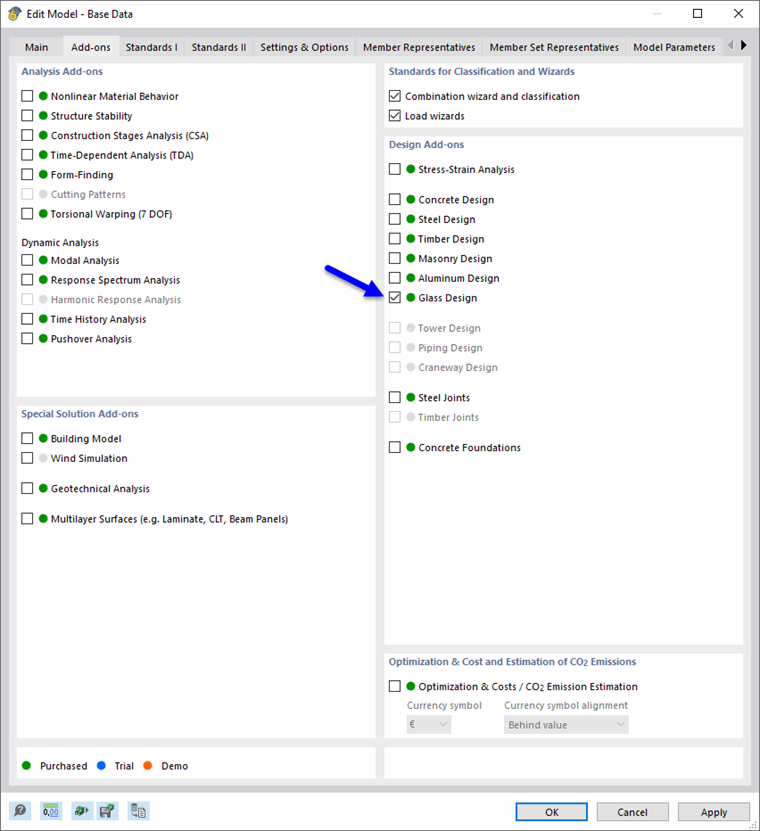
A green dot in front of the add-on description means that a license is available. An orange or blue dot indicates that you can only use the add-on as a demo or trial version with a limited range of functions.
As soon as you activate the add-on and select the design standards, the user interface is extended by some new entries in the navigator, tables, and dialog boxes. The parameters for glass design are now fully integrated into the RFEM program user interface.