By defining a surface with the Glass Composition thickness type assigned, a glass composition model is automatically generated. This model is used to configure additional settings that are specifically required for glass structures.
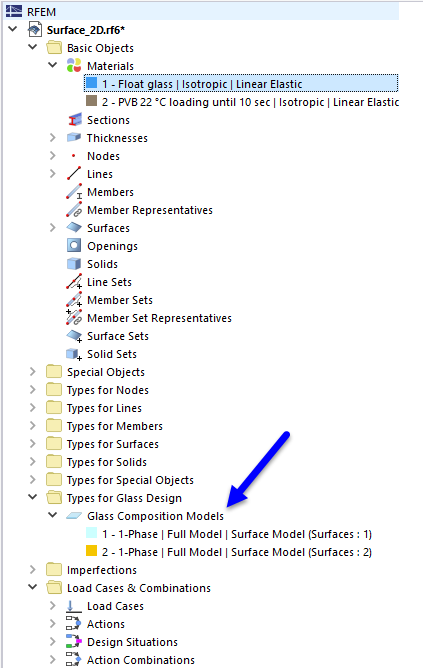
The program tries to automatically combine surfaces with the same geometries and settings in a model. If necessary, you can create additional models using the
 button and assign them to the corresponding surfaces.
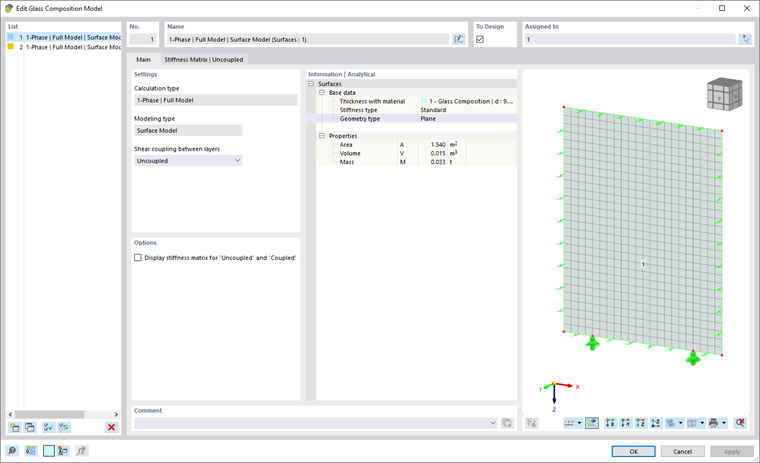
Calculation Type
The Calculation Type defines the way the structure is calculated in RFEM.
- 1-Phase | Full Model describes a direct calculation of the entered surface with all supports defined in RFEM.
Modeling Type
The Modeling Type determines whether the entered glass composition is to be calculated as a surface model or as a solid model (currently under development).
When selecting the surface model in conjunction with laminated glass, a stiffness matrix is determined for the defined layer composition using laminate theory and assigned to the surface. The calculated matrix is also displayed in a separate tab.
By selecting a solid model, the defined layer composition is created as a solid structure.
Currently, it is only possible to consider a shear coupling here.
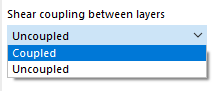
Shear Coupling Between Layers
For laminated glass using a surface model, there is the option to consider or neglect the shear coupling between the glass layers.