


- Completed
- Recorded
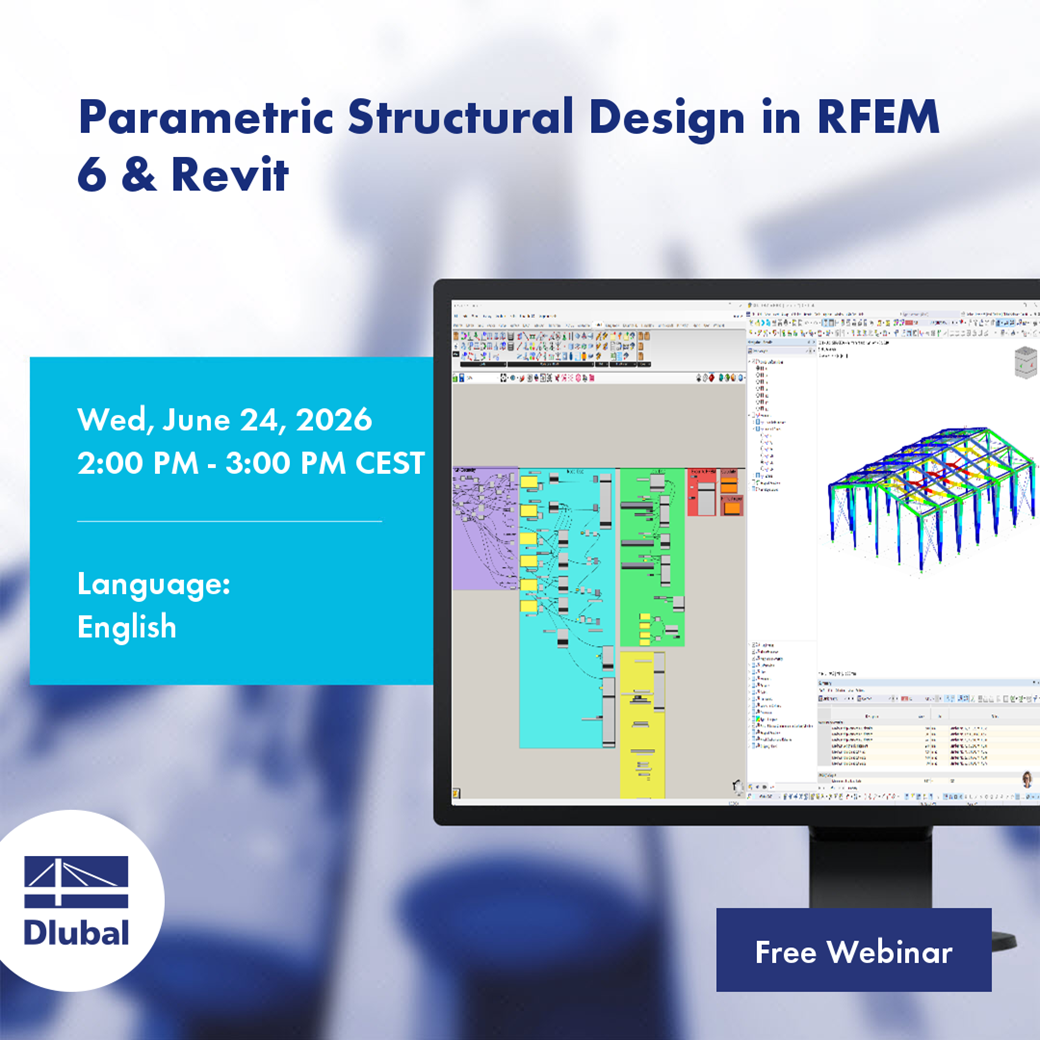
One Parametric Model for Structural Design in RFEM 6 and Revit Modelling
2026-06-24
2:00 PM - 3:00 PM CEST
English
Free
 Product Feature
Free Webinar
|
-
Introduction
|
|
-
Overview of the Grasshopper Algorithm
|
|
-
Connecting Grasshopper geometry to RFEM 6 using Dlubal Components
|
|
-
Connecting Grasshopper geometry to Revit
|
You can access the webinar recording using the following link:
https://www.youtube.com/watch?v=LdlKjrFYD7Q
Paul Sivolgin, M.Sc.
Product Engineering & Customer Support
Paul develops interface solutions in Product Engineering and also assists with customer support. In doing so, he always keeps an eye on end-to-end system integration.