Answer:
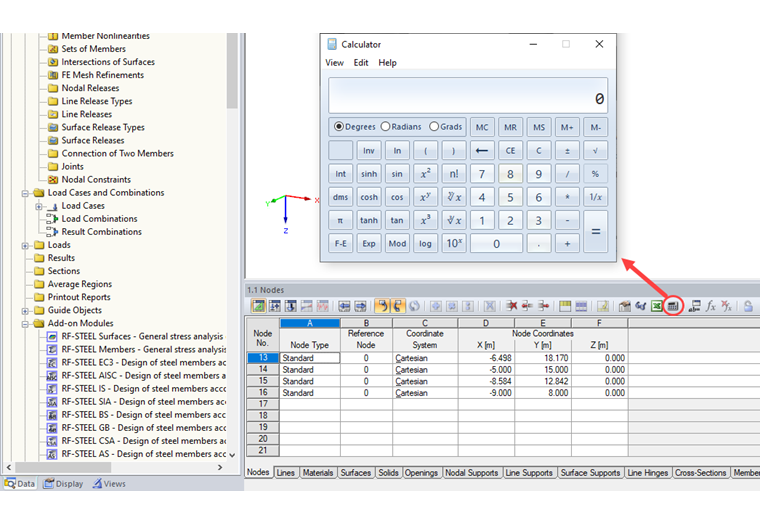
Unfortunately, the calculator implemented in Windows 10 is not compatible with our programs. You can use the "Copy" option, for example, to paste the values into the clipboard, then paste them into the program in order to continue using the calculator.
A better alternative is to replace the Windows 10 calculator with Windows 7 or Windows 8. There are sufficient instructions on the Internet to carry out this procedure. It is only necessary to make sure that the calc.exe file in the Windows folder C:\Windows\System32 runs the old calculator afterwards. The Windows 7 calculator can then be used as usual after importing the results.