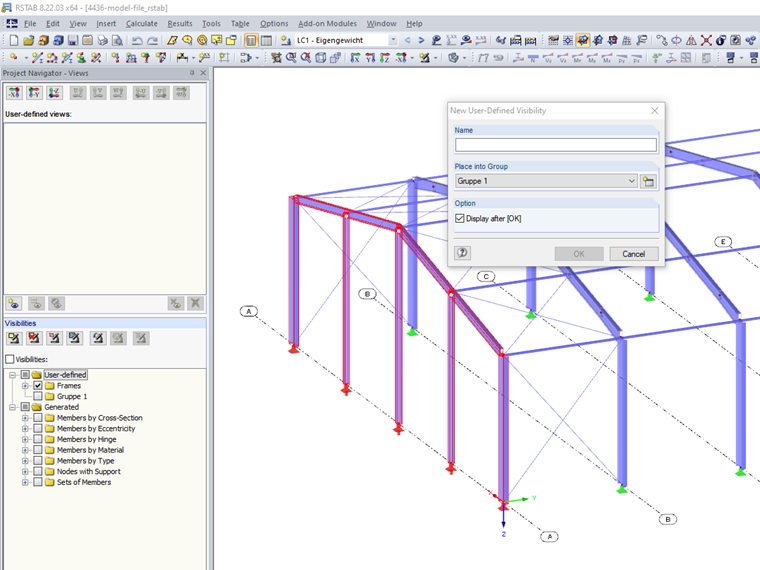
Answer:
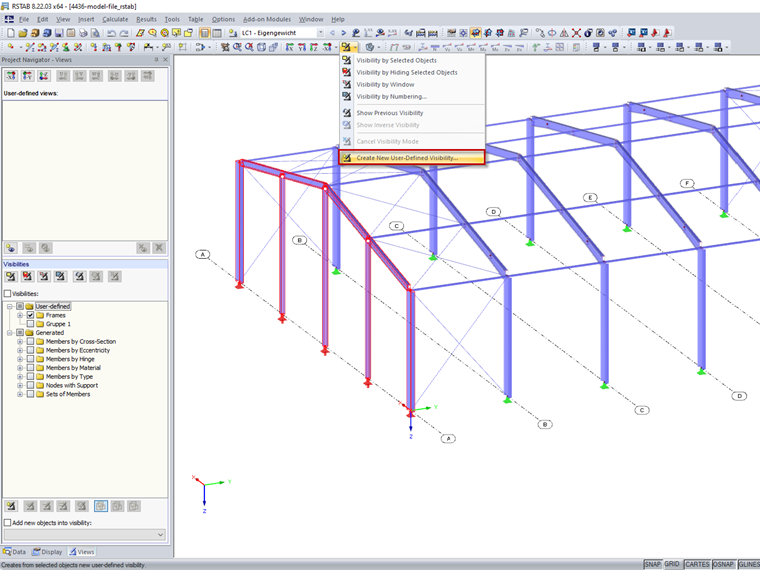
First, select the objects to be included in the visibility. Then click the "Create new user-defined visibility" button (Image 01).
The "New User-Defined Visibility" dialog box opens where you can define a name and a group (Image 02).
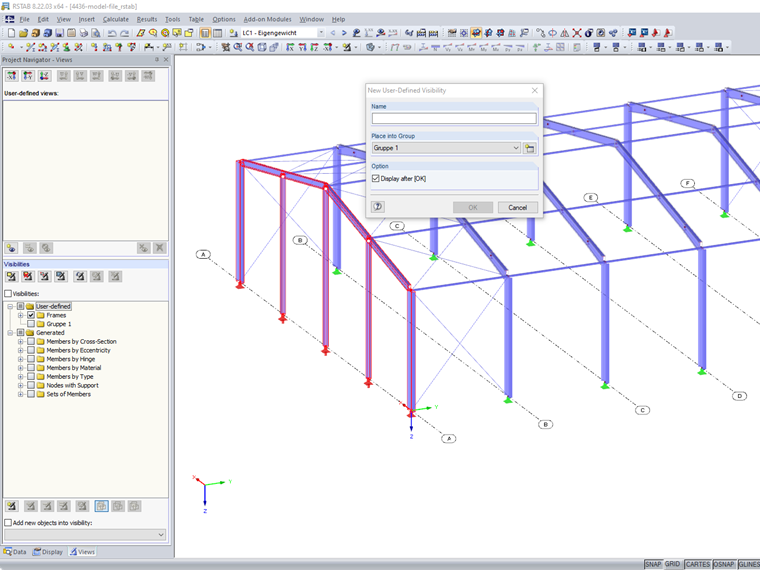
The visibilities are created in Project Navigator - Views under the user-defined visibilities (Image 03).