Answer:
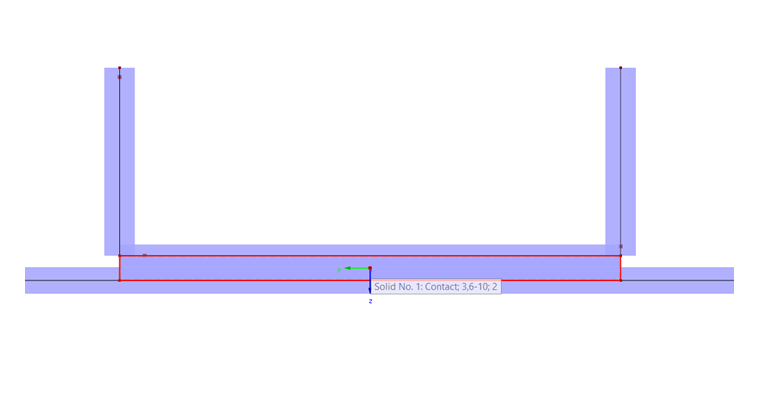
For a detailed display, it is useful to model a contact solid.
To do this, it is necessary first to divide the channel section into surfaces (right-click the member → Generate Surfaces from Member). Then, the web surface or the surface of the channel section to be welded must be projected into the steel surface:
- Copy nodes and lines into the plane.
- Divide the steel surface using integrated lines (right-click the member → Divide Surface).
- Define null surfaces as boundary surfaces of the contact solid.
Now you can create a contact solid between the two surfaces lying on top of each other (click "New Solid" → Contact Solid → select boundary surfaces).