


Answer:
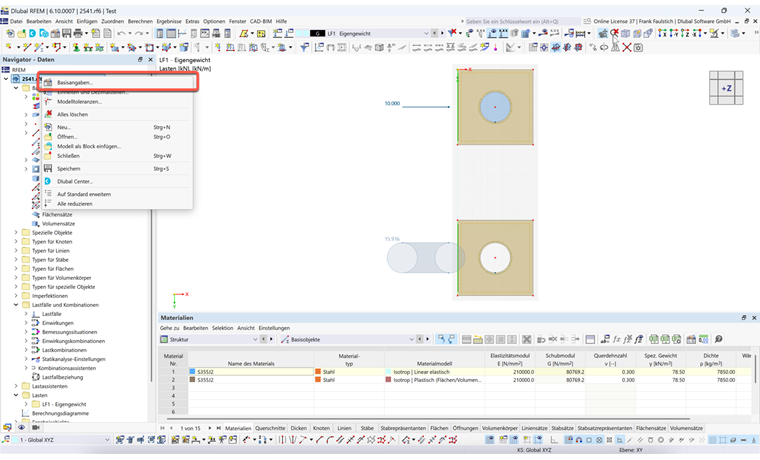
Open the "Base Data" dialog box. Right-click the model name in the Project navigator and select the corresponding entry in the shortcut menu.
Switch to the "Settings and Options" tab.
Select the desired orientation of the Z-axis.
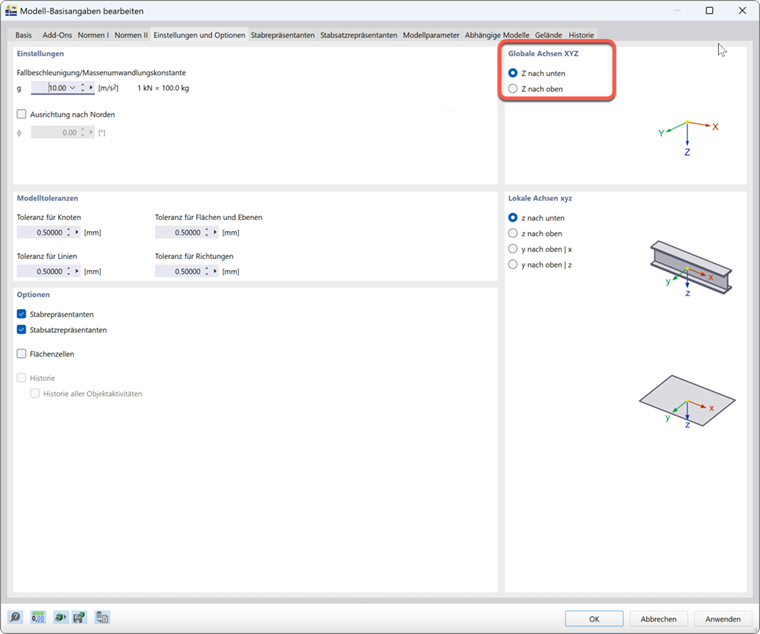
If the orientation is changed subsequently, problems can arise, especially with regard to the applied load. Particular caution is required here.