1970x
000705
2021-03-03

Using Options II in Help Assistant

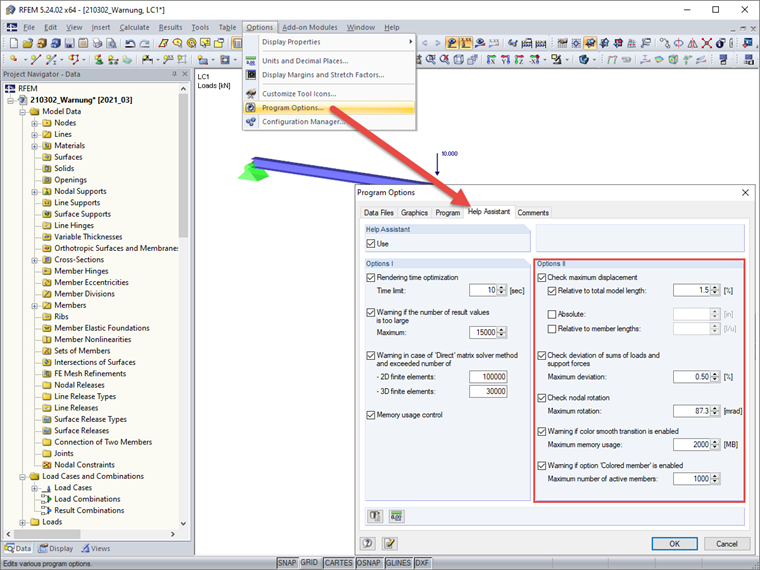
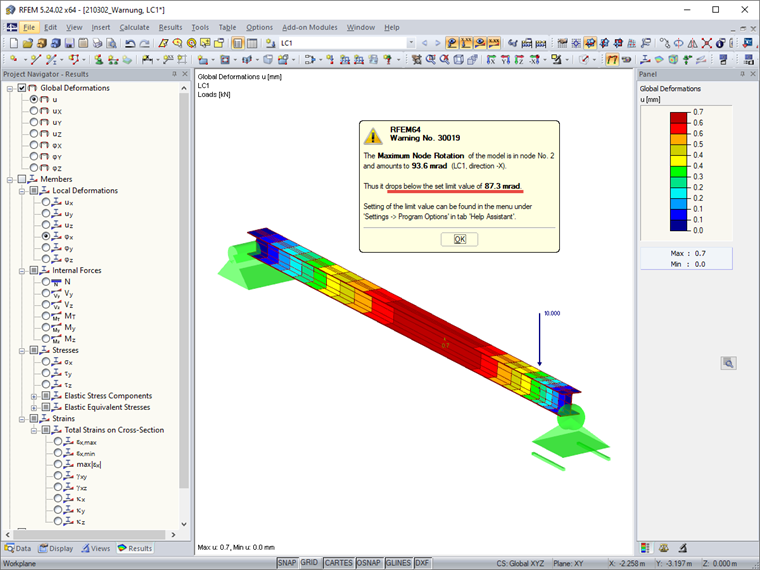
Under Options II in the Help Assistant tab of the program options, you can define the limit values for warning messages that appear after a successful calculation.

These warnings can be completely deactivated, or the preset values can be adjusted.
The following warnings can be defined:

  • Check the maximum displacement
  • Check the deviation of the sums of loads and support forces
  • Check node rotation
  • Warning for soft color transitions
  • Warning for "Multicolored Members" option

Author

Stefan provides support in Customer Support for technical inquiries. Even when dealing with more complex issues, he takes a structured approach and ensures that the results are easy to understand.

Links


;