The steel design of the members is globally controlled by the 'Base Data' settings of the model. To activate that feature, click Base Data on the File menu or use the
 button on the toolbar. Then select the Add-ons tab of the 'Edit Model - Base Data' dialog box.
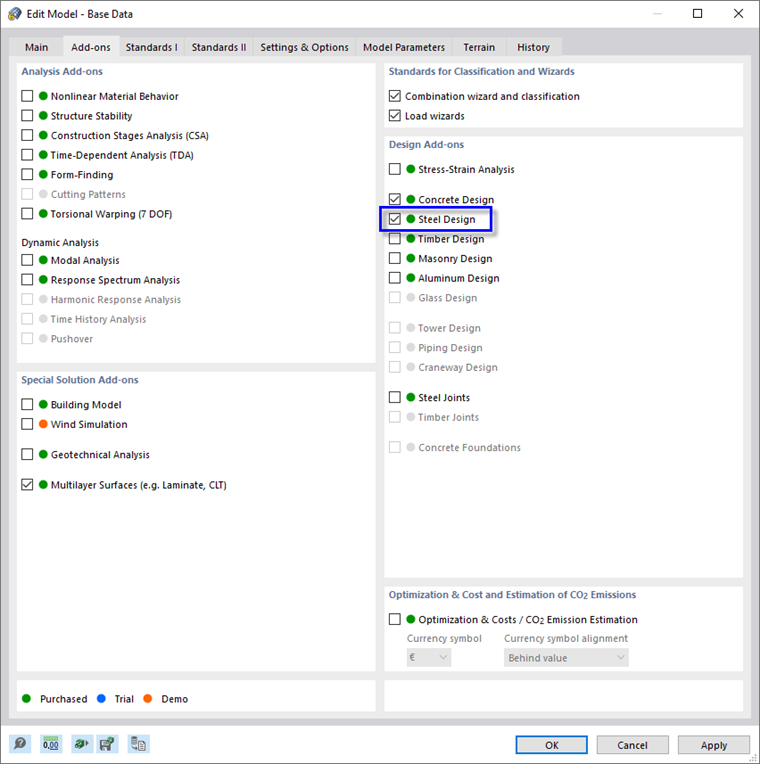
In the 'Design Add-ons' area, select the Steel Design option. By doing so, the design of all steel members is enabled.
Then go on to the Standards I tab to check the standard that is preset for the steel design.
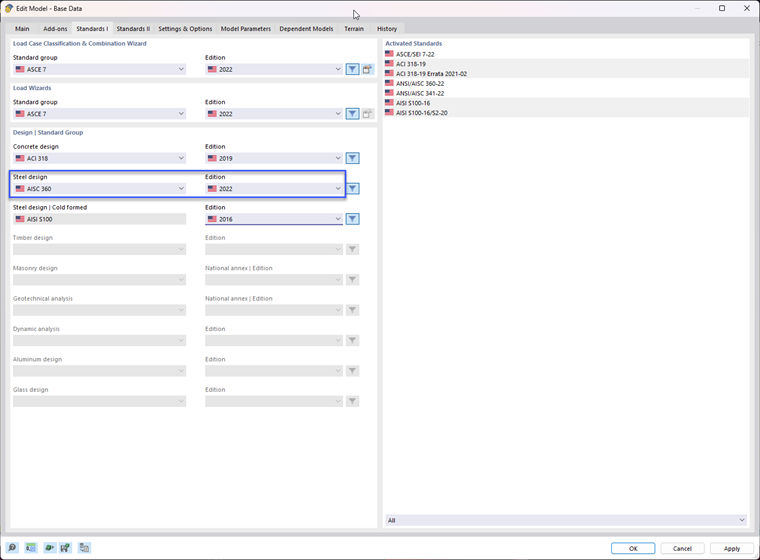
Make sure that AISC 360 with 2022 edition is set as 'Standard group for steel design'.
Click OK to close the 'Base Data' dialog box. If the program asks you whether all results are to be deleted because of the modified parameters, click Yes.
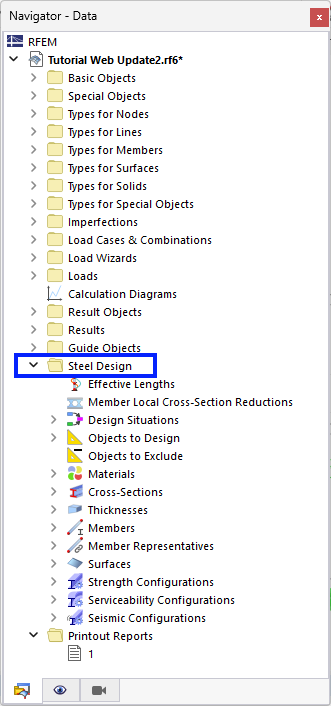
In the navigator, a new folder has been added: 'Steel Design'. It includes the parameters and items that are specific to the design of all steel objects.