The Direct Analysis Method per AISC section C2.3 requires the application of the stiffness reduction factor. This factor may be applied to all members to avoid artificial distortion of the structure.
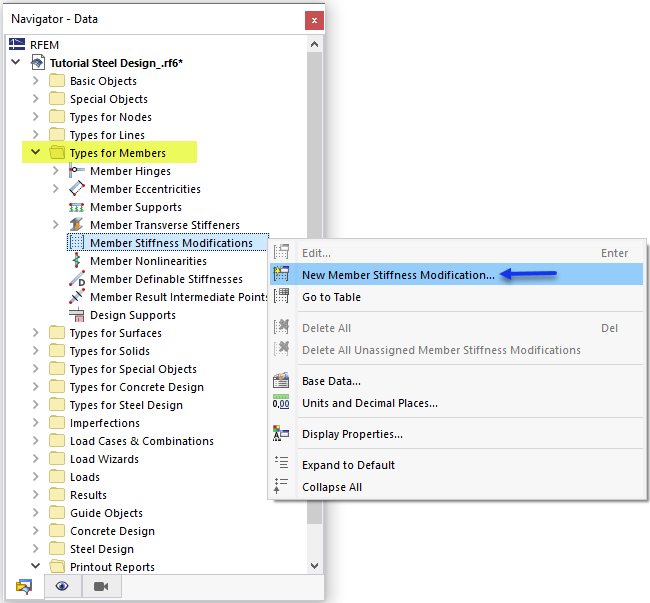
Select the New 'Member Stiffness Modification' under the 'Type for Members' category.
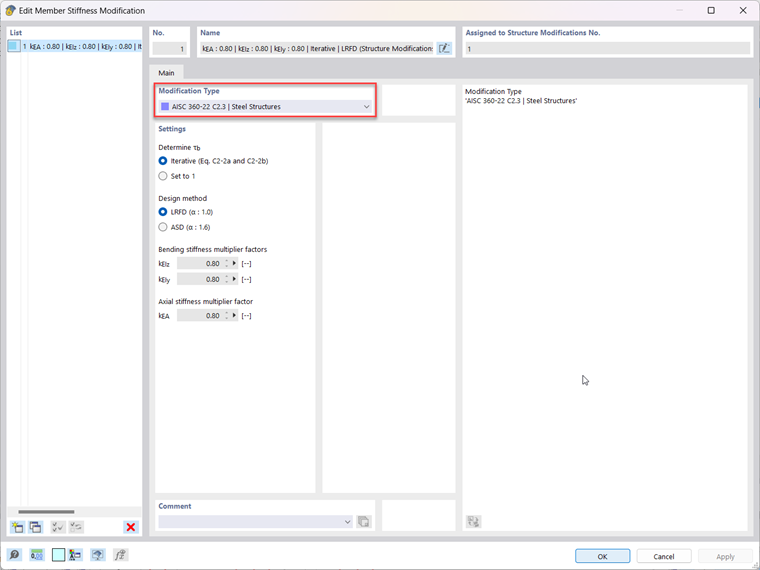
For the modification type, select AISC 360-22 C2.3 Steel Structures from the dropdown menu. The default settings and factors are applicable for this tutorial. Click OK to exit.
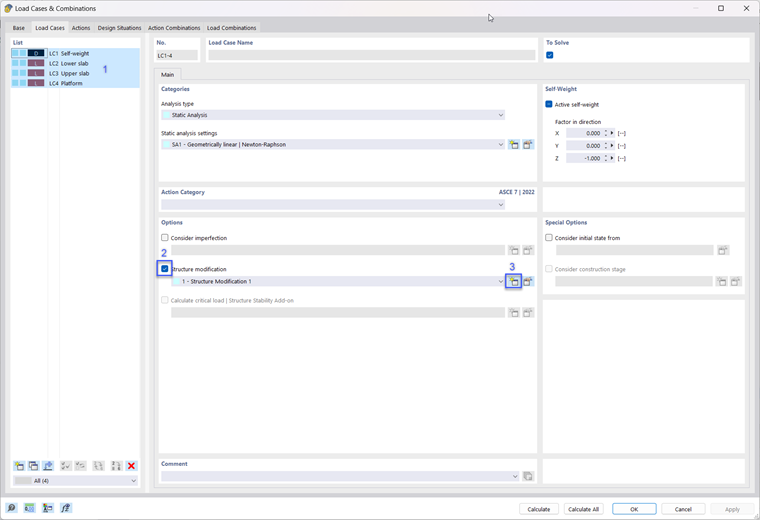
The stiffness modification factor can now be applied to the steel members. This is done by selecting the 'Structure modification' option in the 'Load Cases & Combinations' category.
Select all the load cases (1) and activate the 'Structure modification' option (2). Then select the 'Create New Structure Modification' button (3).
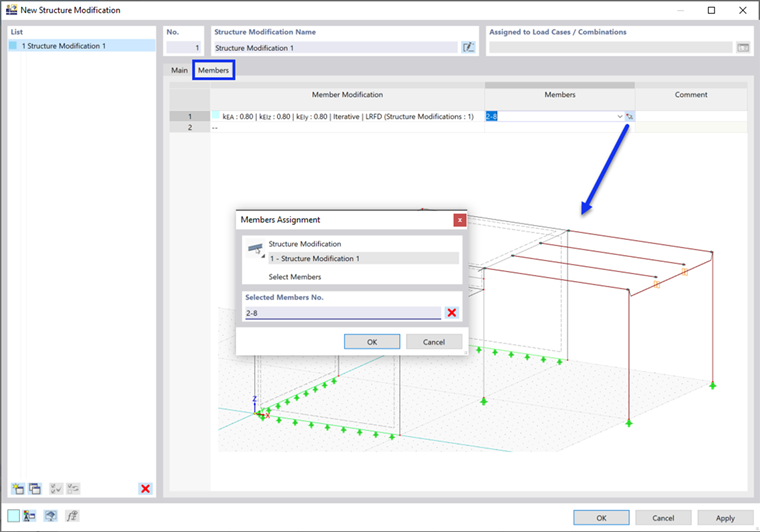
Under the 'Main' tab, select Members.
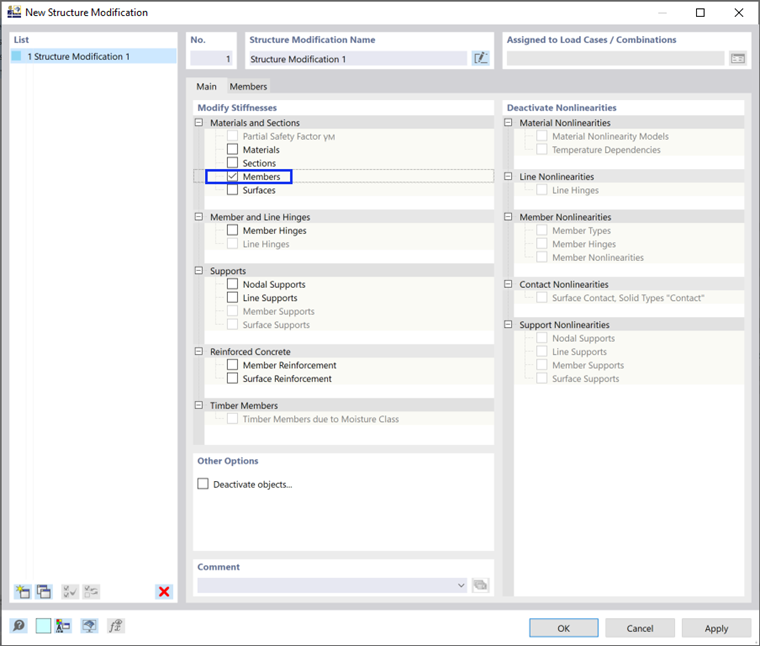
Select the 'Members' tab and pick the only available 'Member Modification'. Select all the steel members in the main window (Members No. 2-8). Click OK twice to exit.