




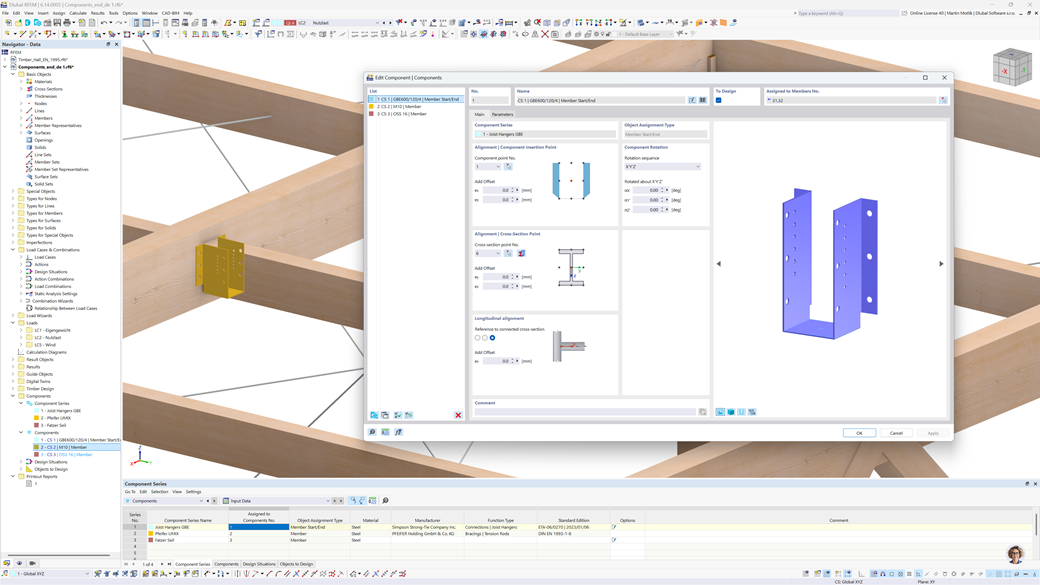
In structural engineering, many construction products and project conditions fall outside the scope of standard design add-ons. The Components add-on closes that gap, directly inside RFEM 6.
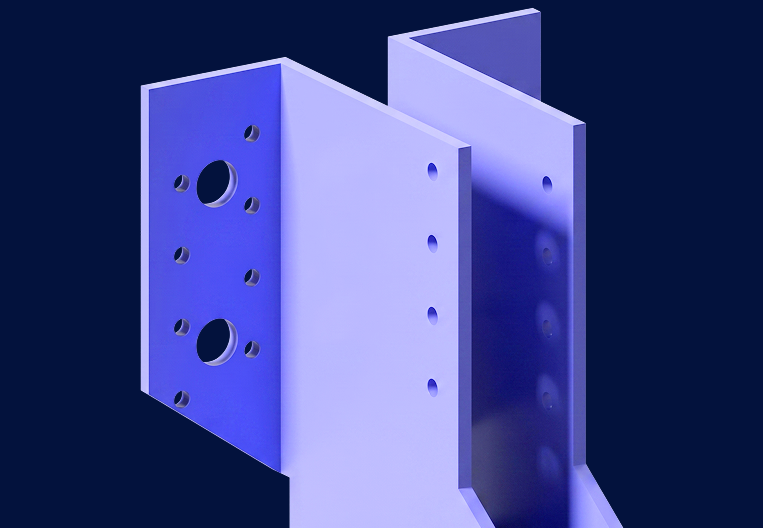
Component Assignment
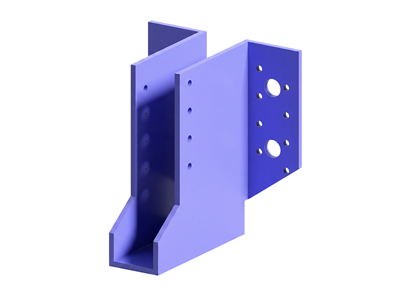
Assign construction products such as studs, joist hangers, and tension rod systems directly to members or member ends in RFEM 6. When the design calculation runs, the governing internal forces are picked up automatically and the results appear in the standard output tables alongside all other design checks.
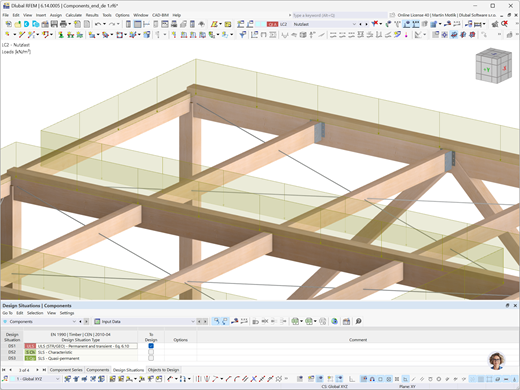
Automatic Force Transfer
Construction products placed in the model receive their input forces directly from the structural calculation. No manual data transfer to manufacturer programs or external spreadsheets is required. The entire verification runs in RFEM 6 as part of one continuous workflow.
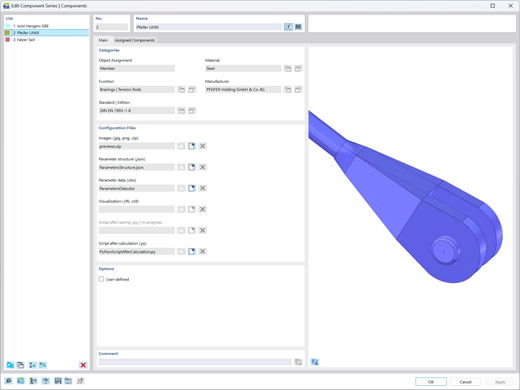
Custom Component Series
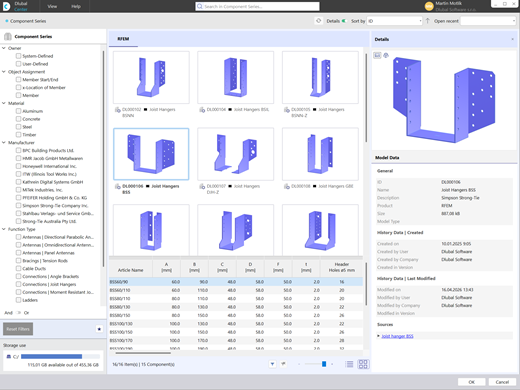
Beyond predefined products, users with a Basic API subscription or higher can create their own component series by providing a few files — Excel or JSON for design formulas, images, and optional Python code. The add-on converts these files into a fully functional component series available through a graphical interface directly inside RFEM 6.
Frequently Asked Questions About the Components Add-on
Is the Components add-on the successor to RF-LIMITS in RFEM 5?
Yes. The Components add-on works on a similar principle and is designed as the direct successor to the RF-LIMITS module from RFEM 5. In addition to comparing a single internal force against a limit value, the add-on now supports user-defined interaction formulas combining multiple forces. It also incorporates component stiffness directly into the structural model.
Which elements can components currently be assigned to, and what is planned?
Currently, components can be assigned to members and member ends. Assignment to nodes, surfaces, and surface edges is planned for a future release.
Will results appear in the main output tables like other design add-ons?
Yes. Results are displayed in the standard RFEM 6 output tables, consistently with all other design add-ons, and are ready for documentation and submission.
Can I create custom component series beyond the predefined products?
Yes. With an API subscription at the Basic level or higher, you can create and use your own custom component series through a graphical interface directly inside RFEM 6.
Explore API subscription options: API (gRPC) Product Page
We are a standard product manufacturer. Can we add our products to the library?
Yes. Manufacturers can list their products with the corresponding design values directly in the Components add-on. Please contact us by phone (+49 9673 9203-0) or email ([email protected]) to get started.
Which industries and application areas can the Components add-on be used for?
The add-on can be used in all industries and application areas where construction products need to be verified — from steel and timber construction to facade engineering and beyond.
Is there an online manual or product documentation available?
An online manual is currently being prepared and will be available soon. In the meantime, recorded webinars and knowledge base articles are available at dlubal.com to help you get started.
Can I use the Components add-on to create components for a specific approval or certification?
Yes. You can implement the design formulas required by your approval directly into the file package — Excel or JSON for the formulas, images for the component geometry, and optional Python code for advanced logic. Once the files are ready, generate a component series and assign it in your model. The results will appear in the standard output tables, ready for documentation.
Can the stiffness of the components be taken into account in the model?
Yes, the script after saving enables manipulation of the model. For instance, hinge or member stiffnesses can be adjusted using it.

Ask technical questions, share ideas, and connect directly with the Dlubal team and fellow users.

Explore free and professional support options, including 24/7 AI assistance, email support, and exclusive services for Service Contract Pro customers.

Online Manual
Browse the online manual for the Components add-on to get started quickly and find answers to technical questions at any time.

Videos
Explore tutorial videos focused on the Components add-on. Follow step-by-step workflows for designing joist hangers, tension rod systems, and custom components directly in RFEM 6.

Webinars
Access our recorded webinars on the Components add-on at any time. Watch real-world design examples and learn how to get the most out of the add-on in your projects.
Calculate Your Price
Total Amount 1,730.00 USD