Answer:
To insert an image that is not an RFEM or RSTAB graphic, you need to open the image file and copy it to the clipboard using Ctrl+C.
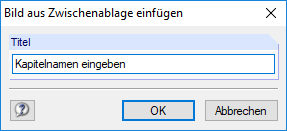
Then, you can insert the image in the clipboard into the printout report using the menu Insert → Image from Clipboard.
It is necessary to specify the chapter name for the new image beforehand.