Answer:
Basically, there are two options:
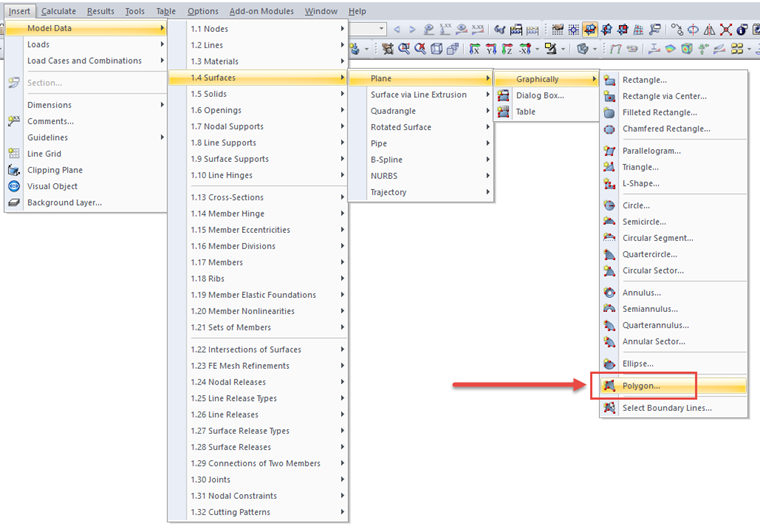
- If no structural lines are defined yet, a polygonal surface can be defined by menu bar → "Insert" → "Model Data" → "Surfaces" → "Plane" → "Graphically" → "Polygon", see Image 1.
1 Polygon
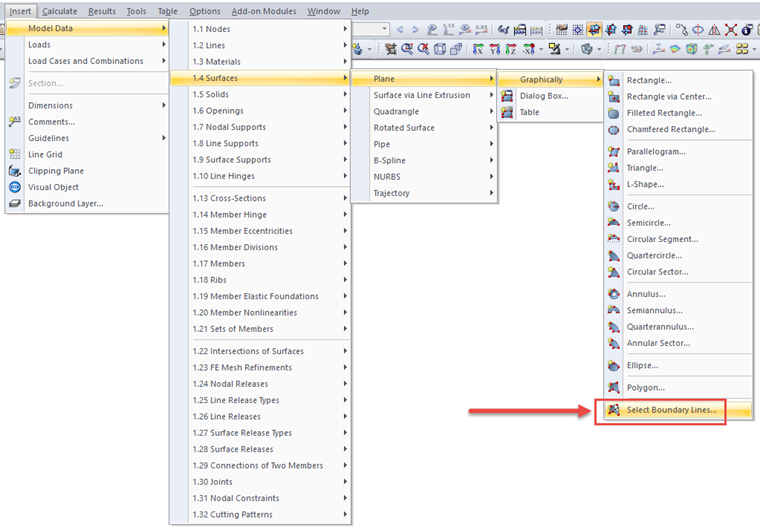
- If structural lines are already defined, a polygonal surface can be defined by menu bar → "Insert" → "Model Data" → "Surfaces" → "Plane" → "Graphically" → "Select Boundary Lines", see Image 2.