


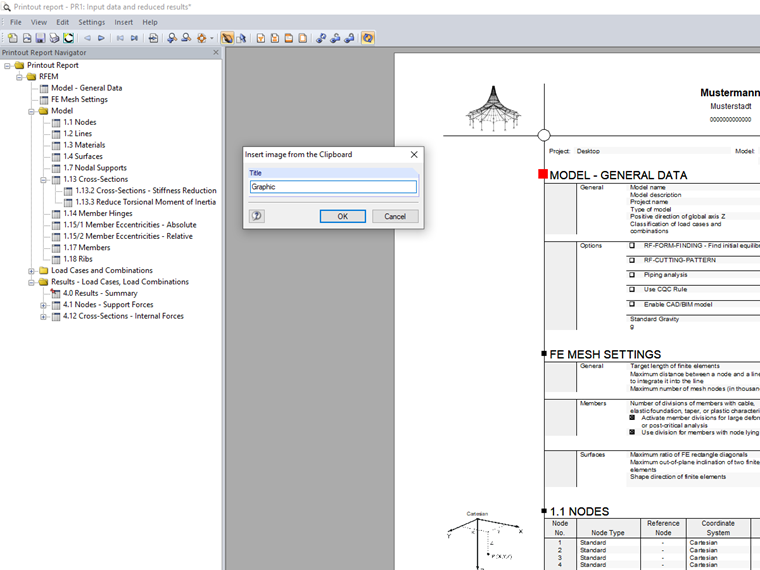
To do this, you need to copy the image to the Clipboard using Ctrl+C. Click "Insert" → "Image from Clipboard" in the printout report menu to insert the image into the printout report.
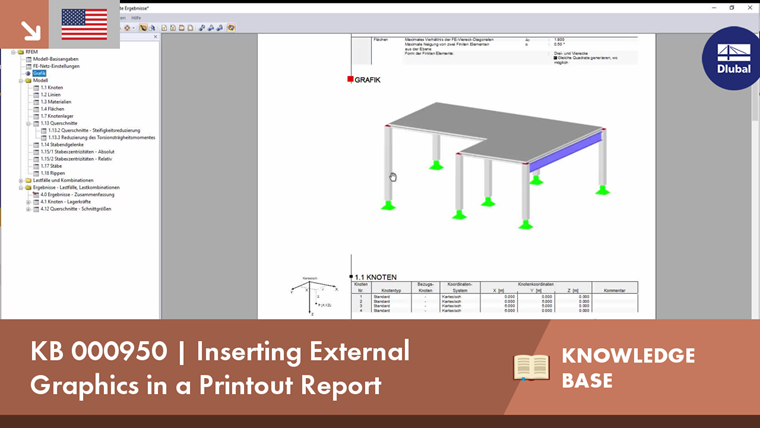
This image appears as a separate section at the end of the printout report and you can move it to any position using the drag-and-drop function.
 Knowledge Base