


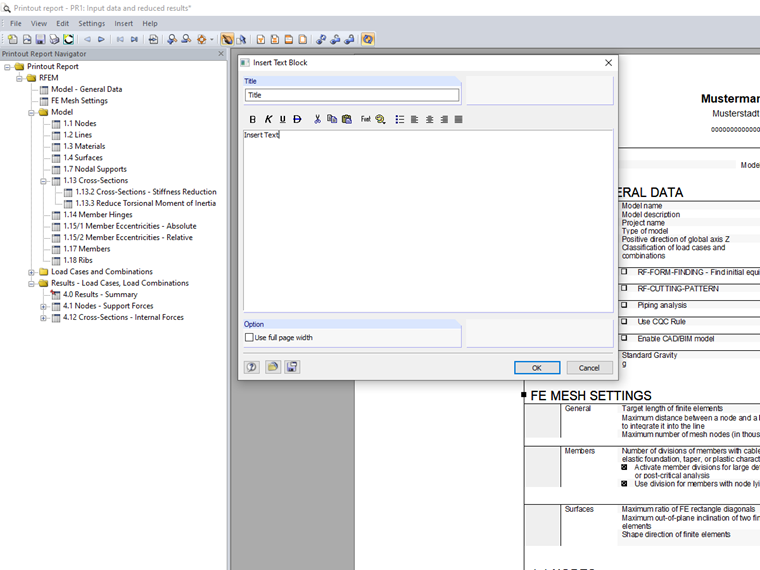
You can enter a title and text in the dialog box. With the [OK] button, the text block appears at the end of the printout report and you can move it to any location using the drag-and-drop function.
Sign up for the Dlubal Extranet to get most of the software and have exclusive access to your personal data.
Sign up for the Dlubal Extranet to get most of the software and have exclusive access to your personal data.
Sign up for the Dlubal Extranet to get most of the software and have exclusive access to your personal data.
You can enter a title and text in the dialog box. With the [OK] button, the text block appears at the end of the printout report and you can move it to any location using the drag-and-drop function.
Sandy provides support in Customer Support for technical issues related to the software. She reliably familiarizes herself with new topics and helps develop clearly structured solutions.