Answer:
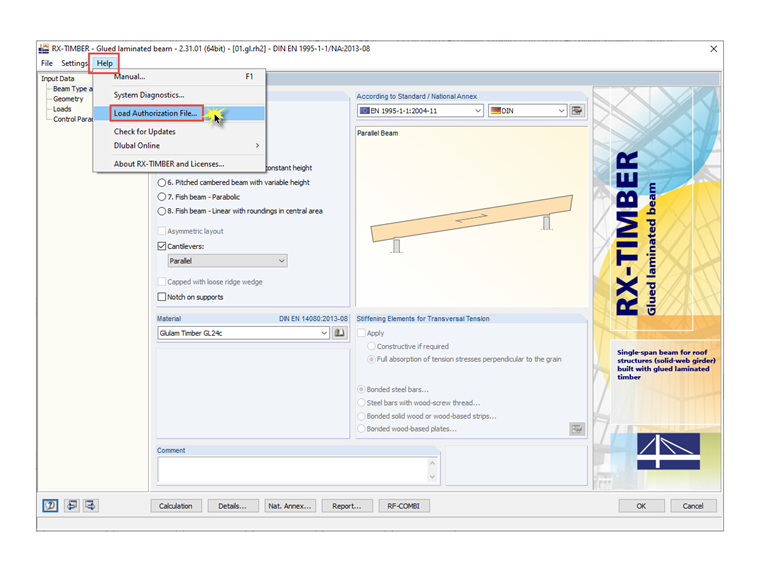
The import is done directly in one of the add-on modules, not using the project manager. Please start one of the licensed modules and select the "Load Authorization File…" option in the "Help" menu (see the image). Enter the path where you copied the authorization file and complete the process.
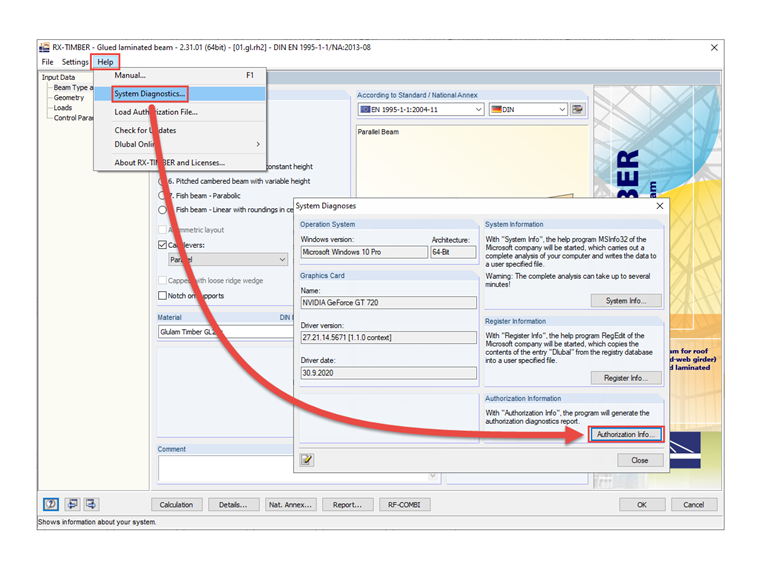
If there is a problem with the licensing, please send us the diagnostics file of the authorization. You can create it using the menu "Help → System Diagnoses" (see Image 02).