Answer:
There are several ways to check the effective widths of ribs graphically.
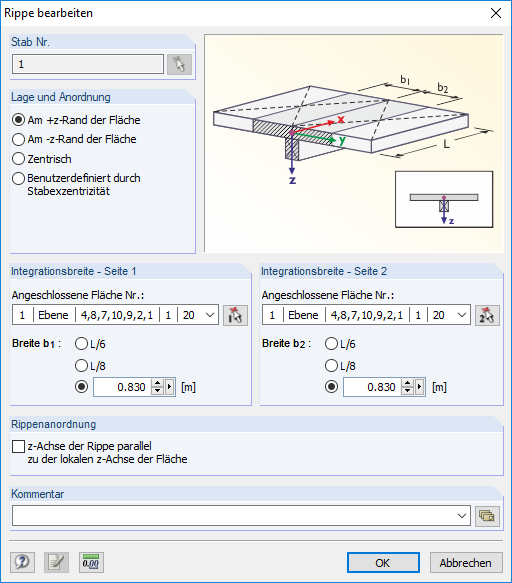
Among other things, it can be done directly when entering a rib in RFEM; see Image 01.
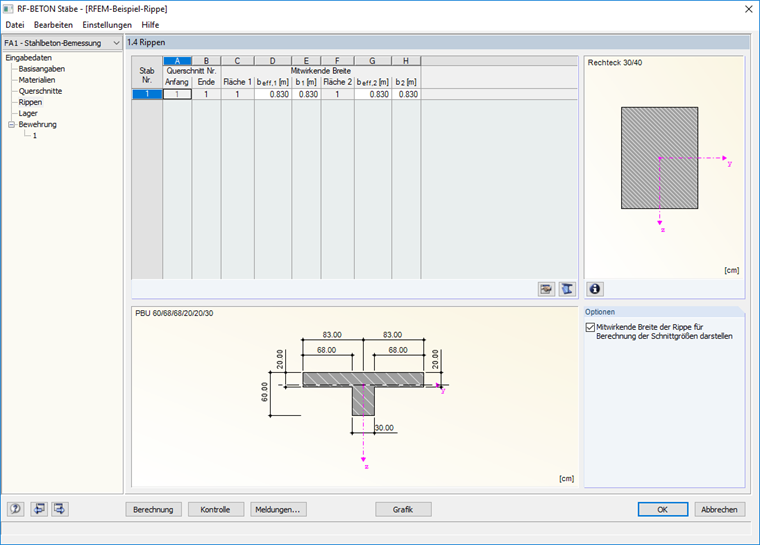
In the RF‑CONCRETE Members add‑on module, the cross-section graphic is displayed below Table 1.4 Ribs. The graphic shows the equivalent cross-section used for the design; see Image 02.
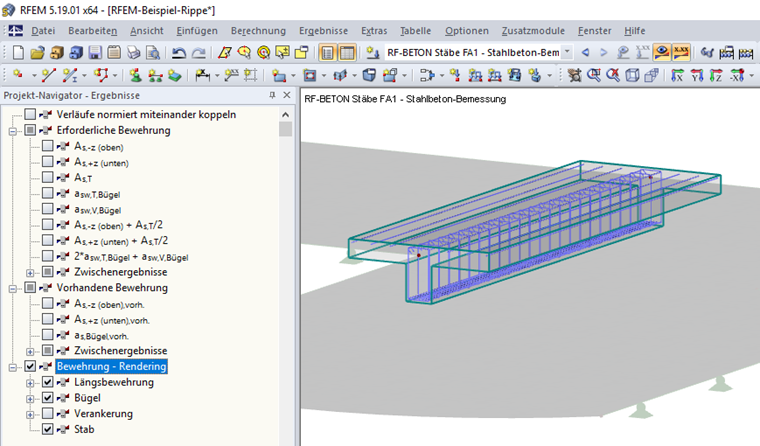
The Reinforcement - Rendering option in Project Navigator – Results allows you to display the member, rebars, and stirrups in the RFEM work window; see Image 03.