Answer:
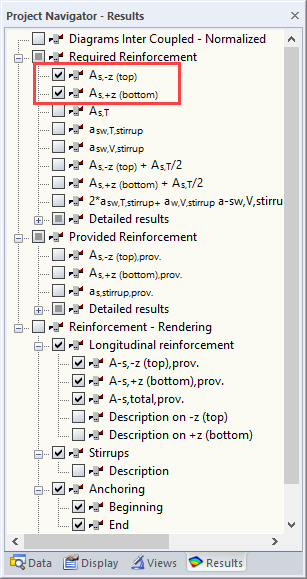
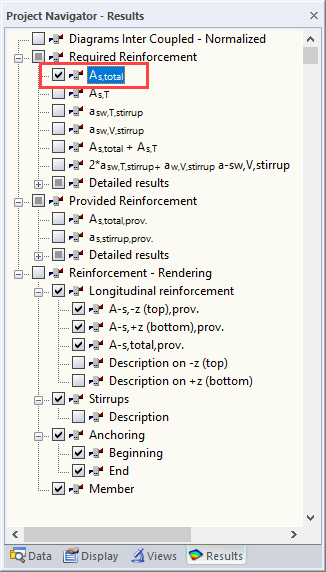
When designing one or more members with a circular cross-section, As,top and As,bottom are no longer displayed: For such cross-sections, "top" and "bottom" cannot be defined; the "circular" reinforcement is created.
Solution
Create a separate design case for the circular cross-sections (select "File → New Case" in the module menu) and design the corresponding members separately. In the other design case, delete the members with circular cross-sections. After the calculation, As,top and As,bottom will be displayed in the Results navigator.