Answer:
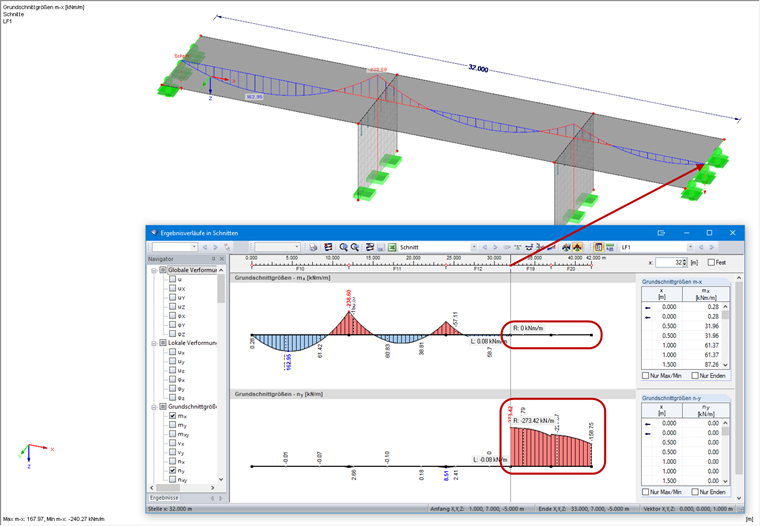
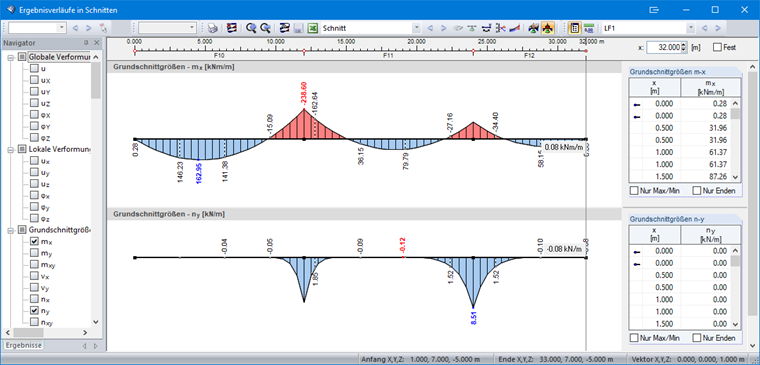
A section can run through a complete structure and display the results on intersected surfaces. It is important to define which surfaces are intended for displaying the results of the section. Image 01 shows a section defined in such a way that all intersected surfaces (default setting) are displayed. In this case, both walls will also be intersected and the results will be attached to the result diagram (see also Image 02).
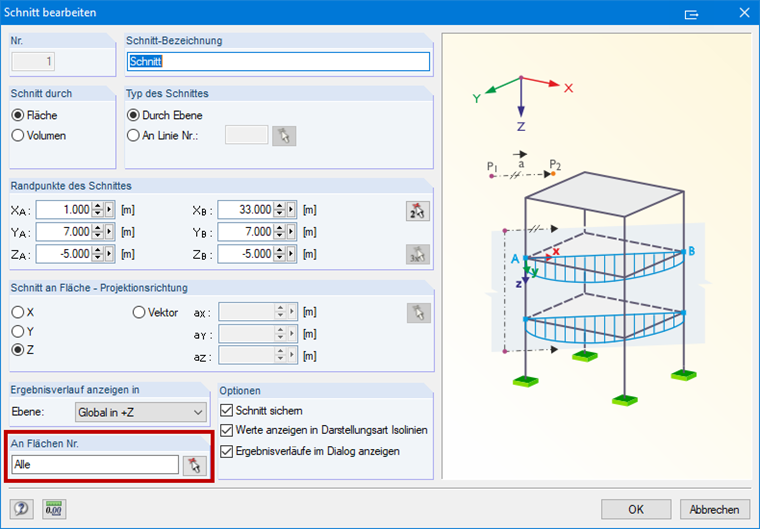
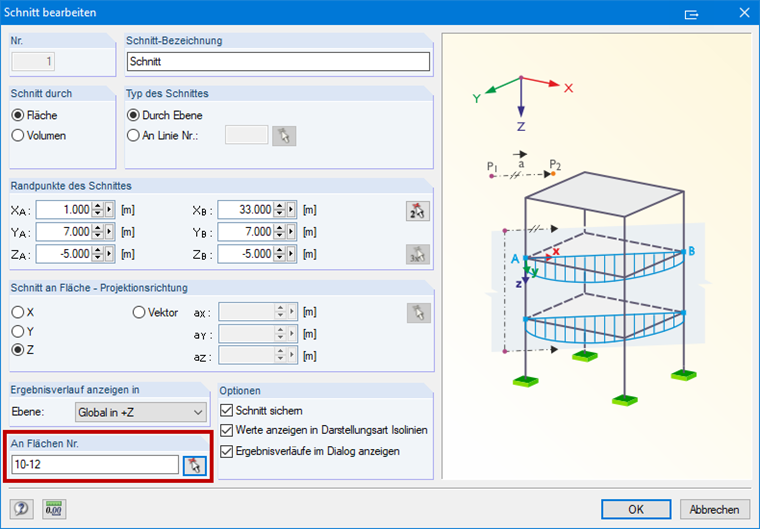
If you want to display the section only on certain surfaces, define the desired surfaces in the "Edit Section" dialog box (see Image 03). The section is then displayed in the result diagram as requested (see Image 04).