Answer:
In the cadwork program and many other CAD programs, curved members are described by external enveloping surfaces. Therefore, it is not possible to import them directly using members.
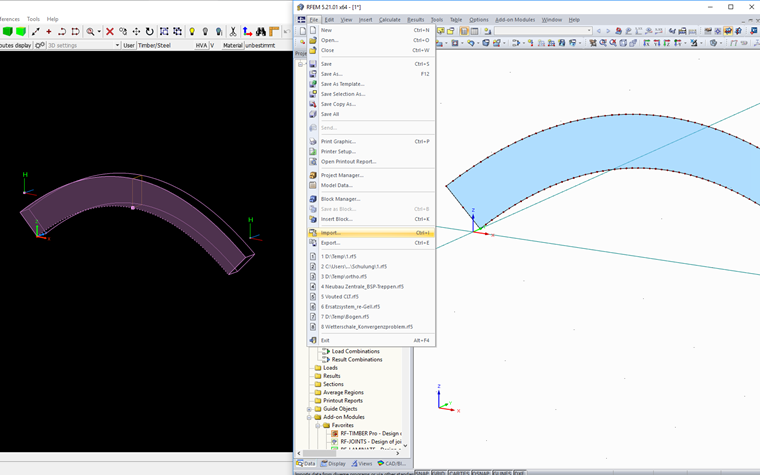
For this reason, it is necessary first to import the member as a surface from the CAD program in the .sat format (Standard Acis Text Format) or via .ifc into RFEM, then convert it to a member again.
When using the .sat format, you should select Version 7.0 in cadwork.
The attached video shows both options for the cadwork program.