2384x
004335
2020-02-06

RFEM 5 | Warning: Intersection Not Defined Correctly

RFEM 5 shows a warning message saying that the intersection is not defined correctly. How can I avoid this?


Answer:

This warning might be caused by overlapping surfaces, which may occur when modeling one solid to another, for example.
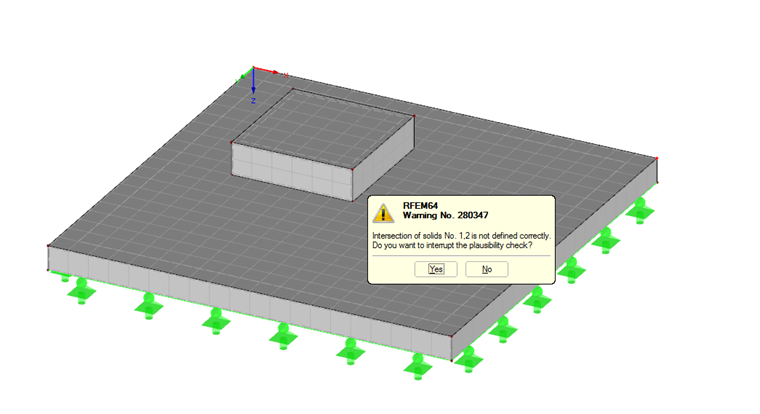
In order to avoid overlapping surfaces, an opening is required here. After defining the opening, check whether the definitions of the solids have to be corrected.


Author

Frank is responsible for quality assurance in the RFEM program and also assists with customer support. He oversees technical design processes and contributes to the stability and reliability of the software.

Downloads


;