


If the 'Time-Dependent Analysis (TDA)' add-on is activated in the model's base data, a new 'Time-Dependent Analysis' tab is available in the static analysis settings. This allows you to adjust the analysis settings of the Time-Dependent Analysis (TDA) analysis type. Furthermore, the Save results of all load steps option also leads to the storage of all calculated load increments.
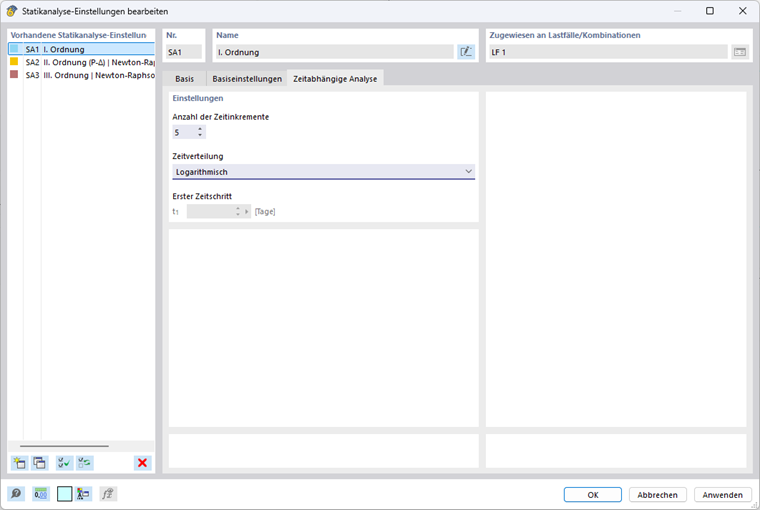
Number of Time Increments
Here you can define the number of time increments. This setting controls how often the time range selected for the analysis is to be divided for the calculation. A larger number leads to a finer subdivision and generally increases both accuracy and computational effort.
Time Distribution
In this field, you can define the type of distribution for the previously specified number of time increments over the defined analysis time. The following are available:
- Linear
- Logarithmic
- Logarithmic with first time step
First Time Step
When selecting the time distribution type 'Logarithmic with first time step', you can define the first time step in days here.