


The support is excellent, helpful, fast, and the operators are courteous and kind. I recommend it.
 Add-on for RFEM 6
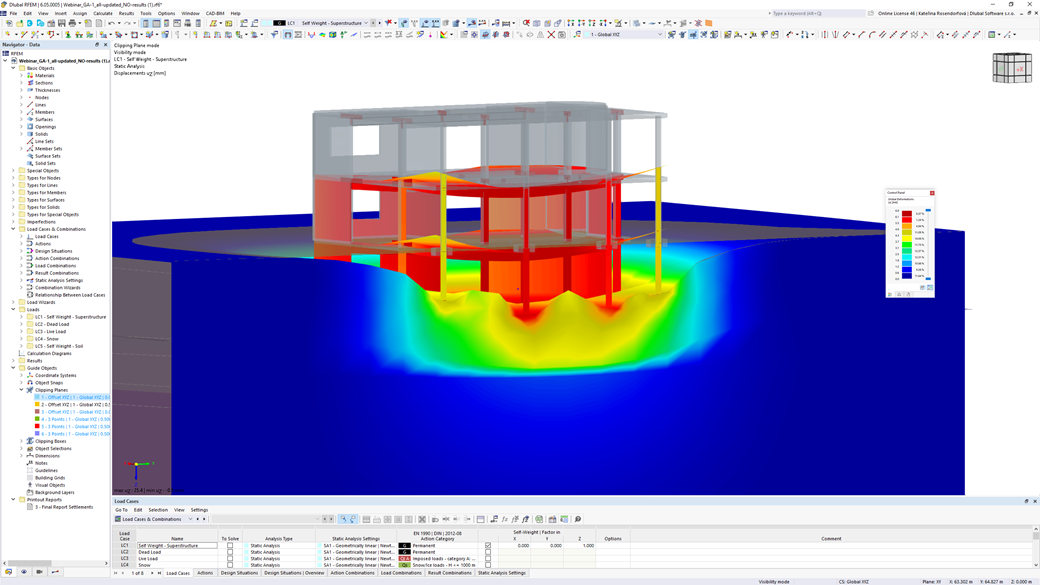
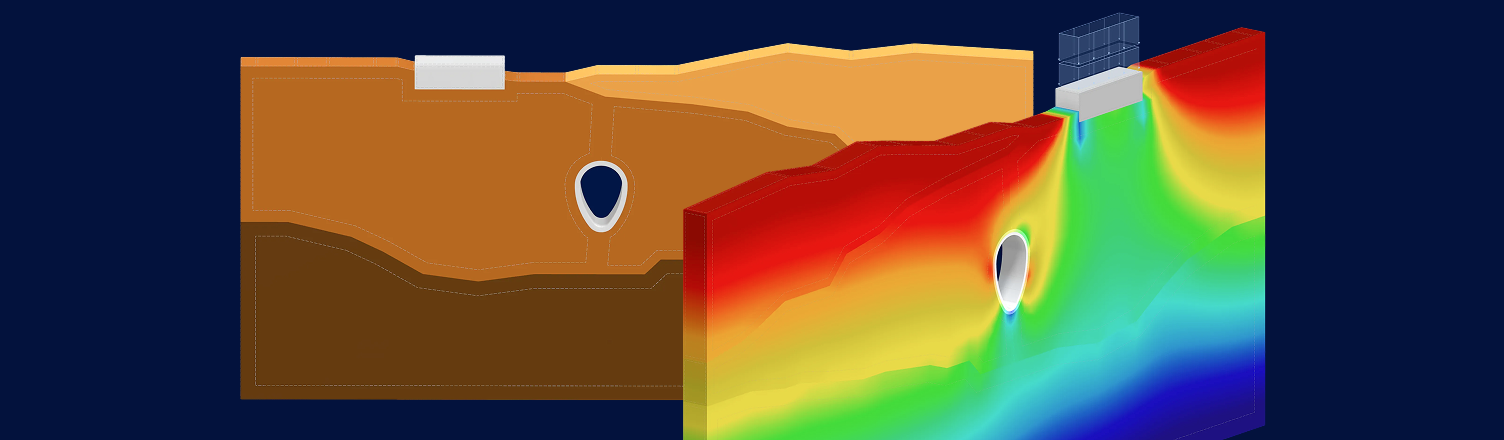
The Geotechnical Analysis add-on integrates advanced soil-structure interaction directly in RFEM 6, enabling engineers to perform detailed stability, deformation, and earth pressure analyses based on realistic soil behavior. Typical use cases include:
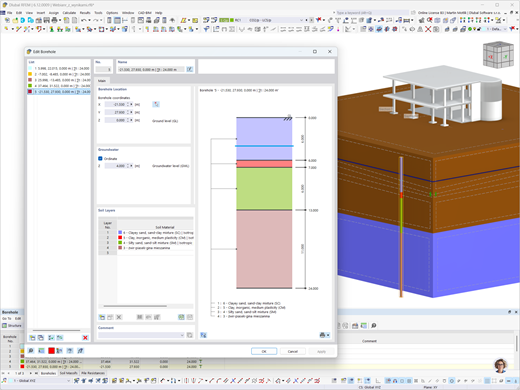
Soil Samples
You can enter the soil layers obtained from subsoil investigations at each location into the program as soil samples. Then assign the identified soil materials, including their material properties, to the corresponding layers.
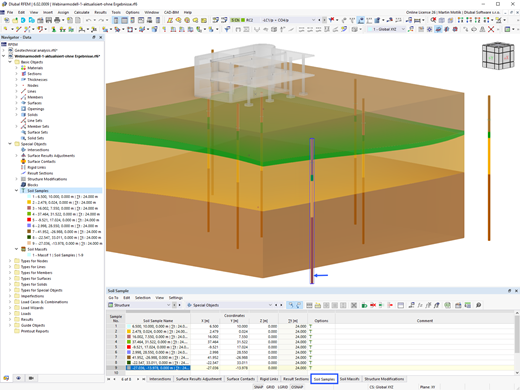
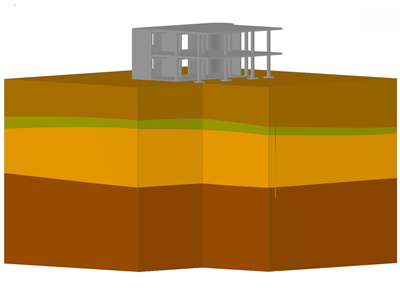
Soil Massifs
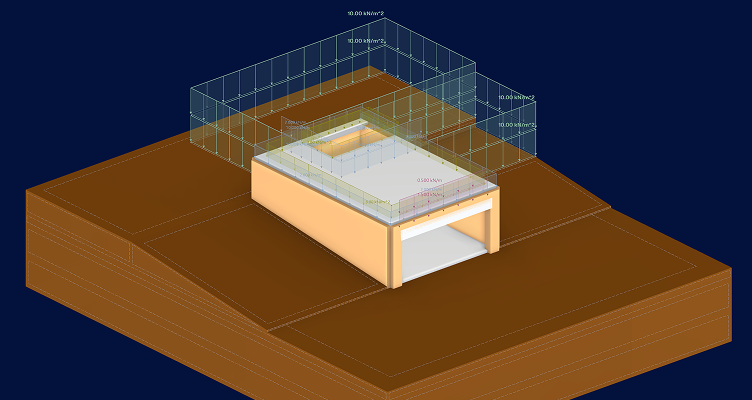
Use the soil samples as a basis for a definition of the respective soil massif. This way, the program allows for user-friendly generation of the massif, including the automatic determination of the layer interfaces from the sample data, as well as the groundwater level and the boundary surface supports.
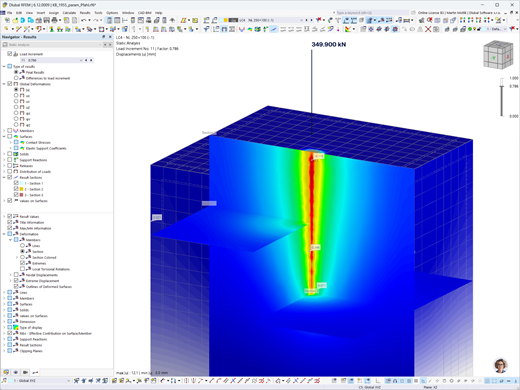
Member Type "Pile" for Geotechnical Analyses
In the Geotechnical Analysis add-on, the member of the "Pile" type is available. For the pile, the pile resistance types are created. They define the resistance parameters from the skin friction and the pile peak pressure.
Logistics Center in Khmelnytskyi
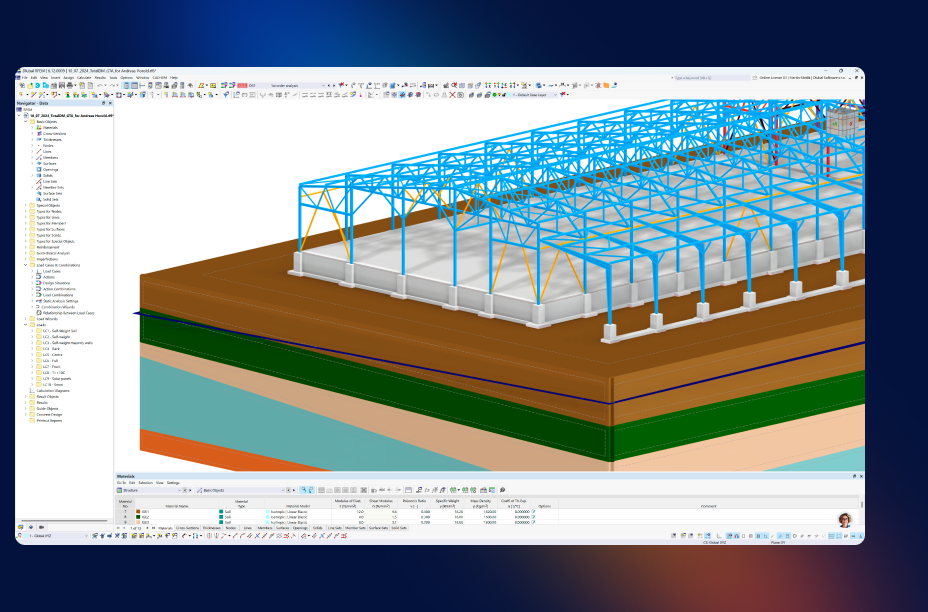
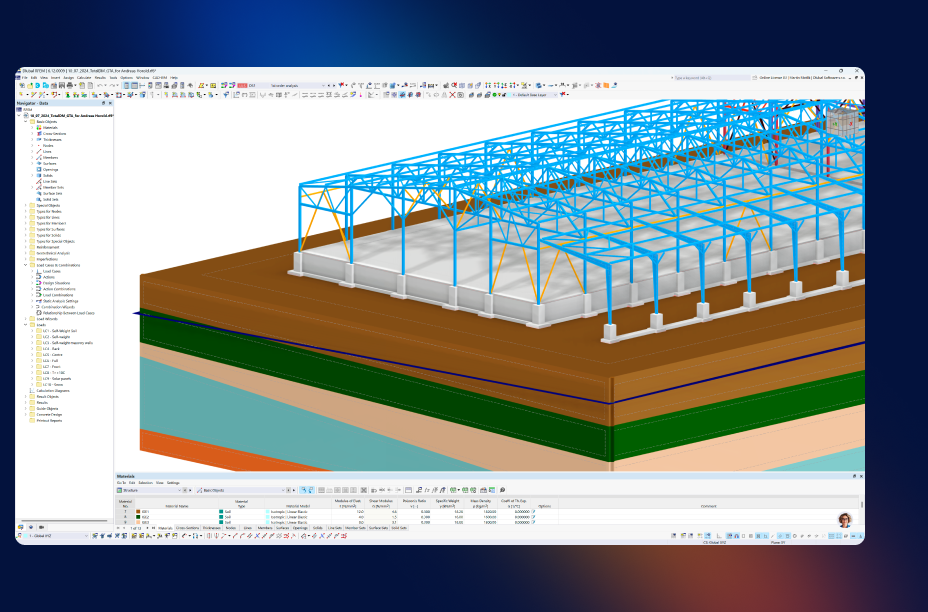
Geotechnical Analysis played a key role in verifying the concrete base slab on poor soil conditions, ensuring safe load transfer and deformation-free operation of heavy vehicles in a large-span logistics center.

Geotechnical Engineering Articles
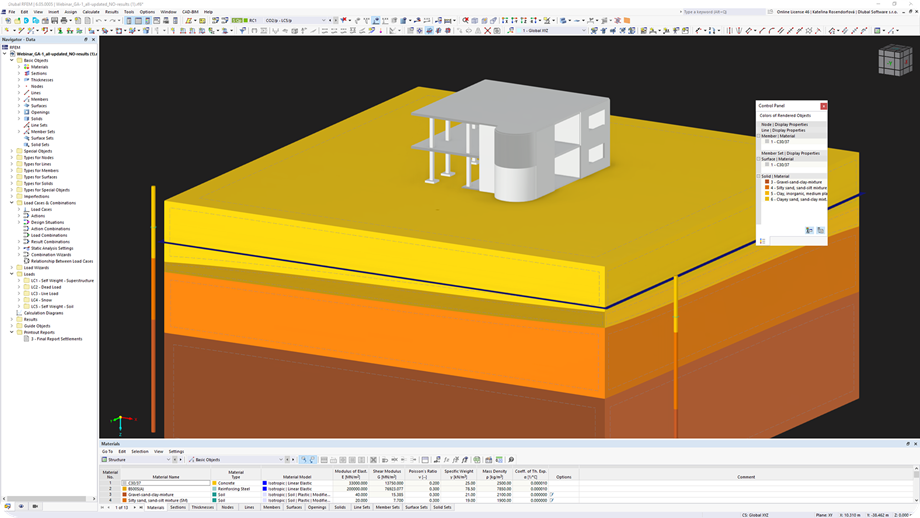
Creating Soil Body from Soil Samples in RFEM 6
Given that the realistic determination of the soil conditions significantly influences the quality of the structural analysis of buildings, the Geotechnical Analysis add-on is offered in RFEM 6 to determine the soil body to be analyzed.
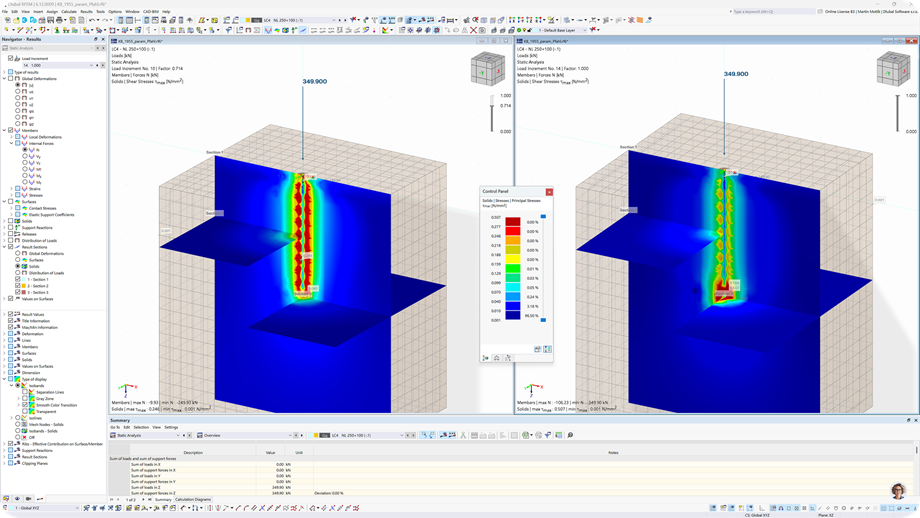
Parametric Pile Modeling with Empirical Pile Resistances According to Tschuchnigg
The article describes the use of global parameters to determine pile resistance depending on soil and cross-section properties according to the empirical method developed by Tschuchnigg.

Frequently Asked Questions
What types of geotechnical problems can I solve with this add-on?
The Geotechnical Analysis add-on is highly versatile, allowing you to handle a broad range of soil-structure interaction (SSI) challenges directly within your RFEM 6 model. As highlighted in our Use Cases, it is specifically designed to help you tackle:
- Deep Foundations: Model piles and anchors with nonlinear behavior to accurately predict load transfer.
- Retaining Structures & Slopes: Assess slope stability and calculate earth pressures for retaining walls and embankments.
- Excavations & Basements: Design temporary or permanent support structures for deep excavations to prevent excessive deformation.
- Complex Soil Behavior: Apply realistic, non-linear soil material models (like Mohr-Coulomb) to accurately predict settlement and soil reactions under varying loads.
What types of soil material models are included in the add-on?
To ensure the most realistic modeling of soil solid behavior, RFEM 6 provides several specially adapted material models.
- Linear Elastic: For standard, simplified geotechnical assessments.
- Nonlinear Elastic: Incorporates an oedometer stress-strain relation.
- Modified Mohr-Coulomb: A robust plastic model that accurately describes the transition from the elastic to the plastic range in soils.
- Modified Hardening Soil: Allows for advanced modeling of soil hardening effects under varying loads.
- Hoek-Brown: Specifically designed to capture the complex plastic behavior of rock masses.
Do I still need to export support reactions to design my foundations?
Not anymore. By performing a fully coupled soil-structure interaction (SSI) analysis within one 3D environment in RFEM 6, your foundation settlements automatically update the superstructure's internal forces. This eliminates manual data transfers and significantly reduces the risk of errors.
How does your licensing work? Can my team share a license?
Yes. We use our own secure, cloud-based licensing system. By logging into the Extranet directly on our website, you gain full control and easy management of your floating licenses, available products, and software updates. Your team can easily share access whether they are in the office, working from home, or on the go—without being locked to a single physical computer.
Can I test the Geotechnical Analysis add-on before making a purchase?
Yes! We offer a full-featured, 90-day free trial of RFEM 6, which includes full access to the Geotechnical Analysis add-on. This allows you to test the features on your actual projects and see firsthand how it streamlines your workflow before making any commitment.
How can I consider groundwater-related subsidence in a 3D solid soil massif?
The changed loads resulting from the difference in weight in the damp and saturated states, and the consideration of buoyancy, can be taken into account relatively easily as solid loads.
You can find more information here: FAQ section

Here, you can ask and answer technical questions, engage in meaningful discussions on structural analysis and design, suggest new features, and interact directly with the Dlubal team and fellow users.

Ready to take the next steps with your Dlubal purchase? Let us know in this form which products interest you. Our sales team will provide you with a no-obligation, customized quote.

Online Manual
Browse our online manuals on geotechnical analysis anytime to boost your work and support your projects.

Videos
Explore essential videos focused on geotechnical analysis. These tutorials guide you through practical workflows and help you master key features quickly.

Webinars
Access our recorded webinars on geotechnical analysis at any time. Watch sessions whenever you want to deepen your knowledge.
Webshop
Customize your individual program package and find out all the prices online!
Calculate Your Price
Total Amount 1,960.00 USD