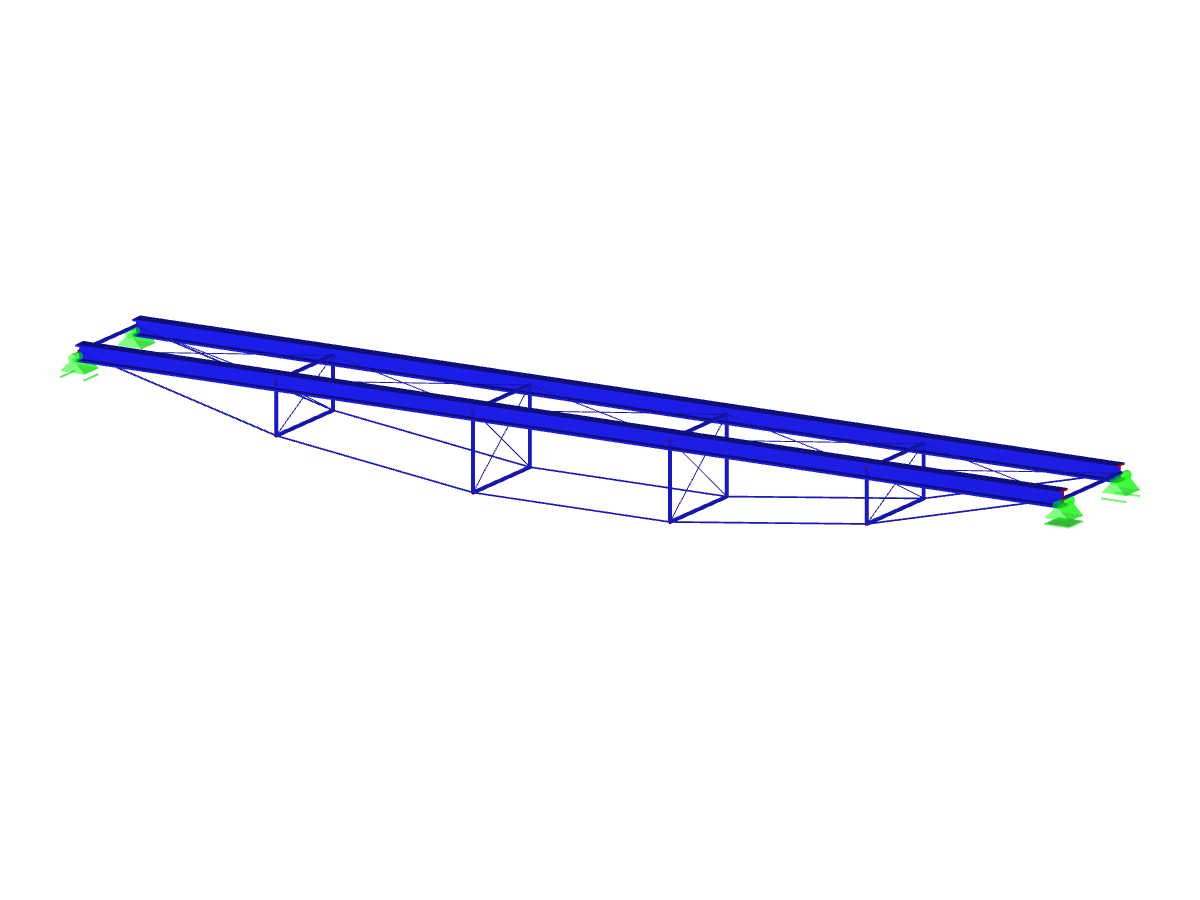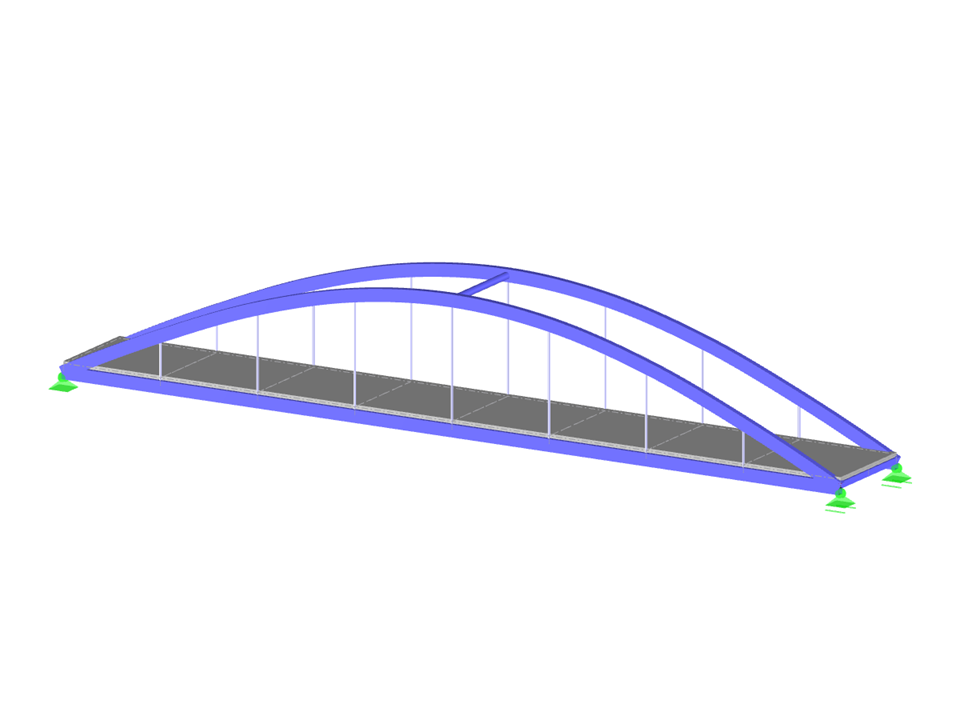
This model shows creating surface load cases from various positions of moving loads using the RF-MOVE add-on module in Dlubal Software. It also explains how to create favorite groups in the cross-section library. These features are essential for creating precise and efficient models of pedestrian bridges. This model can also be used to analyze moving loads and their effect on the structure.
Model Used in
- Animations
- Creating Favorites Group in Cross-Section Library
- Selecting Related Objects
- Repeating Last Action
- Preselection
- Creating Moving Loads in RFEM 5 with RF-MOVE Surfaces
- T&T 004 | Modeling - Favorite Groups
- KB 001665 | Creating Moving Loads in RF-MOVE Surfaces | Part 2
- KB 001665 | Creating Moving Loads in RF-MOVE Surfaces | Part 2
- Support Types and Supports
- KB 000630 | Selecting Related Objects
- KB 000574 | Repeating Last Action
- KB 000537 | Preselection
- KB 000940 | Animations
Pedestrian Bridge Modeling with RF-MOVE
| Number of Nodes | 37 |
| Number of Lines | 51 |
| Number of Members | 47 |
| Number of Surfaces | 8 |
| Number of Load Cases | 82 |
| Number of Load Combinations | 82 |
| Number of Result Combinations | 2 |
| Total Weight | 16.265 t |
| Dimensions (Metric) | 20.500 x 3.000 x 3.250 m |
| Dimensions (Imperial) | 67.26 x 9.84 x 10.66 feet |
| Program Version | 5.24.02 |
You can download this structural model to use it for training purposes or for your projects. However, we do not assume any guarantee or liability for the accuracy or completeness of the model.
Related Models