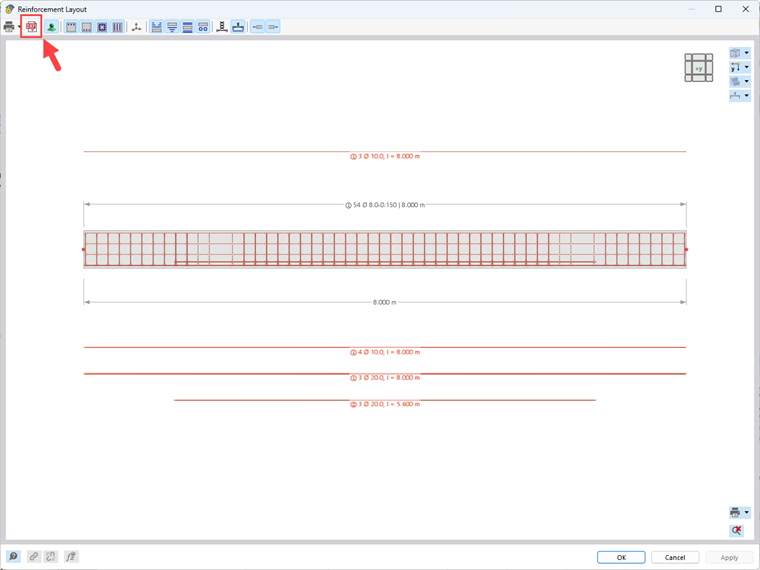
Answer:
The provided bar reinforcement can be displayed as a reinforcement detail.
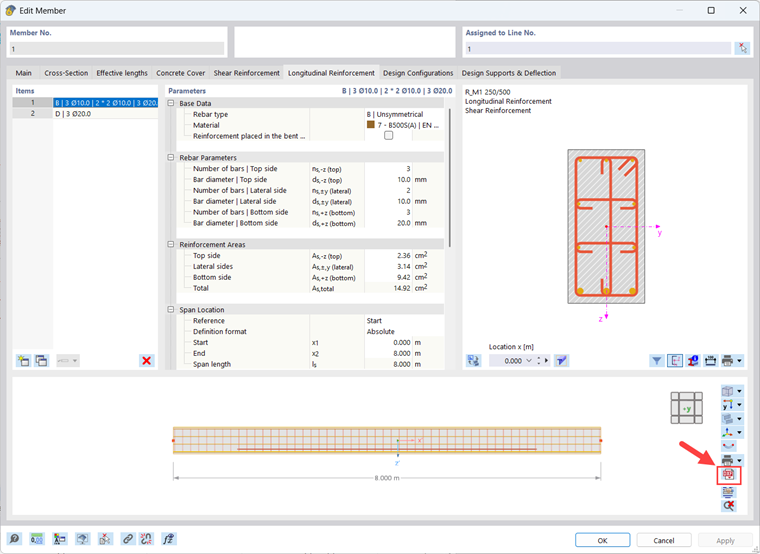
Double-click the member in the work window to open the Edit Member dialog box. Switch to the Longitudinal Reinforcement or Shear Reinforcement tab, where the member reinforcement is displayed with a graphical display.
In the lower image, find the button for DXF export first. This exports the displayed reinforcement as a 3D line model in DXF format.
It is also possible to export the reinforcement layout, including the corresponding reinforcement labels, as a 2D DXF file.
To do this, click the
 button to open the Reinforcement Layout window. There you will find the button for 2D DXF export.