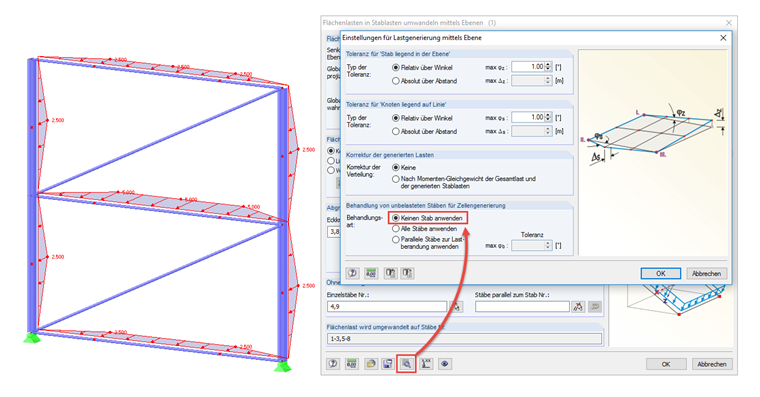
Answer:
Once you select the corresponding members in the "Remove influence from" section, no load will be applied accordingly.
However, the load is still generated in RFEM 5 while considering these members. In this case, the diagonals are the reason for the antimetric arrangement of the cells subjected to the load. Accordingly, the member load diagrams are linear in the opposite directions.
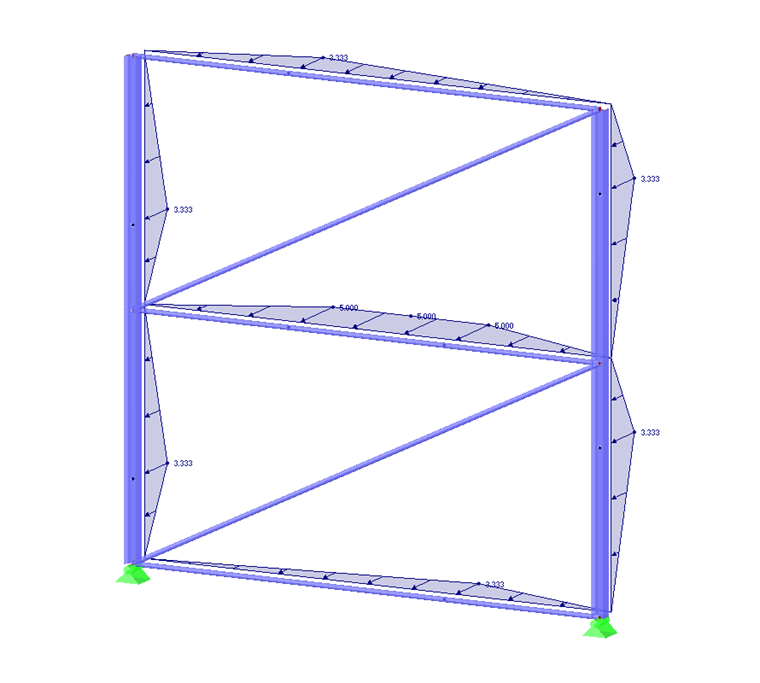
There are two options to obtain symmetrical or constant diagrams of the member loads:
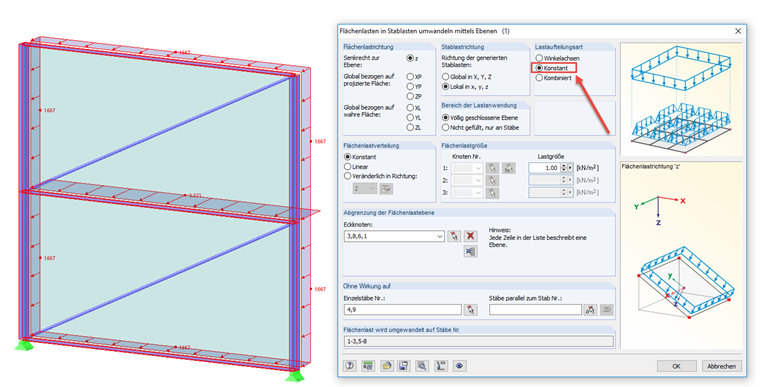
- Select the "Constant" load distribution type for the uniform distribution.
- Select the "Do not use any unloaded member for cell generation" option to obtain only a symmetric distribution.