


Answer:
To connect the member ends correctly, you can use nodal links to create this connection.
Creating Nodal Links
Double-click the node you want to connect to edit it. In the window under the “Main” tab, select “Coupling to Nearby Objects.”
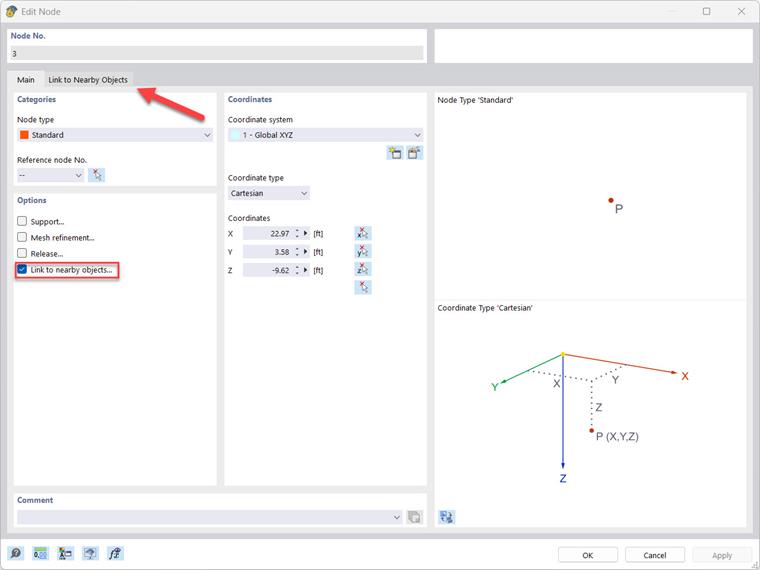
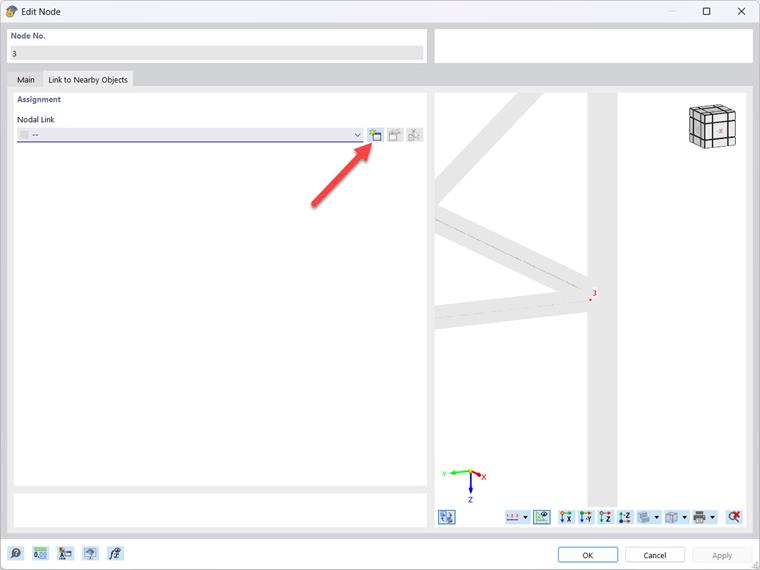
Under the “Link to Nearby Objects” tab that appears, you can now create a new link.
Define the type of nodal link in the “Main” tab. Among other things, you can select the type of object to connect to and the radius. RFEM 6 searches for the shortest distance.
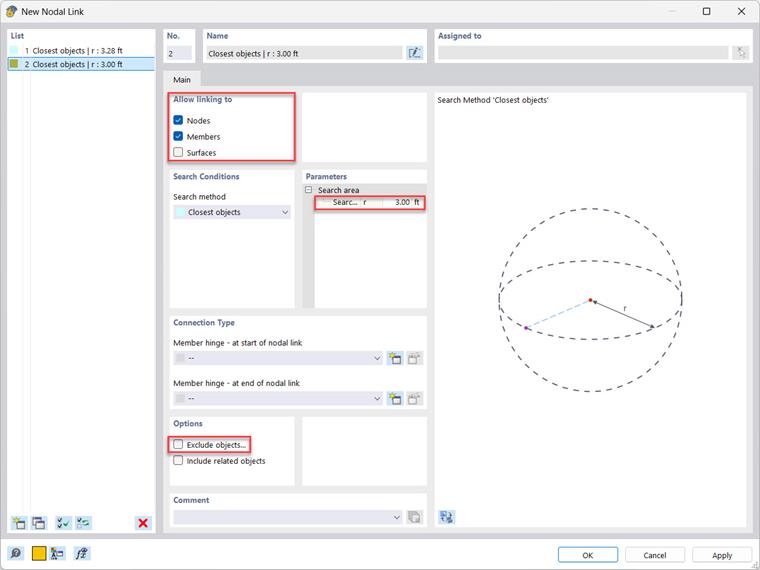
Tip: If no connection to the desired point is created, you can define unwanted objects in the “Options” section and exclude them from the coupling.