


You can start the import from Tekla Structures to RFEM by clicking the Export to RFEM button
 in the Tekla Structures menu (see the image
Add-In in Tekla Structures Ribbon
).
in the Tekla Structures menu (see the image
Add-In in Tekla Structures Ribbon
).
A dialog box appears where you can enter the specifications important for the data transfer to RFEM.
Model Type
Physical Model
The model is imported as displayed in Tekla. Information such as supports, hinges, or loads is not transferred. This model refers to the physical elements. The elements whose system axes have no intersecting point are not automatically connected to each other.
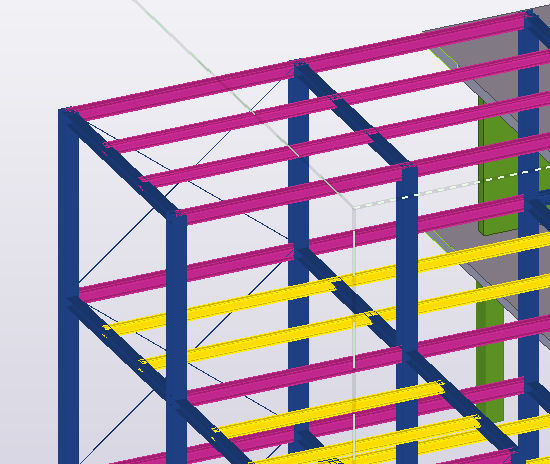
Analytical Model
In Tekla, it is possible to create an analytical model automatically. You can then transfer this model to RFEM as a complete structural model, including the information about materials, cross-sections, member type, supports, and hinges.
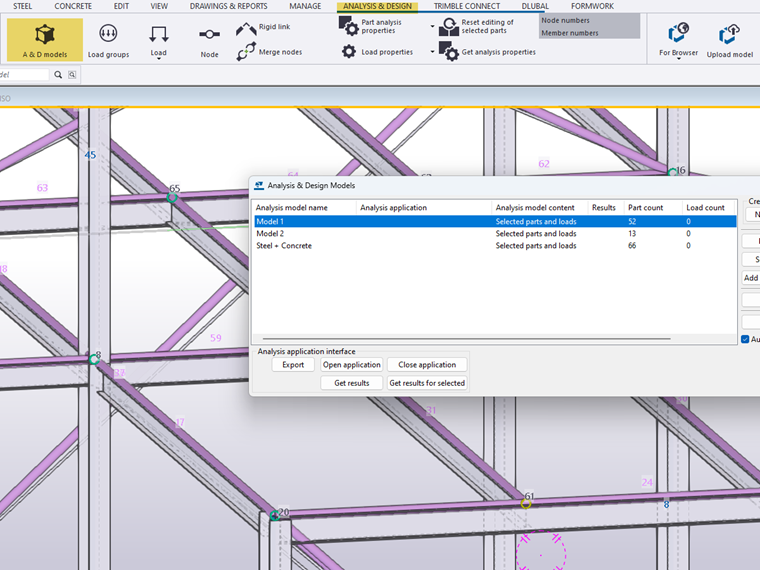
- Member Type
In the structural properties of the analytical elements in Tekla, you can use the member type properties to specify which member type should be transferred to RFEM (beam, truss, tension member, compression member).

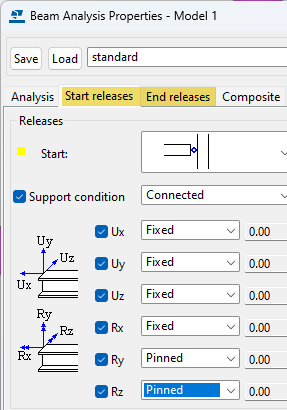
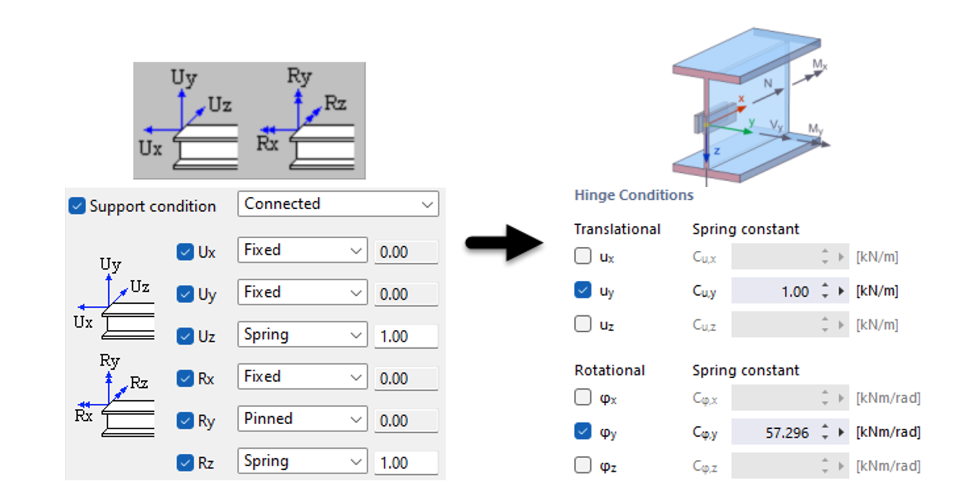
- Hinges and Support Conditions
You can define hinges and support conditions in Tekla Structures before the export to RFEM. In the structural properties of the analytical elements, you can specify whether to define hinges or supports on nodes.
Options
Export of Load Cases
This option allows you to export Tekla load groups as load cases from Tekla Structures to RFEM 6. The basic load types in Tekla are transferred as nodal loads, member loads, and surface loads.
Export of Rigid Links
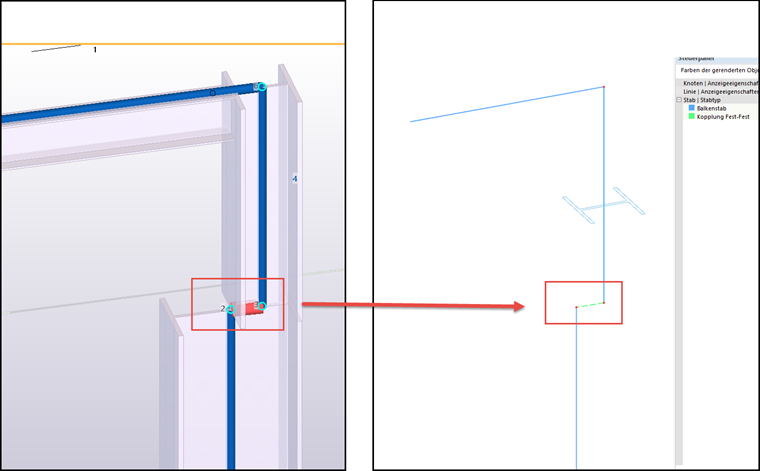
The analytical model in Tekla Structures uses rigid links to connect members to each other. They can be converted into the corresponding coupling member type in RFEM.
Creating Unique Section for Each Member Set
In RFEM, the same cross-sections are summarized in one cross-section number. If you select the check box, a separate cross-section is created in RFEM for each Tekla member.
Z-Direction
With this option, the global Z-axis in RFEM is oriented upwards, and thus adjusted to the orientation of the global Z-axis in Tekla. Optionally, the elements can be mirrored about the individual axes of the global coordinate system.
Export Type
Specify whether to create a new model or overwrite the existing model when exporting to RFEM.