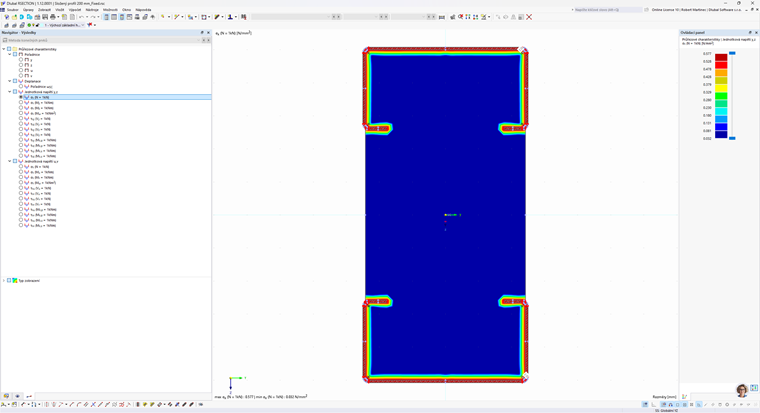
There are several errors in your model that need to be corrected. In the Model Base Data, you have selected the finite element method and, at the same time, the calculation of the effective cross-section according to the standard for thin-walled cross-sections. These cannot be combined. You need to deactivate the calculation of the effective cross-section.
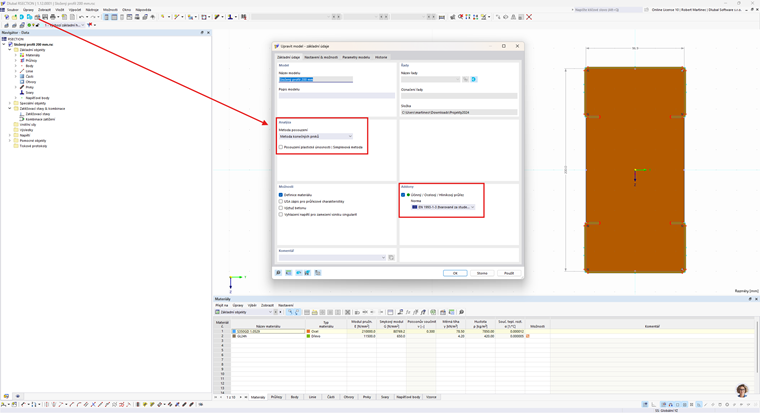
Next, you need to modify the timber cross-section, because it overlaps with parts of the steel cross-sections. It is easier to delete the timber part and split the steel cross-sections into individual parts. It is thus easier to work with them.
.png?mw=760&hash=1429621a65410d69566e86a5b37ac48fa1efcd7d)
Then, you need to add the missing lines for the outline and create a new part using the Select Boundary Lines function.
.png?mw=760&hash=335ceaab45719e1f25d8216493d4629611c2b73e)
Finally, it is possible to calculate the cross-section.