RFEM and RSTAB models can be saved via glTF export (.glb, .glTF), including steel joints and reinforcement, and viewed in detail in 3D in any glTF viewer.
GITF
Sign up for the Dlubal Extranet to get most of the software and have exclusive access to your personal data.
Sign up for the Dlubal Extranet to get most of the software and have exclusive access to your personal data.
Sign up for the Dlubal Extranet to get most of the software and have exclusive access to your personal data.
.png?mw=832&hash=e0aa81300f38fe93d95f7aaa923b9b39f6db44eb)
RFEM and RSTAB models can be saved via glTF export (.glb, .glTF), including steel joints and reinforcement, and viewed in detail in 3D in any glTF viewer.
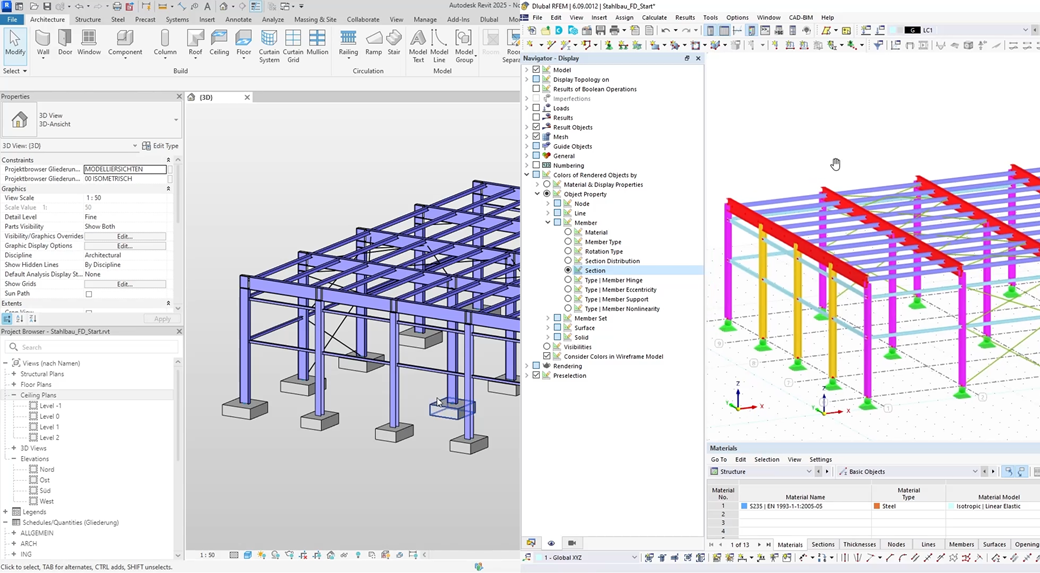
RFEM 6 / RSTAB 9 and Tekla Structures allow for easy data exchange: STP export, analysis model export with update, and bidirectional model synchronization.

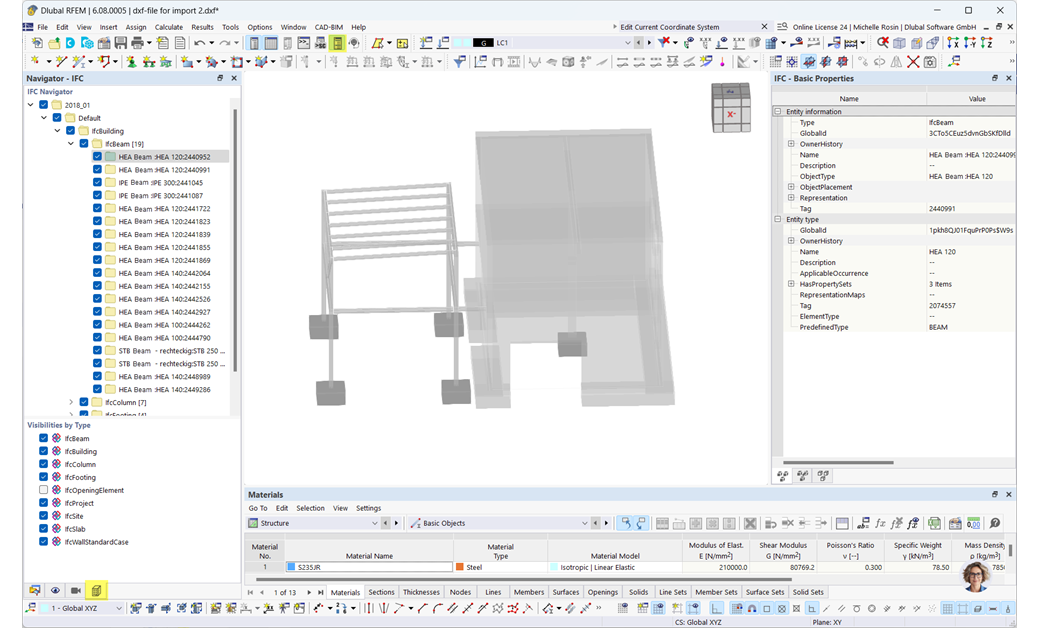
DXF is a common CAD exchange format that allows for easy import and export of data, including deformed FE mesh, dimension lines, and other additional functions.
ASF files allow for the export of the reinforcement determined in the Concrete Design add-on for RFEM 6. You can then display this reinforcement in Allplan in the form of reinforcement elevation lines or FEM reinforcement color images.

DXF interfaces allow for the import of lines from AutoCAD to RFEM 6 / RSTAB 9 and the export of objects, deformed FE mesh, and dimensions back to AutoCAD.

The RFEM 6–Rhino interface allows for bidirectional exchange of lines and surfaces. Grasshopper can be used to import and export model data, load cases, and loads.

RFEM 6 and RSTAB 9 support bidirectional data exchange with SAF (MS Excel-based), which facilitates the import and export of structural analysis models between different programs.

RFEM 6 and RSTAB 9 allow for the direct import and export of tables via Excel, individually or collectively, which significantly simplifies and streamlines the evaluation, further processing, and preparation of data.

The interface between RFEM 6 / RSTAB 9 and BricsCAD allows for the import/export of nodes, lines, and objects to separate layers, as well as the export of the deformed FE mesh and dimensions.

To simplify your modeling, use background layers stored in the work window of RFEM 6 / RSTAB 9 for the input of graphical object. These layers are generated from an imported DXF file.

The SDNF interface in RFEM 6 / RSTAB 9 allows for the import and export of materials, cross-sections, members, and surfaces for data exchange with programs like Tekla Structures or Advance Steel.

The DSTV interface in RFEM 6 / RSTAB 9 allows for the exchange of beam structures with loads and combinations to programs such as Tekla, Bocad, or Bentley ProStructure.

The XML format in RFEM 6 allows for the import and export of models in a structured, machine-readable format. This provides an easy way to exchange data between RFEM and other software solutions.

The SVG format (*.svg) is suitable for displaying vector-based 2D graphics. These graphics can be scaled as desired without losing quality. The graphic is generated from the current view in the workspace.

VTK export allows for the visualization of results using external programs (for example, ParaView). Files in the format (*.vtm) are generated for this purpose.
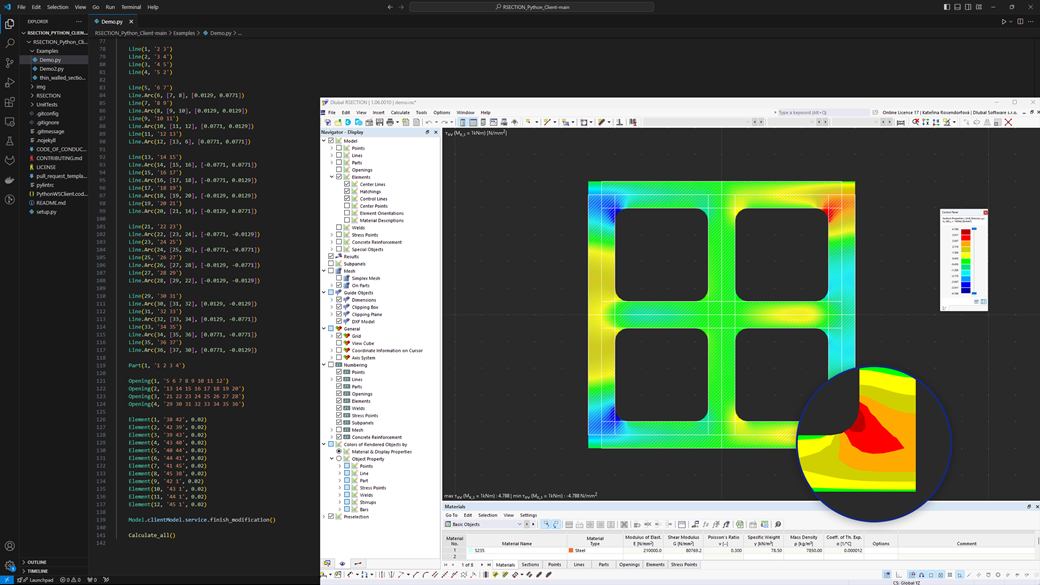
The new Dlubal API service (gRPC) allows for direct and flexible interaction with RFEM, RSTAB, and RSECTION.
The Python and C#-based interface supports parametric modeling, optimization, and integration into company-specific applications.
It provides an expandable library for quick access to data and features of the main programs and add-ons.