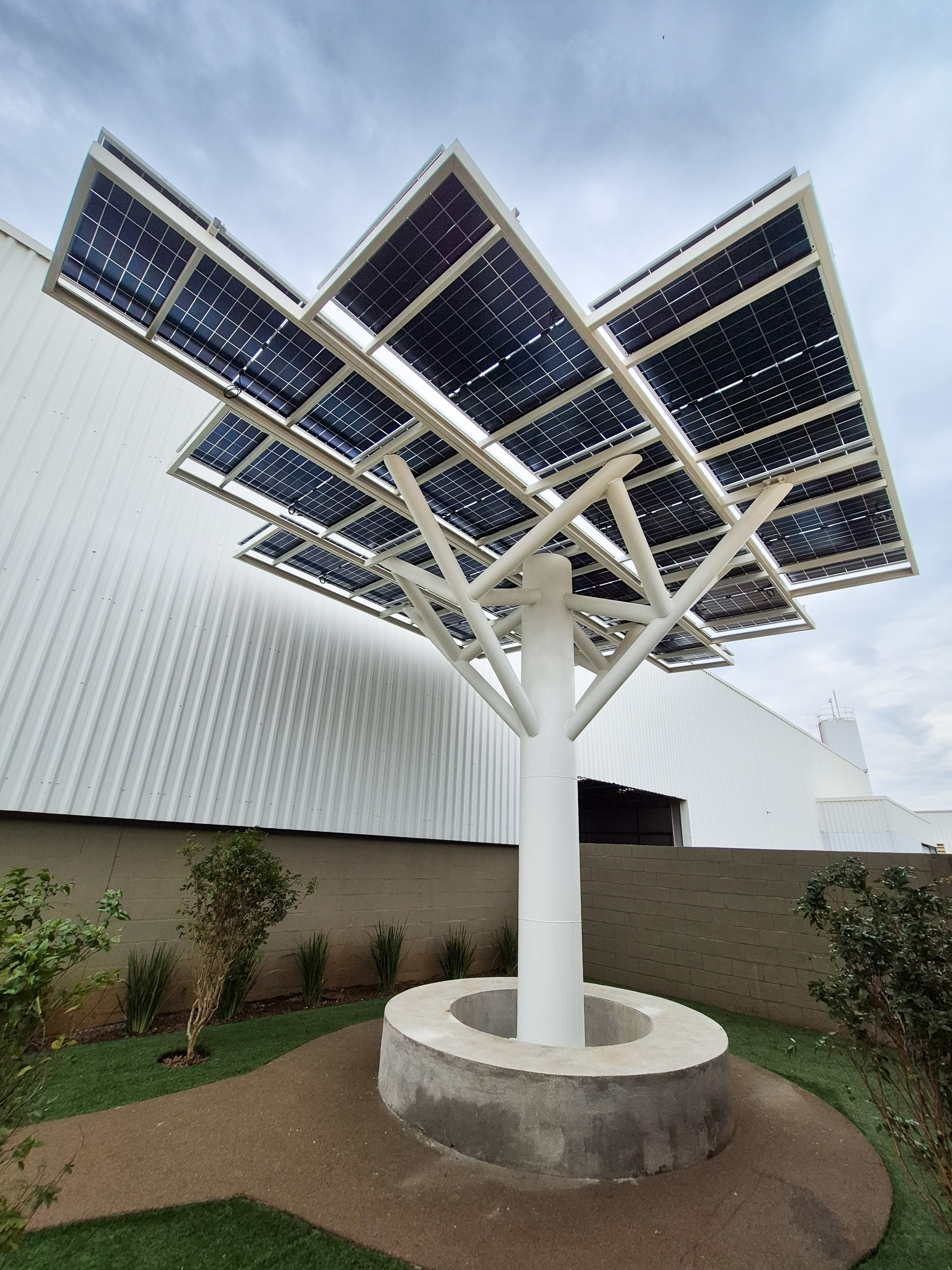
A steel structure resembling a tree, designed to support photovoltaic installations by MSE Engenharia.
Case Study

Designing Tree-Shaped Solar Structure in Brazil with BIM-Integrated Workflow

Challenge

MSE Engenharia, a Paraná-based industrial engineering firm, needed to design a tree-shaped steel structure in Londrina to support photovoltaic panels — combining structural integrity with aesthetic intent under wind loads. The team also regularly handles large-scale industrial structures involving steel-concrete combinations, second-order analysis, and joint verification under tight deadlines.

Previously, their software lacked a Revit interface, forcing engineers to reenter data manually between the design and analysis phases. Lost cross-section data, version mismatches, and duplicated effort were a constant drain on project time.

Solution

Victor Luis de Oliveira and Carlos Eduardo Amaral Nicacio adopted RFEM 6, integrating it directly with Revit as the backbone of their BIM workflow. Conceptual modeling happens in Revit, then imports into RFEM for analysis, then exports back to Revit for documentation. The Steel Joints add-on handles connection design in the same model — including the solar tree's column base and full wind load analysis — eliminating the data loss and rework of their previous approach.

Advantages

  • Seamless BIM round-trip: The Revit–RFEM interface transfers cross-sections and geometry accurately in both directions, eliminating reentry and version conflicts.
  • All-in-one design environment: Steel joint verification happens in the same model, removing the risk of outdated data being used for connection calculations.
  • Confidence in second-order analysis: RFEM's P-Delta and imperfection handling deliver reliable results on geometrically complex industrial buildings.
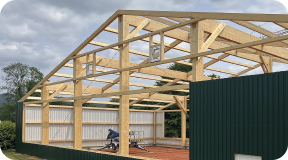
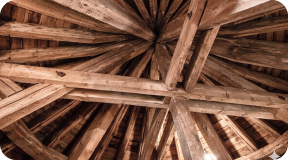
  • New design capabilities: The team is expanding into aluminum and steel plate design, with timber structures planned next.
  • Responsive support: The Dlubal team in Argentina provides fast, expert assistance whenever needed.

RFEM 6 as Hub of BIM-Integrated Workflow

The key shift for MSE Engenharia was to consolidate their workflow around a single interoperable environment. Previously, exporting between tools was manual and error-prone — cross-sections were lost, changes had to be applied twice, and outdated models risked being used in final calculations.

RFEM 6 resolved this with a direct, bidirectional Revit interface. The team models in Revit, analyzes in RFEM, and returns to Revit for documentation — with all cross-section definitions and geometry preserved throughout. This applies equally to steel and concrete structures across their full project range.

Steel Joints: One Model, no Data Loss

Previously, exporting connection data to a separate joint design tool was slow and lossy. Any model change had to be manually replicated in the joint software — introducing risk at every step.

The Steel Joints add-on in RFEM 6 removed this entirely. Internal forces transfer directly to joint-level calculations in the same workspace. For the solar tree in Londrina, the column base was designed and verified here, alongside the full wind load analysis.

Industrial Structures: Second-Order Analysis and what Comes Next

MSE Engenharia regularly designs factories, warehouses, and processing facilities combining concrete and steel. On a recent tall industrial building with a complex shape, RFEM's second-order analysis handled imperfection modeling and stability checks efficiently — with results that the team described as very satisfactory.

Looking ahead, the team plans to extend RFEM to timber structures and is already incorporating the aluminum and steel plate design feature into their practice. The Dlubal support team in Argentina has been a reliable resource throughout.