


Answer:
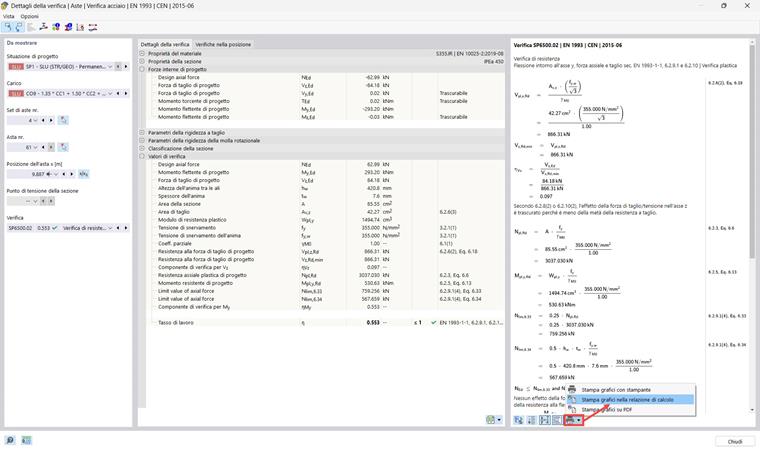
To access the “Design Check Details” dialog box, double-click one of the design checks listed in the table, or select the design in the table using the left mouse button and click the corresponding “Design Check Details” button in the table toolbar.

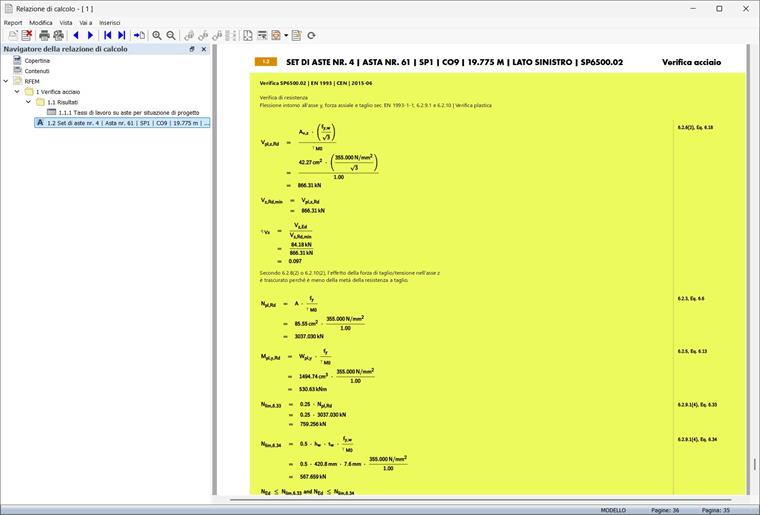
From the “Design Check Details” window, you can print the design check details in text form with the formulas shown by clicking the print button. This operation should be performed separately for each design check that you want to show in the printout report.
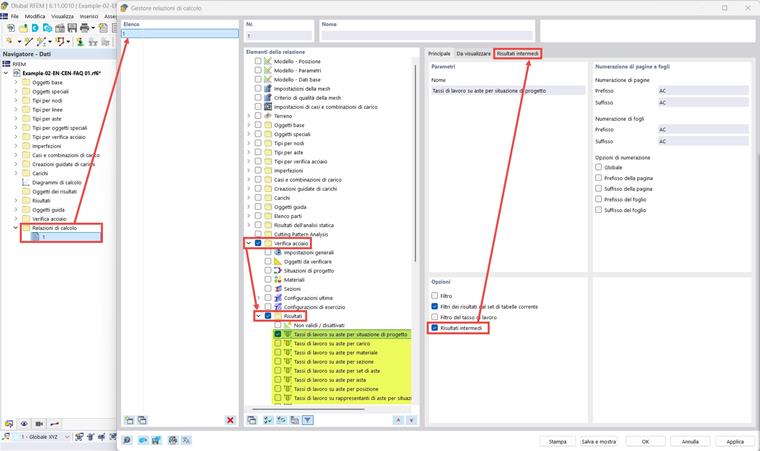
To print the design check details with all the design checks performed at the same time, you can activate the “Intermediate results” option in the “ Printout Report Manager.” In this case, the design check details will be presented in a table rather than text format, but will contain all the information shown in the “Design Check Details” window.

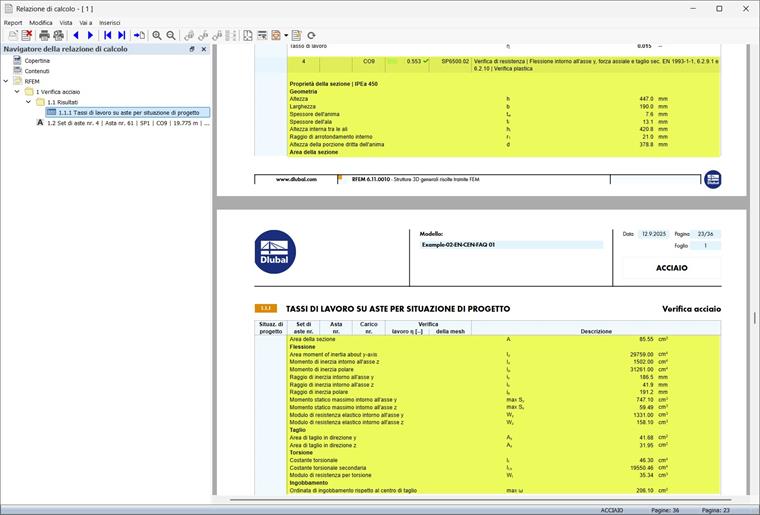
The images show the design results for steel members, but the same procedure can also be applied to other design add-ons.