


The Parameters tab displays all properties and settings for the selected component in tabular form.
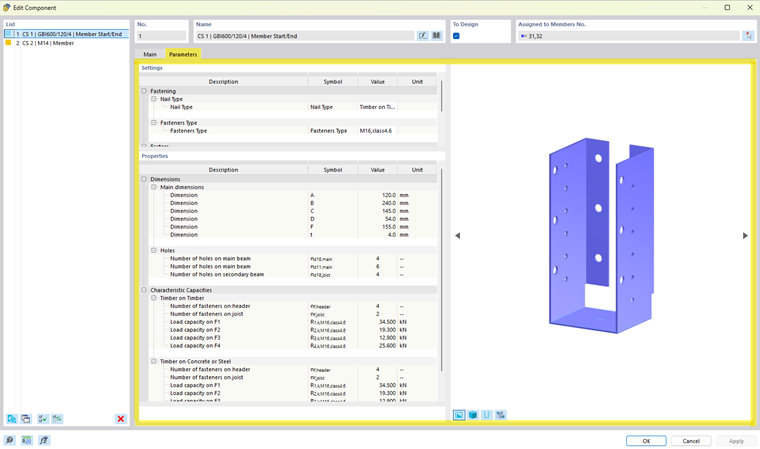
The content of this tab depends on the specific component series and is automatically generated based on the stored parameter structure.
The tab is divided into two sections: Settings and Properties.
Settings
In the ‘‘Settings’’ section, certain parameters of the component can be adjusted—if supported by the component series.
Properties
The “Properties” section contains the parameters stored for the selected component. Among other things, it displays the geometric dimensions, load capacities, and other parameters that are imported from the data files of the component series. These values form the basis for modeling and designing the component.