The Dlubal Center serves as the central management interface for the component series available in the add-on components. Using the Dlubal Center, you can select and filter existing component series and make them available for use in your model.
Component Series in Dlubal Center
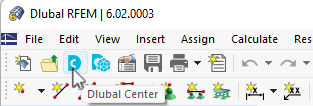
You can open the Dlubal Center by clicking the
 button in the toolbar.
Then select the component series category in the bar on the left.
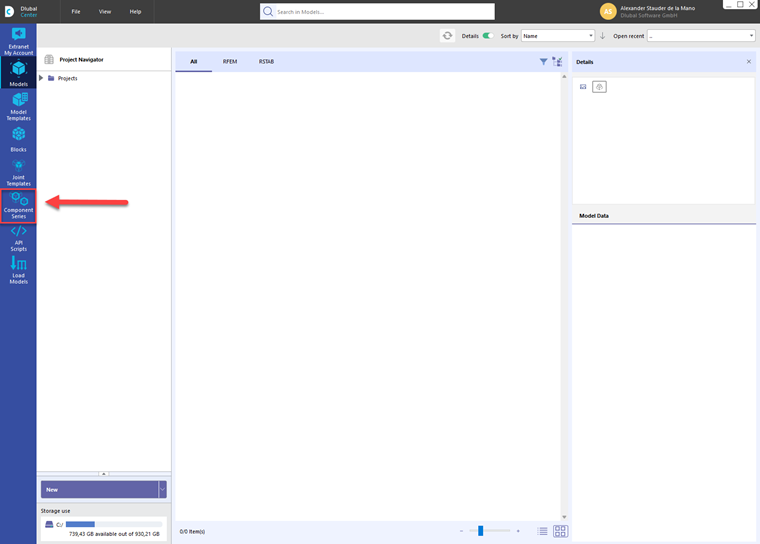
Alternatively, you can open the dialog box directly via the Data Navigator (see the image Opening Dlubal Center in Data Navigator).
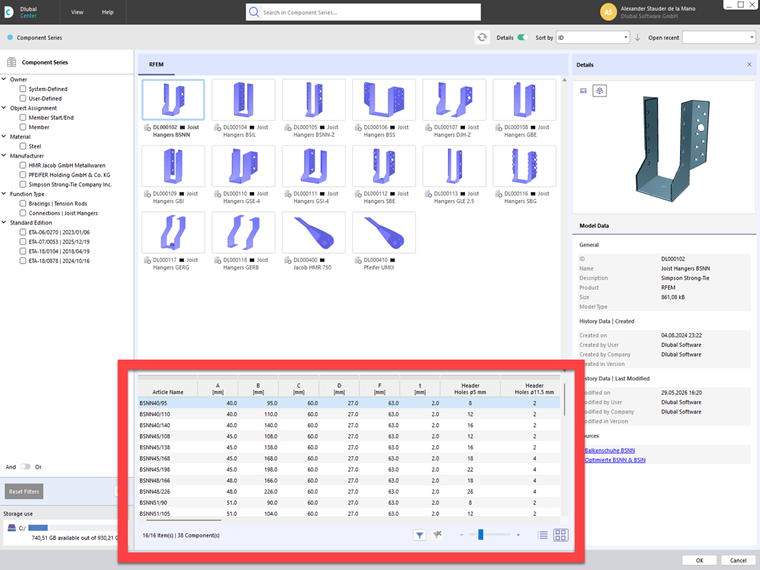
The Dlubal Center shows all available component series. In addition to the component series provided by Dlubal, user-defined component series that were previously created and saved by the user may also appear here.
Filtering Component Series
In the left section of the Dlubal Center, various filtering options are available for the component series. These represent groups (types) of similar components. Component series can be filtered by manufacturer or material, among other criteria. This allows you to narrow down your selection, especially when working with extensive libraries.
.png?mw=760&hash=e5940149d3f7af8b243838daed6e22ba5ae5322b)
Selecting Component
When you select a component series in the upper middle section, the included components are listed below in tables. The corresponding parameters are displayed for each component. These include, for example, geometric dimensions, load capacities, or other properties relevant to modeling and the design process.
For more information on how the Dlubal Center works, see the chapter Dlubal Center of the RFEM Manual and our website.