The Assigned Components tab lists the individual components of the selected component series in tabular form.
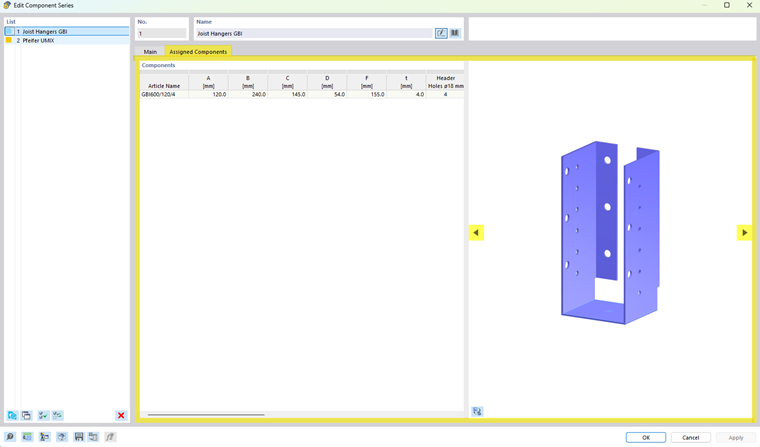
The table has the same structure as the component overview in the Dlubal Center and allows for a clear display of all properties stored for the components.
For each component, the associated parameters and properties are displayed. These include, in particular, geometric dimensions as well as other parameters required for modeling and design process. The displayed values are taken from the data files assigned to the component series.
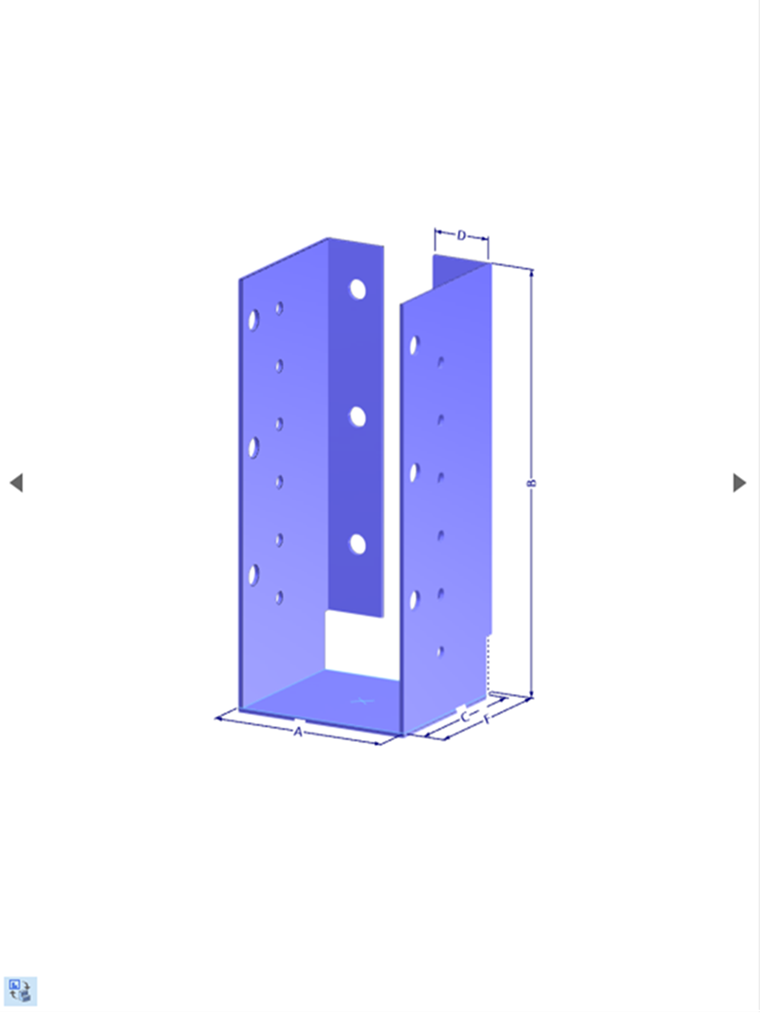
The meaning of the individual dimensions and parameters depends on the respective component series. To visually illustrate the parameters, you can use the arrow buttons
 or
or
 (highlighted in the image above) to display the component with the individual dimensions labeled.