


The results from the Components add-on can be documented and exported together with the results from the main program and other add-ons. The standard RFEM features for creating printout reports and exporting tables are available for this purpose.
Printing
The printout report allows you to clearly document the input data and design results for the components in tables and graphical form. Among other things, the following information can be included in the report:
- Input data for component series and components,
- Design results,
- Design checks for individual components,
- Graphs of the model and the components.
All design checks from the Components add-on can be included in the printout report and output together with the rest of the project information.
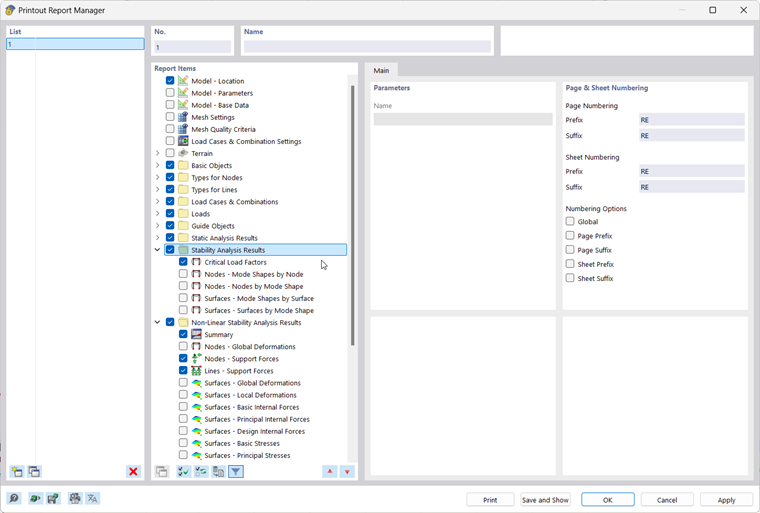
You can access the print functions via the File menu or the
 button in the top toolbar.