Answer:
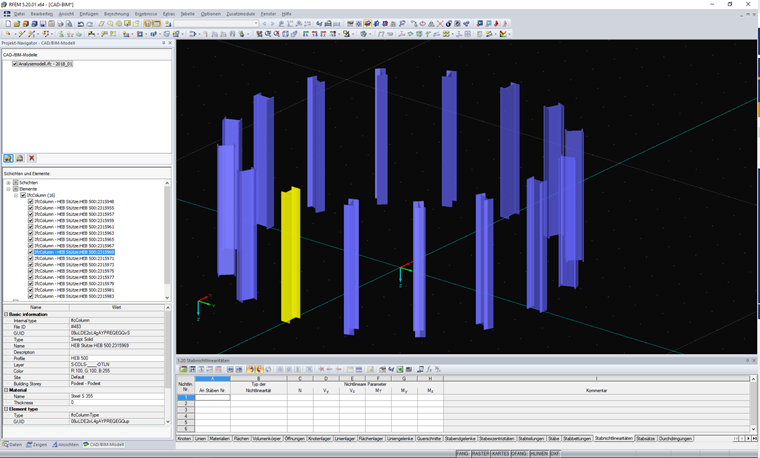
When converting to a member, the CAD/BIM objects are not deleted, but only hidden. In the Project Navigator, you can display the automatically hidden objects again. The short video shows you how it works.
Sign up for the Dlubal Extranet to get most of the software and have exclusive access to your personal data.
Sign up for the Dlubal Extranet to get most of the software and have exclusive access to your personal data.
Sign up for the Dlubal Extranet to get most of the software and have exclusive access to your personal data.
When converting to a member, the CAD/BIM objects are not deleted, but only hidden. In the Project Navigator, you can display the automatically hidden objects again. The short video shows you how it works.
Mr. Flori is the customer support team leader and provides technical support for customers of Dlubal Software.