


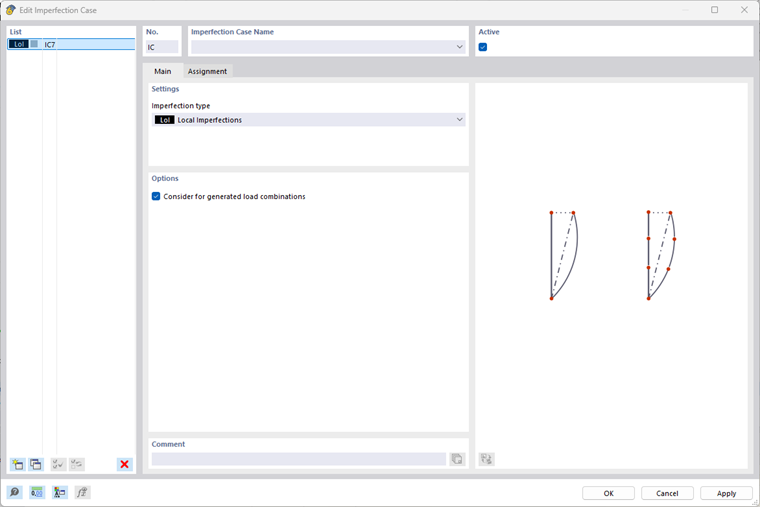
You can create simple imperfections related to a member or member set in an imperfection case of the “Local imperfections” type. To do this, use the member imperfections object, which you can create using the
 button in the toolbar.
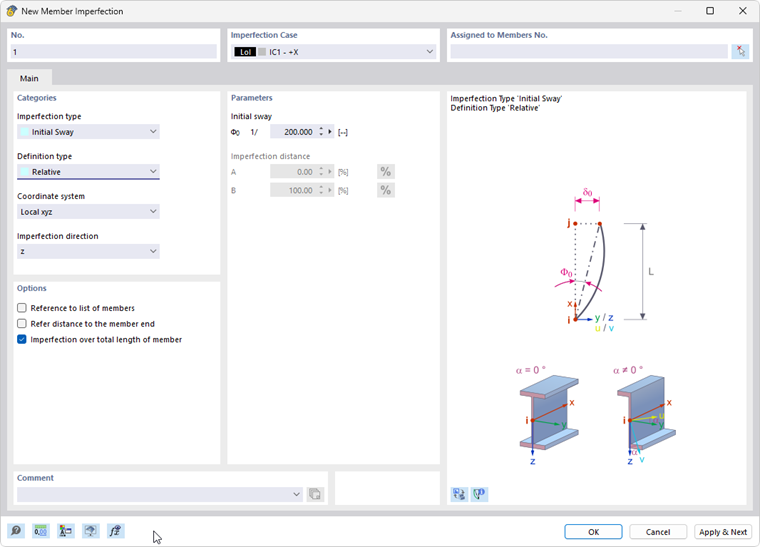
In addition to the absolute or relative input options for inclinations and initial bows, you also have other input options for various design standards. For more information, see the chapter Member Imperfections of the RFEM manual.
Member set imperfections have the same functions as member imperfections, but are related to a member set.
Calculation
In the calculation, the stresses resulting from the imperfection mode are represented by equivalent loads. The horizontal equivalent load for inclination and initial bow is calculated from the compressive force in the member. The imperfection is not taken into account for elements with tensile stress and no equivalent forces are applied.
In the calculation with 7 degrees of freedom, the additional torsional moment resulting from the shear load is also taken into account in the case of an initial bow.
The internal forces are averaged over one FE element in each case. For non-constant internal forces, you should therefore ensure a sufficiently fine FE division.
If you want to move the FE mesh nodes or define a specific shape as an imperfection mode, the scaled buckling mode and the imperfection due to static deformation are available as additional imperfection types.
Usage
The member imperfection always refers to the length of the entire member. For a multi-wave imperfection mode, it is therefore necessary to divide the members.