
Powerful and Easy to Use
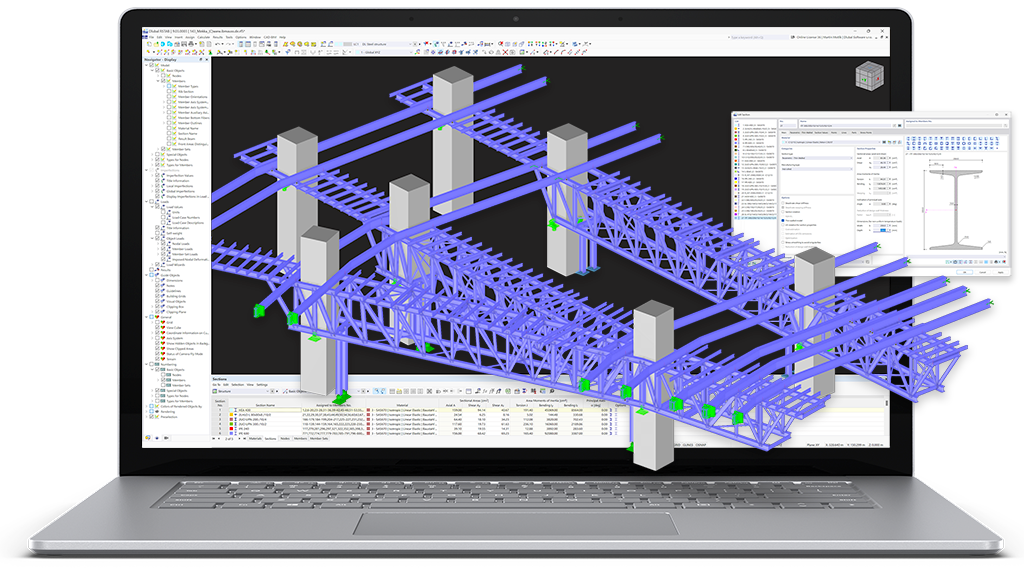
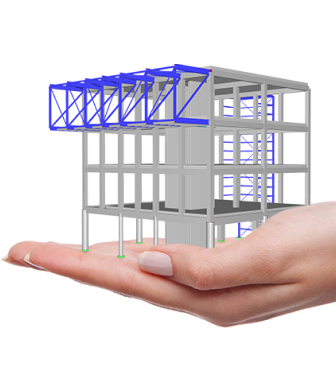
Are you still looking for an eligible structural analysis program? As a structural engineer, you have certain requirements, of course. RSTAB 9 is available for you as a powerful analysis and design software for 3D beam, frame, or truss structure calculations, reflecting the current state of the art and helping structural engineers meet requirements in modern civil engineering.
Opt for the established Dlubal program RSTAB 9 to facilitate your work with structures. Due to its sophisticated input technology, it allows you to intuitively model simple and complex structures. RSTAB 9 is the basis of a modular software concept. Its powerful computation solver allows for linear and nonlinear calculations of internal forces, deformations, and support reactions.
The add-ons integrated directly in the program allow you to carry out additional analyses and design checks according to various standards (for example, in reinforced concrete, steel, and timber structures). Compile a program package that is precisely tailored to your individual needs and projects. It is possible to upgrade the program at any time.
Let yourself be inspired by RSTAB 9!
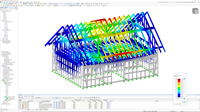
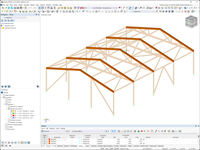
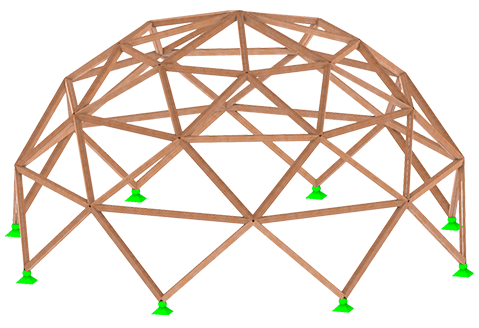
Designed with RSTAB 9
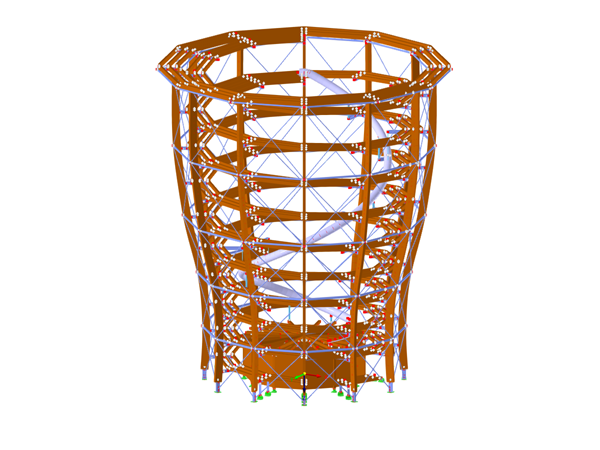
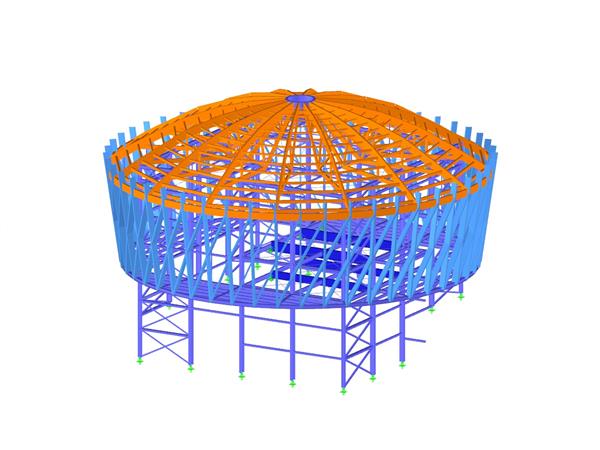
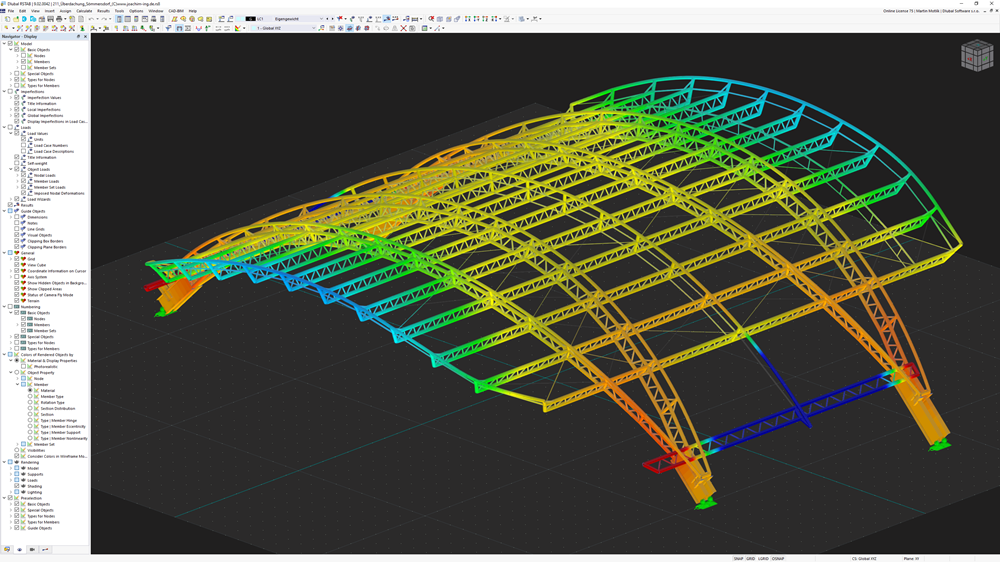
RSTAB Model of Schilling Biomass Power Plant in Schwendi, Germany
One of the most modern power stations for energy production based on renewable resources can be found in Schwendi, southern Germany. According to a design by the Milan architect Matteo Thun, an architecturally sophisticated building consisting of reinforced concrete, steel, and timber was created.
_rstab.png?mw=800&hash=30701eba86aa8c343985f8f0fa3cf018b7490fdc)
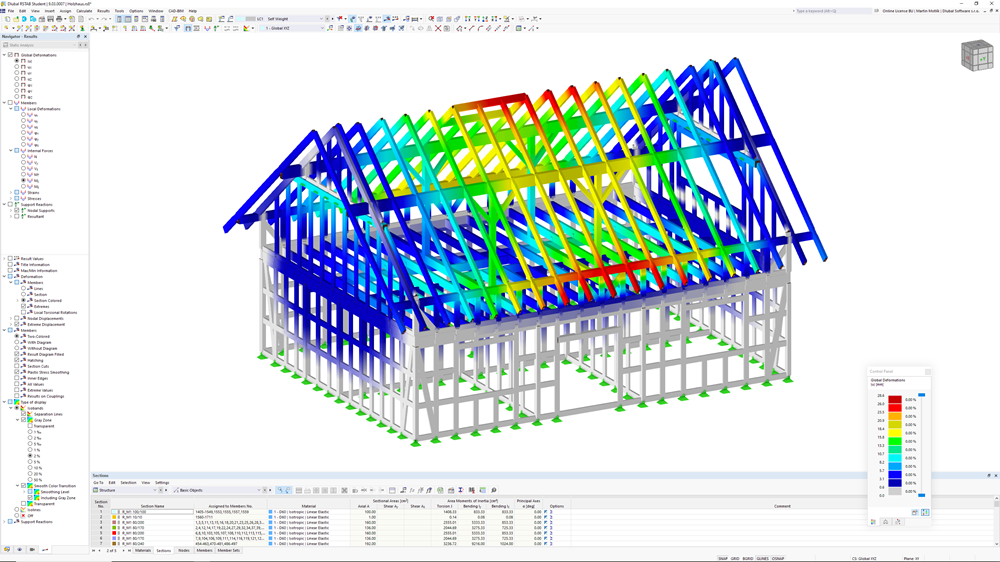
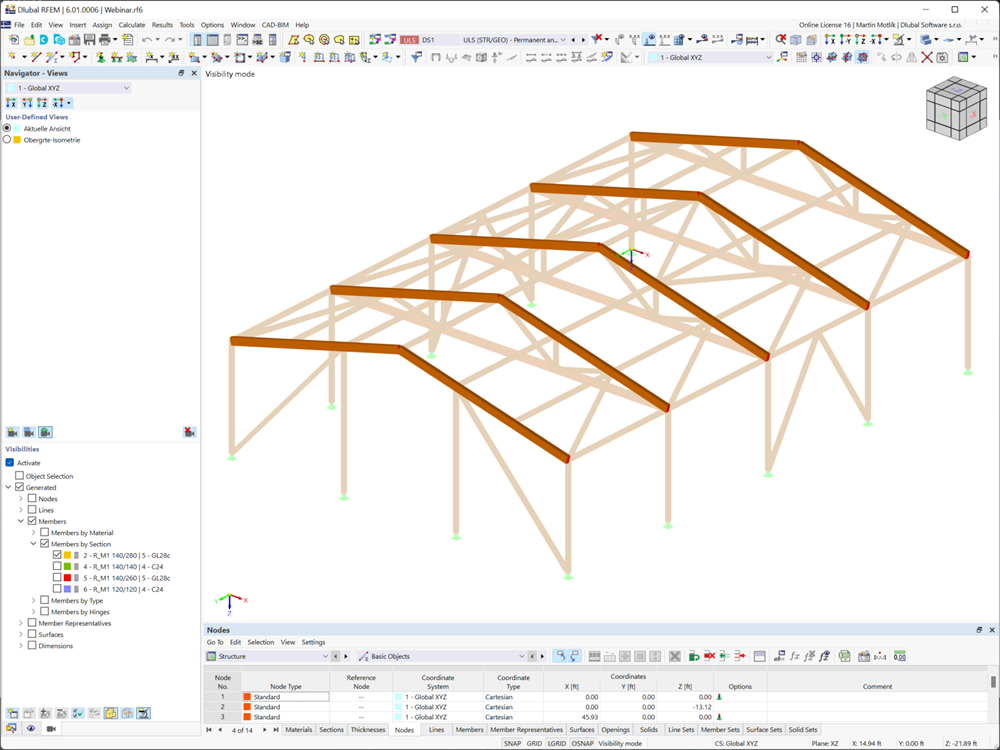
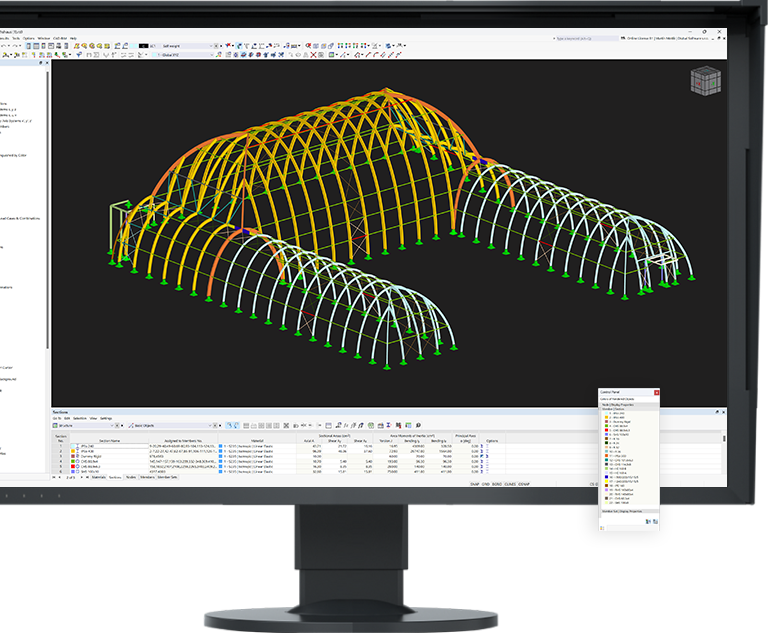
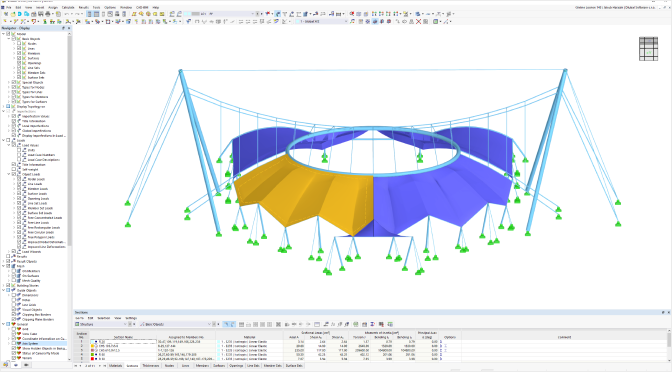
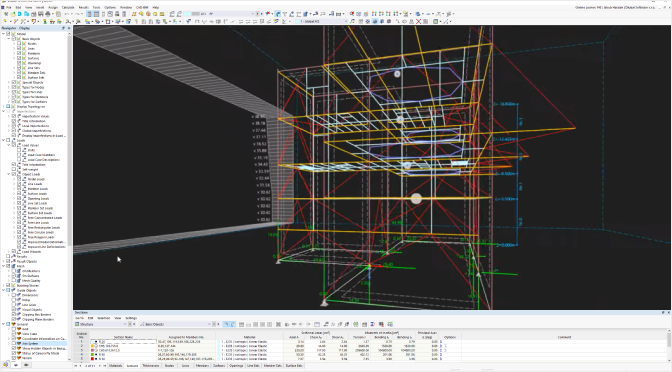
The graphical workspace is the central part of the user interface. This is where you create the model, define loads and evaluate results. You can intuitively control the view by clicking or rotating the cube (hold down the left mouse button and move the mouse pointer). Alternatively, you can also adjust the view directly using the mouse functions.
The Navigator manages the model data clearly in a tree structure. At the bottom, there are three tabs (four after the calculation) that allow you to easily switch between the Data, Display, Views, and Results sections.
The data is managed in a clear and organized manner in the form of a spreadsheet in the Tables. You can select a specific table using the lists of main categories and their associated subcategories.
The Control Panel contains a legend that makes it easier to find your way around the model results. In addition, the control panel provides basic controls that you can use to customize and optimize the display of the results.
Modern User Interface
The Dlubal programs are characterized by their user-friendly and easy-to-learn user interface - this applies in particular to RSTAB 9. You can conveniently create and edit your structure in a CAD-like environment or by using clearly arranged tables.
Right-clicking opens shortcut menus directly on graphic or navigator objects, allowing you to quickly create or edit them. The intuitive surface allows for quick definition of structural and load objects as well as easy customization.
Further highlights of the program interface include:
.png?mw=200&hash=ceabdac71454991b172d1a40faa3844b9a756ff1)
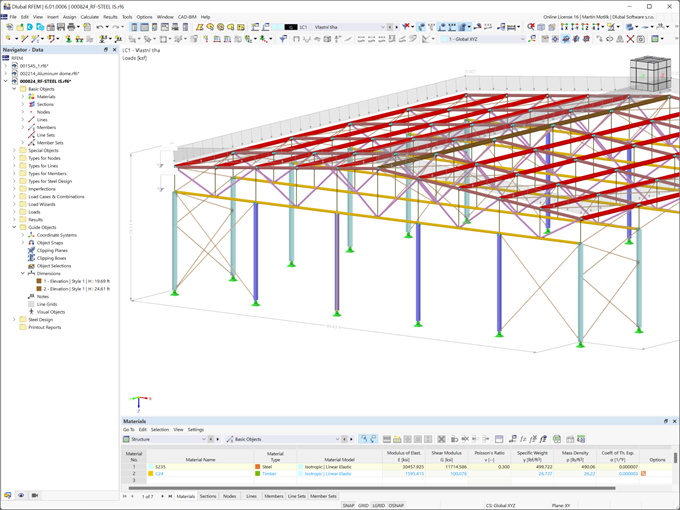

RSTAB 9
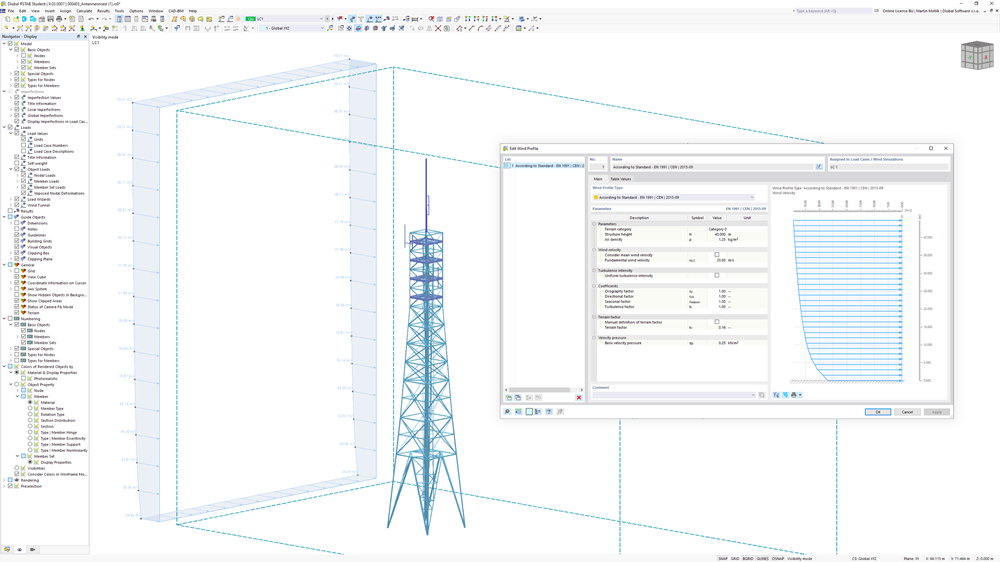
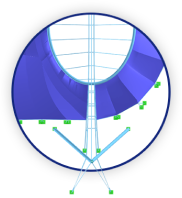
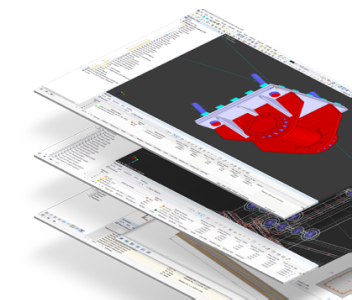
To model the bodies in RWIND Basic, you will find a special application in RSTAB. In this application, you define the wind directions to be analyzed using related angular positions around the vertical model axis.
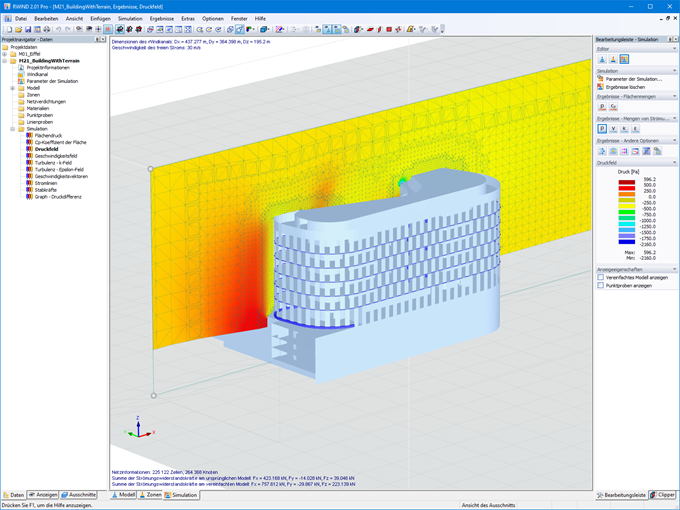
RWIND 3
RWIND uses a numerical CFD (Computational Fluid Dynamics) model to simulate wind flows around your objects using a digital wind tunnel.
Result Evaluation and Printout Report
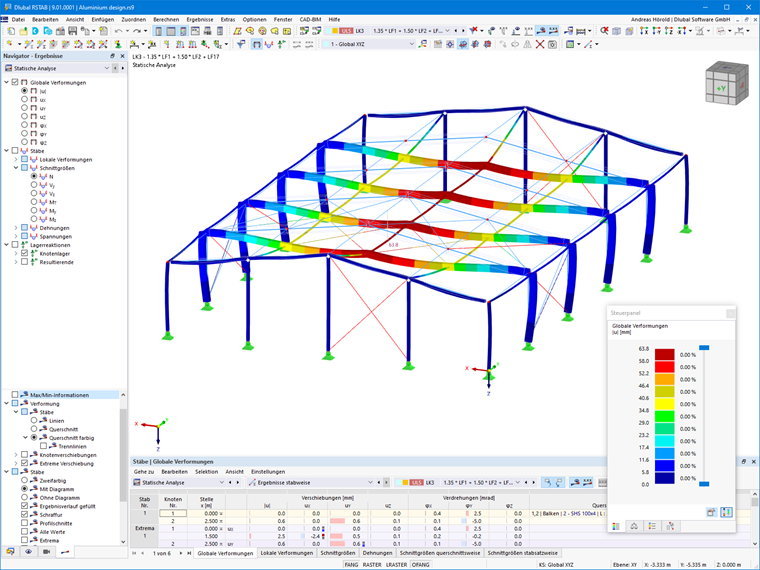
Your results and data in RSTAB 9 are displayed transparently and archived efficiently. Tabular and graphical results of internal forces, deformations, and support forces are available directly in the model. You can select your results using various filter criteria. All data is documented in a multilingual printout report, the content of which you can easily adapt and save as a template. Furthermore, RSTAB 9 allows you to easily integrate graphics, texts, MathML formulas, and PDF documents into your report.
Further Features:
Central Organization of Projects, Customer Data, Blocks, and so on
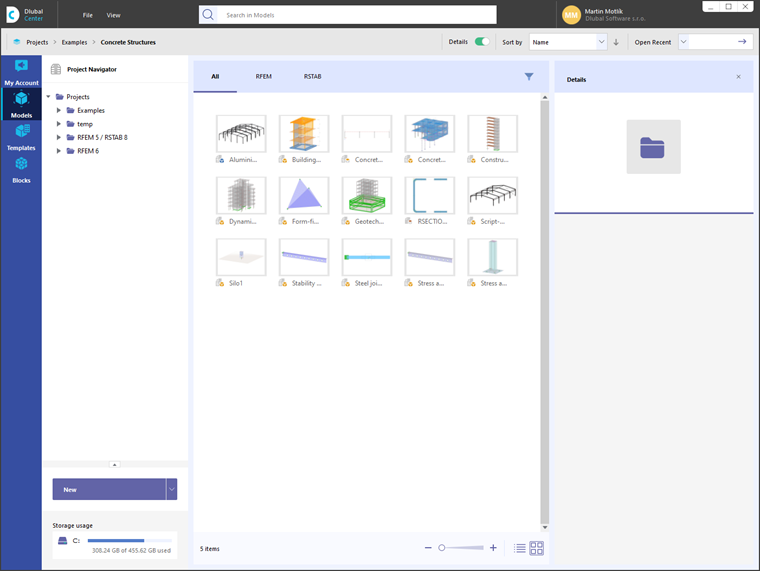
The Dlubal Center ensures that your planning goes quickly and efficiently. Among other things, your projects and model files are managed here in a central location. Detailed information and graphics make it easier for you to assign all models and thus enable uncomplicated and clear order processing. Furthermore, your customer data including the licensed programs and add-ons is organized in the Dlubal Center.
Quick and Easy Generation of Loads
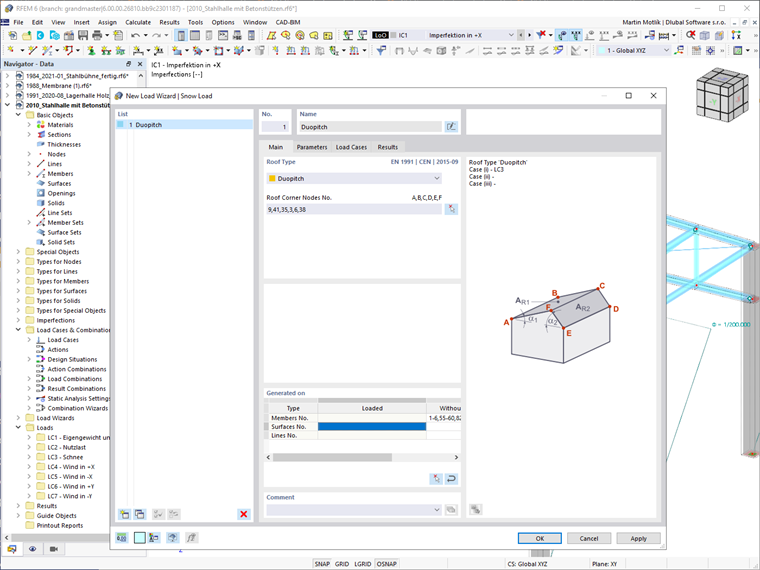
If stormy or windy conditions prevail in your planning, RSTAB offers you a firm hold. As a standard feature, RSTAB includes helpful tools for generating wind loads, snow loads, and so on, as well as for converting surface loads into member loads.
Automatic Generation of Load Combinations
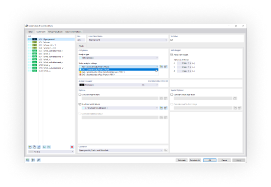
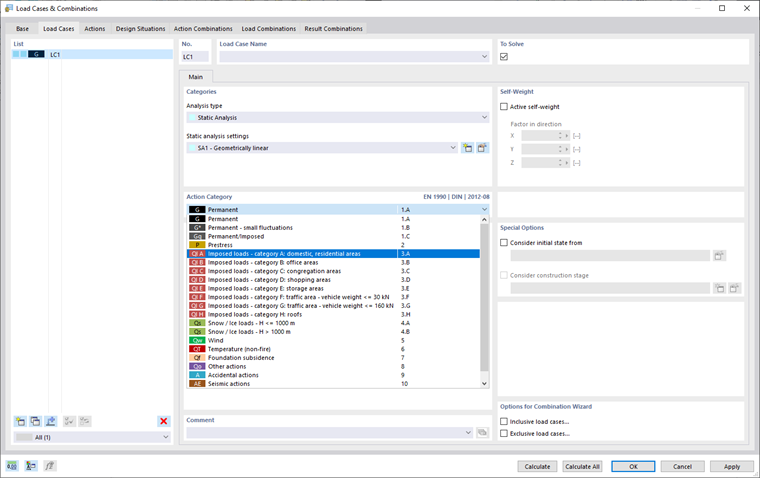
The Dlubal programs focus on efficient and uncomplicated work. Therefore, RSTAB can automatically generate action and load combinations, as well as design situations according to Eurocode and other international standards. It follows the corresponding combination expressions. For example, you can also copy or add load cases in a clearly arranged window. Furthermore, the load cases and combinations can also be easily managed in tables.
Calculate Your Price