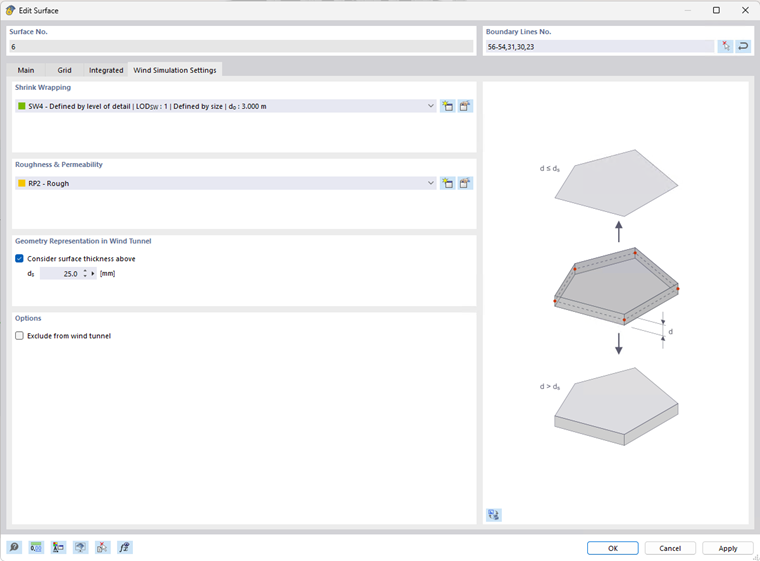
The Global setting for a wind simulation model is available in the Mesh settings - Wind simulation dialog. When an individual object or a group of objects needs to have different properties, it can be adjusted using the "Specific wind simulation settings" option available for each object.
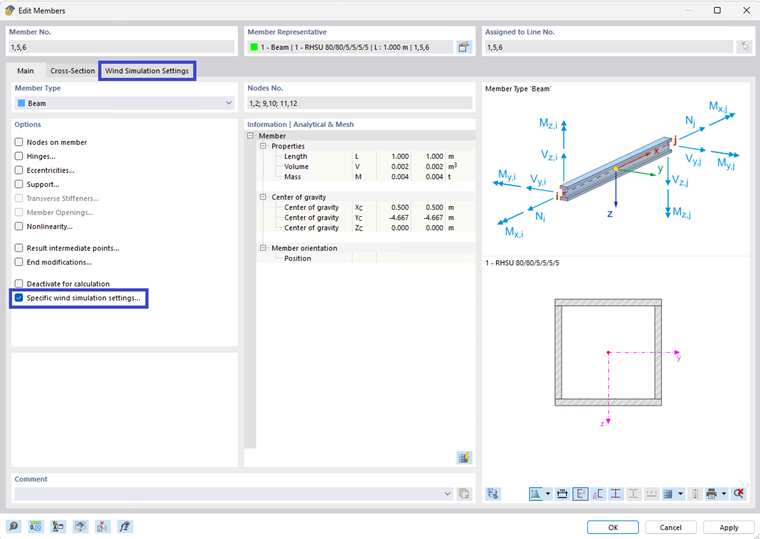
Tick the "Specific wind simulation settings" checkbox in Options in the "Edit/New object" dialog. The "Wind simulation settings" tab appears. Here, the types for wind simulation and the geometry for representation in a wind tunnel can be edited specifically. For the selected object, this setting overwrites the Global setting in Mesh settings.
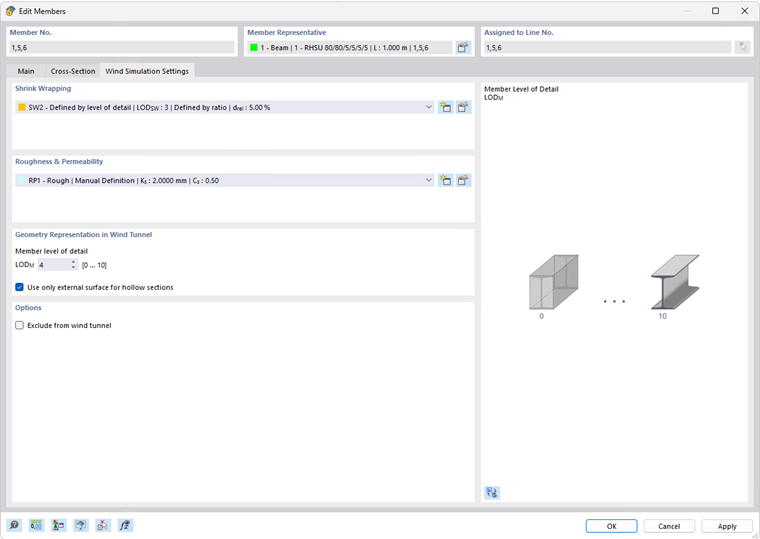
Selected objects can also be excluded from the wind flow calculation (i.e., they will not appear in the wind simulation model) when the "Exclude from wind tunnel" option is checked.