


In the “Navigator – Results”, specify the stresses, stress ratios, stress ranges, or strains that should be displayed graphically on the boundary surfaces of solids.
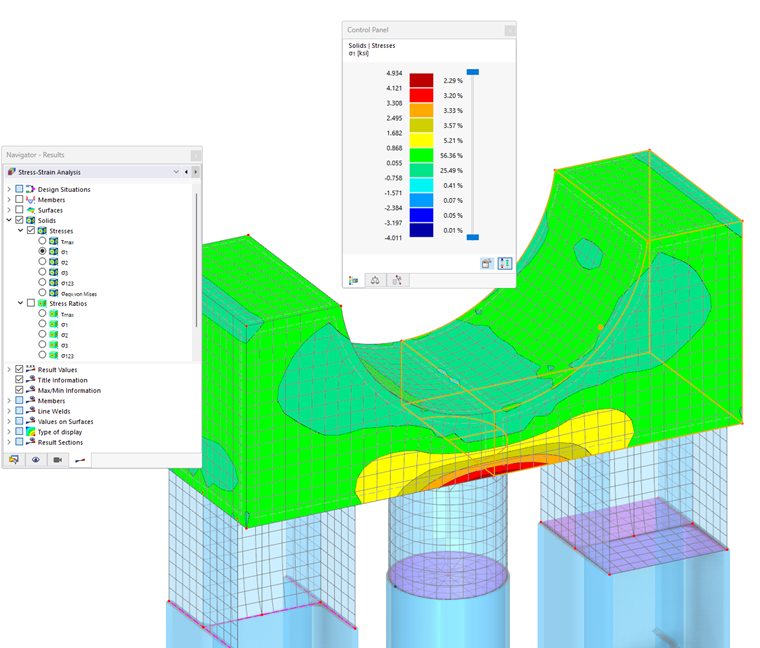
For each surface location, the values of the selected result type are displayed in color. In the control panel, you can see the color assignments of the stresses, stress ratios, ranges, or strains.
The solid results are displayed according to the smoothing settings defined in the “Global Settings” dialog box.