


The result diagrams of members are also available for the results of Aluminum Design. This allows you to evaluate the design checks in diagrams, as you are familiar with from the results of the structural analysis.
The result diagrams can be accessed as described in the chapter Result Diagrams of the RFEM manual. You can also use the
 button, which is available in the result tables of the “Aluminum Design” category for member objects.
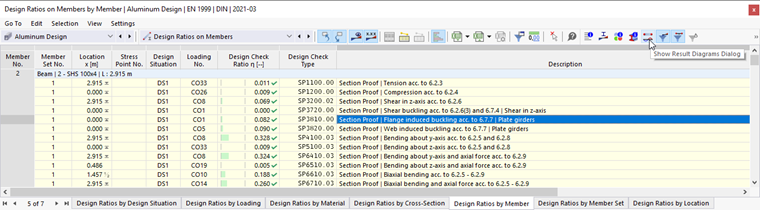
The “Result Diagrams” dialog box appears. The “Aluminum Design” result category is preset.
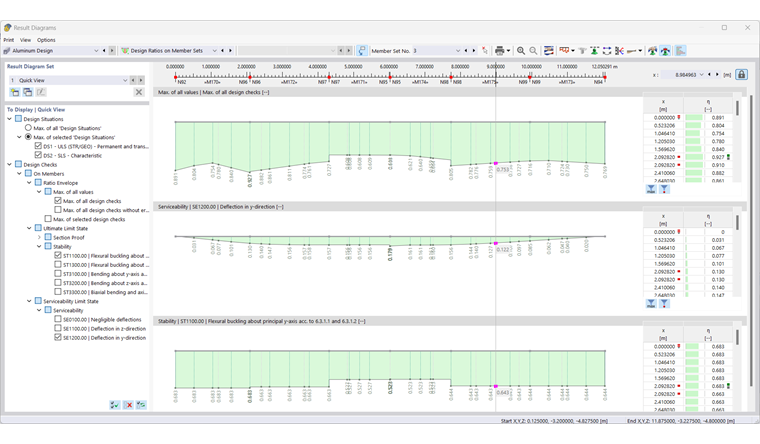
In the "To Display | Quick View" section, specify the design checks whose distributions are to be displayed in diagrams. The selection options for member histories correspond to those in "Navigator – Results" (see the image Displaying Design Ratios by Type of Design on Members). Each result type is displayed in a separate diagram.
If you want to check the results for another member, select it from the “Member No.” list or use the
 button for graphical selection.
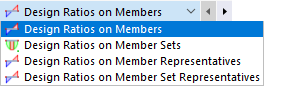
You can also select a different object type from the “Design Ratios on Members” list.
The other options are described in the chapter Result Diagrams of the RFEM manual.