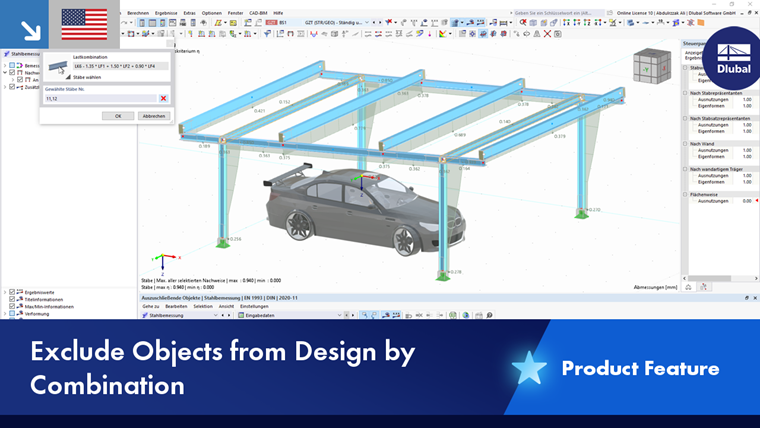
The Objects to Exclude table provides you with the option to deactivate individual load combinations in a design situation, as well as objects for specific load combinations, from the design.
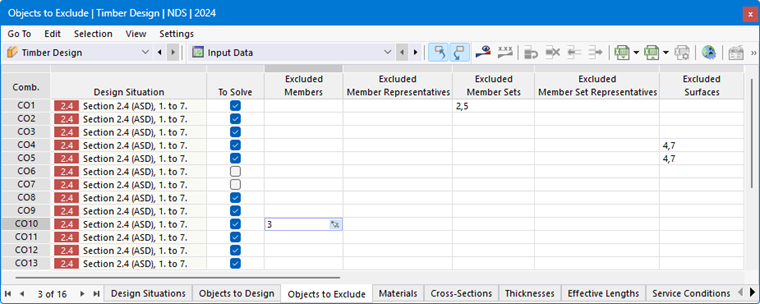
Combinations to Calculate
The table lists all combinations that are available in the design-relevant Design Situations. Using the check boxes in the “To Calculate” column, you can specify which of these combinations should be included in the design. This provides an alternative to the selection option in the To Calculate dialog box for calculating only specific combinations. Furthermore, you can use the check boxes to specify the combinations that are not relevant for design for certain objects.
Excluded Objects
If you remove members or surfaces from the design in the Objects to Design table, they will not be considered in any design scenario. However, the columns in this table allow for the deactivation of objects only for specific load combinations, thereby specifically excluding them from the design for those combinations. This saves calculation time and ensures that each object is analyzed for only its relevant load combinations.
Enter the numbers of the excluded objects in the corresponding table rows. You can also select the objects graphically using the
 button at the end of a cell.