The evaluation and also the documentation of the design results is primarily graphical. In the work window, you have the same selection options and possibilities for result evaluation as for the static analysis. For example, you can use visibilities for members and result sections for surfaces.
Navigator - Results
For displaying the various result types on the model, the Navigator - Results is tailored to the design add-on. The timber designs are managed under the **Timber Design** result type in the list of the navigator.
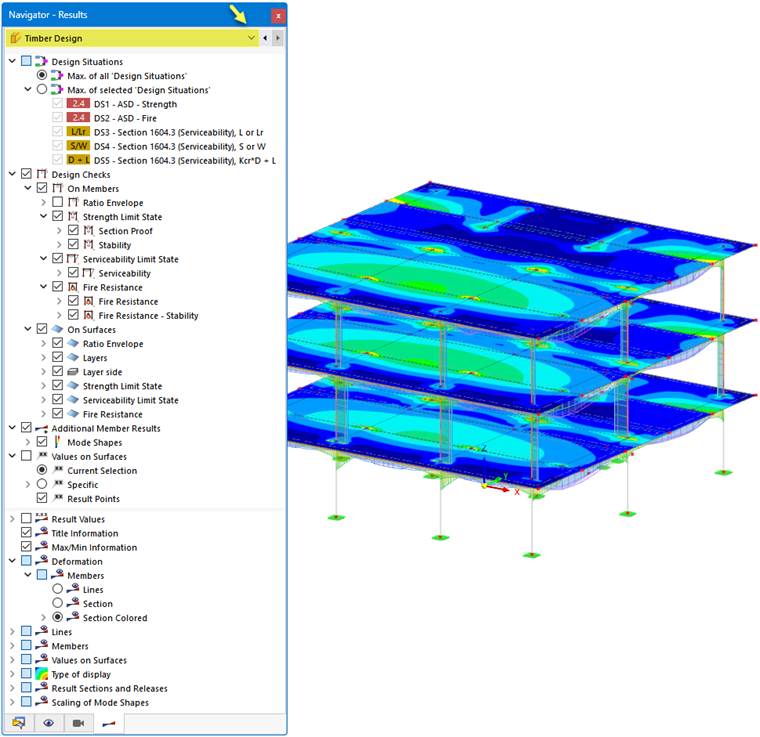
In the **Design Situations** category, you can specify whether the maximum results from all design situations (the "envelope") or the maximum values of specific design situations should be displayed.
In the **Designs** category, you select the result type for members or surfaces. Multiple selection is possible; the selected results are then displayed simultaneously on the model (see the image Displaying Several Result Types).
The **Additional Member Results** category allows you to display the mode shapes on the model. In the **Values on Surfaces** category, you can define the result values for the display on the surfaces (see the chapter Result Values on Surfaces of the RFEM manual).
In the lower navigator section, you can find further setting options. For example, you can show or hide result values or result sections. The **Deformation** and **Members** categories provide important control options for the display of the result diagrams and the displayed values (see also images in the chapter Designs).
Control Panel
The control panel is also tailored to the results of the timber design. There, you can adjust the colors of the result diagrams. This may be necessary if you display several result types.
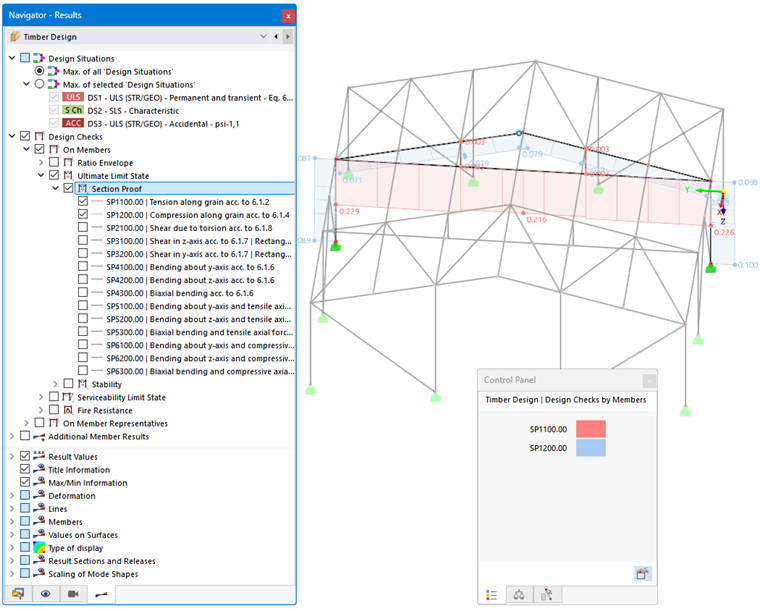
With user-defined color scales, you can also define value ranges for the graphical results.
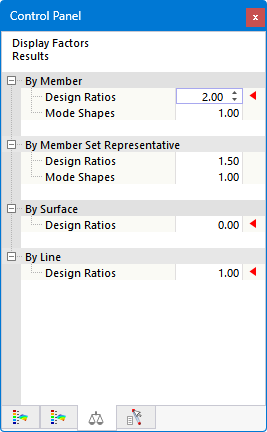
Furthermore, in the control panel – as you know it from the static analysis – you can scale the factors of the result diagrams or define specific objects for the display of results.